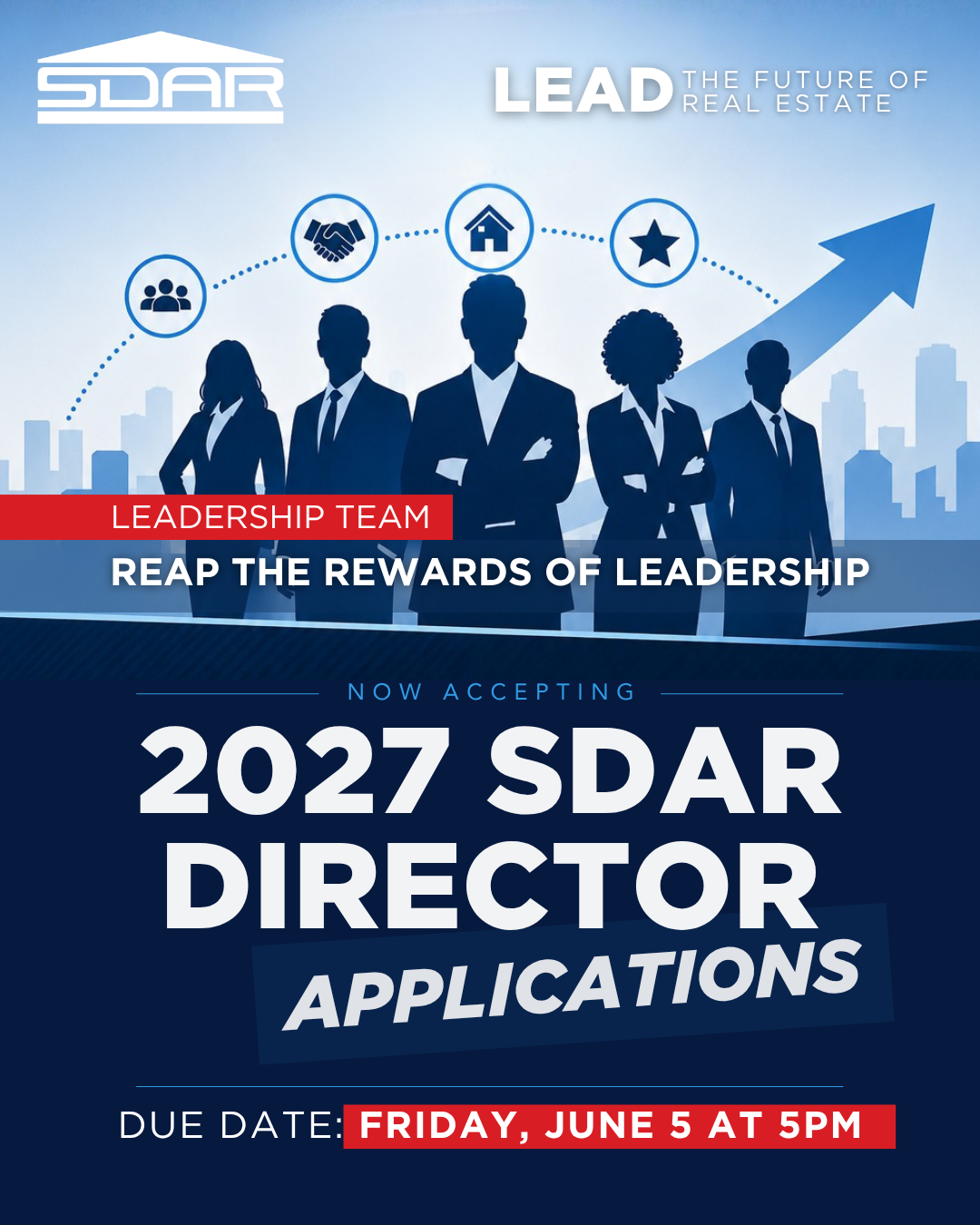
Discover Benefits, News, & More
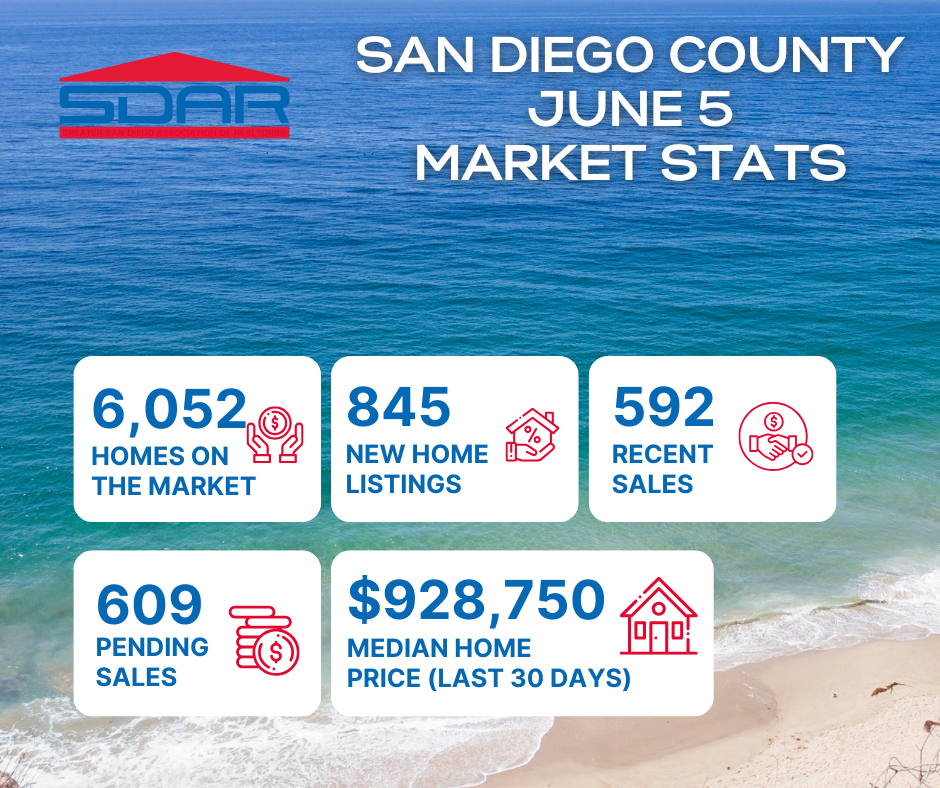

Helping REALTORS® Take Their Business To The Next Level
For over a hundred years we have been helping REALTORS® transform their businesses from where they are to where they want to be. The Greater San Diego Association of REALTORS® is your trusted partner and truly dedicated to helping you succeed.


News & Press Releases

2026-05-12
NAR Calls on Congress to Fund Essential Housing Programs
NAR Calls on Congress to Fund Essential Housing Programs
NAR is urging Congress to fully fund essential federal housing programs in FY 2027—programs that help expand housing supply, increase affordability, and support communities across the country. In a letter to lawmakers, NAR President Kevin Brown emphasized the importance of sustained investment in housing-related programs that remove bottlenecks to construction and help more households access stable, affordable housing.
2026-05-07
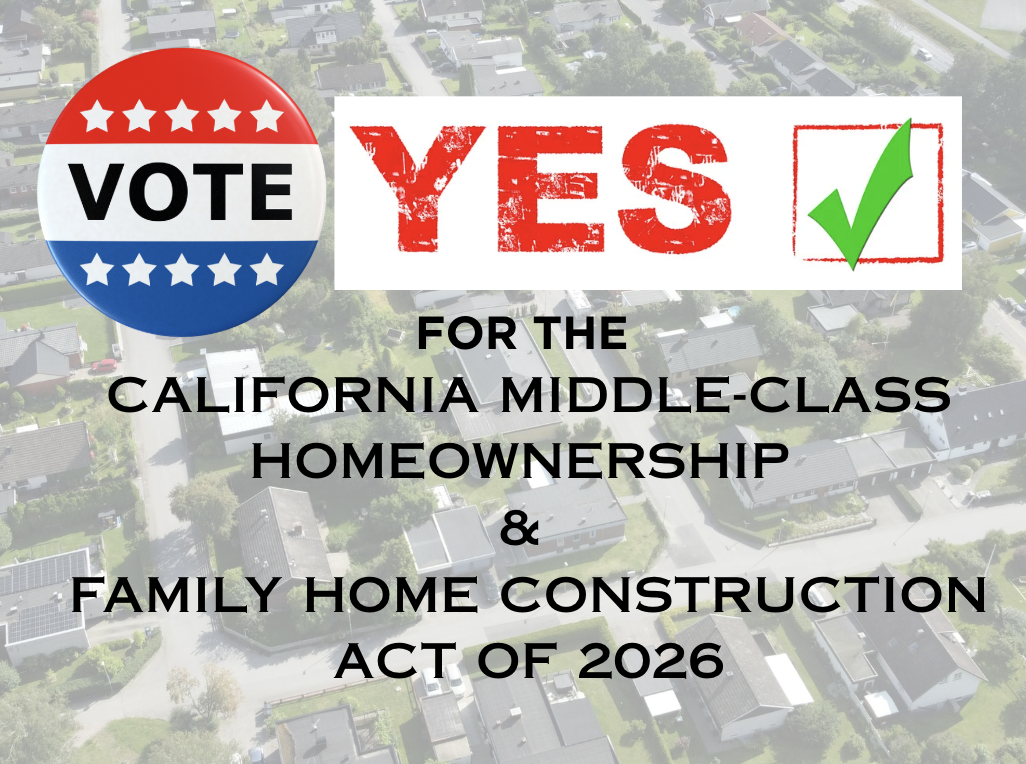
SDAR Supports 2026 Ballot Initiative to Expand Middle-Class Homeownership Opportunities
SDAR Supports 2026 Ballot Initiative to Expand Middle-Class Homeownership Opportunities
San Diego, CA — May 7, 2026 — The San Diego Association of REALTORS® (SDAR) announced its support for the California Middle-Class Homeownership and Family Home Construction Act of 2026, a statewide ballot initiative aimed at increasing housing supply and expanding access to homeownership for working families across California.
The measure, now in its final stages of qualification for the November 2026 ballot, is designed to address California’s housing affordability crisis by streamlining development, prioritizing ownership housing, and helping qualified buyers overcome one of the biggest barriers to homeownership: the down payment.
Addressing San Diego’s Affordability Challenges
San Diego continues to reflect the broader statewide housing shortage, where high home prices and limited inventory have made it increasingly difficult for middle-income families to achieve homeownership. Today, only a small percentage of working families can afford to purchase a median-priced home, with down payments often exceeding $170,000.
“This initiative represents a practical, results-driven approach to one of the most pressing challenges facing our region,” said Karen Van Ness, 2026 President of the San Diego Association of REALTORS®. “In San Diego, we see firsthand that many families can afford a monthly mortgage—but they’re locked out of the market due to the upfront cost of a down payment. This measure helps bridge that gap and opens the door to homeownership.”
How the Initiative Works
If approved by voters, the initiative would:
Authorize up to $25 billion in revenue bonds to fund the program
Provide eligible buyers with access to a state-backed second mortgage covering up to 17% of a home’s purchase price
Require a minimum 3% buyer contribution, resulting in a combined 20% equity position, eliminating the need for private mortgage insurance
Apply to qualified newly constructed homes or first-sale converted properties
“This is about creating opportunity without placing additional burden on taxpayers,” Van Ness added. “By leveraging revenue bonds—repaid through homeowner mortgage payments rather than public funds—we can expand access to homeownership in a fiscally responsible way.”
No Direct Cost to Taxpayers
Unlike traditional public financing, the program would be funded through revenue bonds rather than general obligation bonds. These bonds are repaid through program revenues, including mortgage payments, rather than taxpayer dollars. According to the nonpartisan Legislative Analyst’s Office, the measure would result in “no direct state or local costs.”
Expanding Supply and Supporting Working Families
In addition to helping buyers, the initiative prioritizes the construction of new homes—an essential component in addressing the long-standing supply shortage that has driven up housing costs across California.
“Homeownership is foundational to building strong communities, creating generational wealth, and stabilizing neighborhoods,” said Van Ness. “SDAR is proud to support solutions that increase housing supply while also making it more attainable for the very people who live and work in our communities.”
A Voter-Driven Decision
As a ballot initiative, the measure will be decided directly by California voters in November 2026.
About the San Diego Association of REALTORS® (SDAR)
The San Diego Association of REALTORS® (SDAR) is the largest professional trade organization in San Diego County, representing approximately 10,500 real estate professionals. SDAR is committed to supporting its members through advocacy, education, and resources while promoting homeownership and protecting private property rights across the region.
Media Contact:
Kelly Christensen
CMRO, San Diego Association of REALTORS®
[email protected]

2026-05-06
SDAR News | Advocacy Update
State Legislation Could Pause Certain Eviction Proceedings Tied to Immigration Enforcement
May 6, 2026 | San Diego, CA
A newly introduced state bill, SB 1243 — the Tenant Protections for Immigrant Families Act of 2026, authored by Maria Elena Durazo is drawing significant attention from housing providers and real estate professionals across California.
If enacted, the legislation would prohibit housing providers from initiating or continuing certain unlawful detainer (eviction) actions when a tenant’s inability to pay rent is tied to “immigration enforcement activities.” The bill would remain in effect through January 1, 2030.
Under SB 1243:
Eviction proceedings could be paused during immigration enforcement activity and for up to 180 days afterward
Tenants would be required to submit a signed declaration of hardship under penalty of perjury
Courts may be required to stay ongoing eviction cases
Housing providers would be prohibited from charging:
Late fees
Interest
Other penalties related to unpaid rent during the covered period
The bill broadly defines immigration enforcement activities to include raids, detentions, arrests, removals, or investigations that impact a person’s ability to work or remain in the United States.
Industry Response and Concerns
The California Apartment Association (CAA), along with a coalition of business organizations, has formally opposed the measure. Opponents argue that the legislation could:
Shift financial burdens onto housing providers, particularly small property owners
Result in extended periods without rental income, potentially exceeding six months
Create challenges around verification and enforcement of hardship claims
Lead to unintended consequences impacting housing availability
The coalition also emphasized the need for balanced policy solutions that do not place disproportionate responsibility on private housing providers for broader federal immigration-related impacts.
SDAR Position: OPPOSE
The San Diego Association of REALTORS® (SDAR) is actively monitoring SB 1243 as part of its ongoing advocacy efforts to protect housing stability, private property rights, and a fair, balanced rental housing market.
“While we recognize the importance of supporting families facing hardship, policies must also ensure that housing providers are not placed in untenable financial positions,” said Karen Van Ness, 2026 President of SDAR. “Sustainable housing policy requires balance, accountability, and shared responsibility.”
What Happens Next
SB 1243 is currently under consideration in the California Legislature. A similar proposal previously considered by the County of Los Angeles did not advance.
SDAR encourages members and stakeholders to stay informed and engaged as this legislation progresses. Updates will be shared through SDAR’s advocacy channels, including REALTORS® in the Know and legislative alerts. Members are also encouraged to follow legislative developments and participate in advocacy efforts to ensure that policies reflect the needs of both housing providers and tenants across California.
Classes & Events


Classes
New Member Orientation - Jul. 10
Are you a newly licensed real estate agent? If you are fresh out of real estate school, you are probably thrilled that you passed the test and found a great broker but have no idea what to do next! Join us for our live new member orientation at our Kearny Mesa office featuring training on what you need to know to get started, the benefits of your SDAR member products and services, and lunch provided by the top real estate affiliates.

Classes
CRS One Day Course: Zero to 60 Home Sales a Year (and Beyond)
Do you dream of selling 60 homes or more per year, but aren't sure where to begin? Whether you are looking to jumpstart your business or just starting out, the RRC One Day Course, Zero to 60 Home Sales a Year (and Beyond) will help you accelerate your home sales and create a continuous flow of business. Learn new marketing methods that will help you position yourself as the REALTOR® of choice in your area. Join Matthew Rathbun, CRS is a Virginia licensed broker and executive vice president of Coldwell Banker Elite. He has served as an association director of education and president of Four Pillars Education. As a residential REALTOR®, Rathbun is a reoccurring high producer. Rathbun teaches a variety of national designation courses, broker-manager courses, and risk reduction programs. He also teaches regularly for Coldwell Banker Corporate and provides consulting services for one of the most innovative learning tools in the industry.

Classes
Essentials for New Agents - Series 1 of 6
This course covers everything from mastering the MLS and understanding the benefits of SDAR, to navigating contracts and managing conflicts, this class equips you with the foundational knowledge to thrive in the real estate world.

Classes
Sep 25 - Unlocking ADU Potential (Part 2)
Attend an engaging and comprehensive class on Accessory Dwelling Units (ADUs), presented by Lisa De Jesus of ADU Gurus. This special event will be held in two informative sessions this June, designed to provide you with the essential knowledge and tools to navigate the exciting opportunities in ADU development. Whether you are interested in adding value to single-family parcels or exploring multi-family options, our expert presenters will guide you through the latest legislative updates, building requirements, and strategic considerations. Attending both sessions is crucial to gain a complete understanding and make the most of this growing trend in California real estate. Don't miss this opportunity to expand your expertise and stay ahead in the market!

Classes
Sep. 29 - Social Media Training with Jason Pantana
Jason Pantana is a coach, trainer, and speaker for Tom Ferry International the world's leading real estate coaching program. His energetic style engages his audiences to utilize the ever-changing marketing tools of today.

Classes
Nov. 7 Webinar - Reading Preliminary Title Reports
Among the dozens of records that inform or disclose to the buyer significant knowledge about the property, the title report is one of the most important. In this webinar, Kevin Burke, JD, shows you how to read the preliminary title report.

Classes
Nov. 9 Webinar - Residential Listing Agreement
Next to the Purchase Agreement, the C.A.R. Residential Listing Agreement (Exclusive Right to Sell) is the most commonly used contract by REALTORS®. Join MIke Shenkman, UCSD professor, to learn the terms of this agreement and overcome the three common objections (commitment, price and commission) sellers have to signing the agreement.

Classes
Nov. 14 Webinar - Property Tax Explained: Prop. 13
In 1978, California voters overwhelmingly approved Proposition 13 in response to the dramatic increase in property tax. This proposition has received nationwide attention being the most famous and influential of California's ballot measures. Learn the history and impact of Proposition 13 with UCSD instructor, Mike Shenkman.

Classes
Nov. 15 - San Diego 2024 Forecast
Steven Thomas from "Reports on Housing" will break down the housing market from 2023 and bring his key insights and data to forecast what's to come on the horizon in 2024. Steven and "Reports on Housing" have delivered local data and forecasting services across Southern California for years, and is looking forward to answering all your real estate questions, like: When will rates drop and improve affordability? When will more homes come on the market? Will there ever be more foreclosures? We hope you can make it to learn more about the San Diego County housing market and where it's headed in 2024!

Classes
Nov. 21 Webinar - NHS Pro: More Leads, Less Effort
This webinar addresses and shares a solution to the most critical residential real estate issue general real estate agents face: a shortage of resale listings and the need for salable inventory. Plan to leave with an idea (that you can use the same day) that may help you make a sale you would have missed.

Classes
Nov. 30 - Ai-Powered Digital Domination in RE
Ready to supercharge your real estate and mortgage game with Artificial Intelligence (Ai)? Join this Google master class and discover how Ai-driving SEO, Google listings, and geo-tagging can boost your visibility. Use Ai to create SEO-friendly service descriptions, FAQs, and review responses. Held live in the classroom at SDAR's Kearny Mesa headquarters. Note: The deadline to sign up for this class is two days prior.

Classes
New Member Orientation - Dec. 5
Are you a newly licensed real estate agent? If you are fresh out of real estate school, you are probably thrilled that you passed the test and found a great broker but have no idea what to do next! Join us for our live new member orientation at our Kearny Mesa office featuring training on what you need to know to get started, the benefits of your SDAR member products and services, and lunch provided by the top real estate affiliates.

Classes
Dec. 7 Webinar: Disclosures - Statutory vs. Contractual
REALTORS® are faced with countless contracts throughout the course of their career. These trainings are designed to inform, prepare and hone your skills to help you better serve and protect yourself and your clients. Kevin M. Burke, JD, keeps you in the loop with fast, easy and comprehensive real estate contract trainings
Classes
Dec. 14 Webinar: Creating the Ultimate Listing Agreement
Now, it's time to create the Ultimate Listing Agreement to "wow" your clients. Join Kevin Burke, JD. to learn all the tips and tricks on how manage your risk and win clients.

Classes
Dec. 17 - Mastering the Fundamentals of the MLS
Elevate your real estate expertise with "Mastering the Fundamentals of MLS," a class meticulously designed to turn the Multiple Listing Service into your most powerful tool. In this course, you'll unravel the complexities of MLS, learning to leverage its full potential to serve your clients effectively and efficiently. We'll cover the essentials of navigating listings, optimizing search strategies, and mastering the art of presenting data that captures attention. This isn't just about understanding a system; it's about transforming information into opportunities and using MLS insights to anticipate market trends.

Classes
Dec. 17 - Dominando los Fundamentos de MLS (en Espanol)
Eleva tu experiencia en bienes raíces con “Dominando los Fundamentos de MLS”, una clase diseñada meticulosamente para convertir el Servicio de Listado Múltiple en tu herramienta más poderosa. En este curso, desentrañarás las complejidades de MLS, aprendiendo a aprovechar todo su potencial para servir a tus clientes de manera efectiva y eficiente. Cubriremos los aspectos esenciales para navegar entre los listados, optimizar estrategias de búsqueda y dominar el arte de presentar datos que capturan la atención. Esto no se trata solo de entender un sistema; se trata de transformar la información en oportunidades y usar las percepciones de MLS para anticipar las tendencias del mercado.

Classes
Feb. 15 - The AI Age of Real Estate
Dive into this transformative class crafted for REALTORS® who are ready to harness the revolutionary power of artificial intelligence (AI) in their business strategy. This course will guide you through the latest AI tools and techniques that are reshaping the property market, ensuring your listings stand out in a competitive digital landscape. Learn how to automate your outreach, personalize client interactions, and analyze market data with precision -- all skills that will set you apart in the modern real estate industry. As you master these innovative solutions, you'll not only save time but also create more meaningful connections with buyers and sellers. Join us and be at the forefront of the AI revolution, where the future of real estate is not just predicted? It's already here.

Classes
Feb. 16 - REALTOR® Roundtable
Join the conversation at "REALTOR® Roundtable," where California's real estate professionals converge to sharpen their skills for the year ahead. This engaging class is a hub for collaboration, offering a deep dive into the state's latest real estate trends, legislation, and success strategies. Here, you'll exchange insights with peers, debate hot topics, and discover new approaches to common challenges in the ever-evolving property landscape. Each session is designed to empower you with practical knowledge and networking opportunities, ensuring you leave with a wealth of resources to elevate your practice. Whether you're looking to refine your expertise or expand your professional circle, this is your gateway to becoming a more informed and connected REALTOR® in 2024.

Classes
Feb. 23 Webinar - Get Paid What You're Worth!
Join us for a dynamic and captivating live webinar hosted by Jeff Mays of the Tom Ferry organization! Discover the secrets to turning potential leads into loyal, long-term clients who trust your expertise and rely on your services. Gain access to exclusive tools and strategies that will help you provide your buyers with a consultation experience that is second to none.

Classes
Mar. 6 - My Favorite Ai Tools for Real Estate
As we embrace technological advancements, it's crucial to stay ahead of the curve. Marketing and technology consultant CJ Brogan presents an informative tech talk: "My Favorite AI Tools for Real Estate!" Learn about cutting-edge Ai tools transforming real estate marketing, lead generation, and customer engagement. CJ cuts through all of the Ai noise and chatter out there to cast a spotlight on the easiest, most relevant, and cost-effective Ai tools and options for real estate out there.

Classes
Sep 5 - zipForm: Focusing on the RLA & RPA
Learn the critical details of the Residential Listing Agreement (RLA) and Residential Purchase Agreement (RPA) forms. Each form will be given dedicated attention with approximately one hour of focused instruction, ensuring you gain a comprehensive understanding of these essential documents. Learn the nuances that will help you navigate your transactions with confidence and clarity. Whether you're new to these forms or looking for a refresher, this class will enhance your proficiency in managing real estate contracts. Don't miss this opportunity to elevate your expertise and better serve your clients.

Classes
Sep 13 - zipForm: Focusing on Buyer Forms
In this class, our contract expert will guide you through the essential buyer forms used in real estate transactions including the Buyer Representation and Broker Compensation Agreement (BRBC).. Each form will receive dedicated attention, ensuring you gain a comprehensive understanding of how to effectively utilize these documents in your practice. Learn the nuances that will help you manage your listings with confidence and precision. Whether you're new to these forms or seeking a refresher, this class will enhance your proficiency in handling buyer agreements. Elevate your expertise and better serve your clients through this targeted instruction.

Classes
Sep 27 - California Prop 33: Rent Control
Gain a comprehensive understanding of California Proposition 33 in this informative session presented by the Southern California Rental Housing Association. Delve into the details of the rent control legislation to gain insights to navigate its impact on the rental market. The instructor will break down the complexities of the law, offering practical guidance on how it affects landlords, tenants, and the broader real estate landscape. Whether you're a property manager, landlord, or agent, this session will equip you with the knowledge to stay ahead in the evolving rental market.

Classes
Oct 29 - Building Strong Teams: Strategies for Success
This class explores key strategies for fostering a cohesive, productive team environment, where collaboration and communication excel. Instructor Zandra Ulloa shares expert insights on identifying strengths within your team, delegating tasks effectively, and maintaining motivation for sustained success. Whether you’re forming a new team or refining an existing one, this course offers valuable tools to enhance leadership and team dynamics. Gain actionable strategies to create a thriving team culture that drives exceptional results!

Classes
Dec 18 - Code of Ethics (Live in Kearny Mesa)
Based upon the NAR's Code of Ethics and Standards of Practice, learn about the standards of ethical conduct in the practice of real estate. This course also covers the California Business and Professions Code that guides ethical business practices within California. You will receive 3.00 of CE upon completion of the course and passage of the 15-question exam. Arrive 15 minutes early for registration and bring a government-issued ID for verification. Late registrants will not be allowed to enter the classroom. (DRE SPONSOR ID #0282)

Classes
Open House Procedures 30 January 2025: Time 11am -1pm
Discover how to make your open houses a client magnet with professional tips, preparation strategies, and standout presentation skills.
Classes
Week 6: Exceptional Service & Hospitality
Turning Clients into Raving Fans Elevate your client experience with service strategies inspired by the world’s most prestigious luxury markets. This session will teach you how to create unforgettable moments that exceed expectations and build lasting loyalty. Discover techniques to personalize your interactions, anticipate client needs, and deliver service that goes beyond the ordinary. Learn how to foster trust and create advocates who will enthusiastically promote your business. Transform your approach to client care and set a new standard of excellence that ensures every client becomes a raving fan.Week 7: Sweat Equity Explore creative strategies for maximizing property potential and creating win-win outcomes that benefit buyers and sellers alike.

Classes
Week 5: Negotiation Skills vs. A.I.
Showcasing Your Irreplaceable Value In an era where automation and artificial intelligence are rapidly reshaping industries, your ability to negotiate effectively can set you apart. This engaging session will equip you with advanced negotiation techniques to outshine the rise of automation and demonstrate your value as a skilled advocate. Learn how to build trust, navigate complex transactions, and address your clients' unique needs with human-centric strategies that A.I. cannot replicate. Discover practical tools to enhance your influence and secure better outcomes for your clients. Stay ahead of the curve by mastering the art of negotiation that keeps you indispensable in the ever-evolving marketplace.
Events
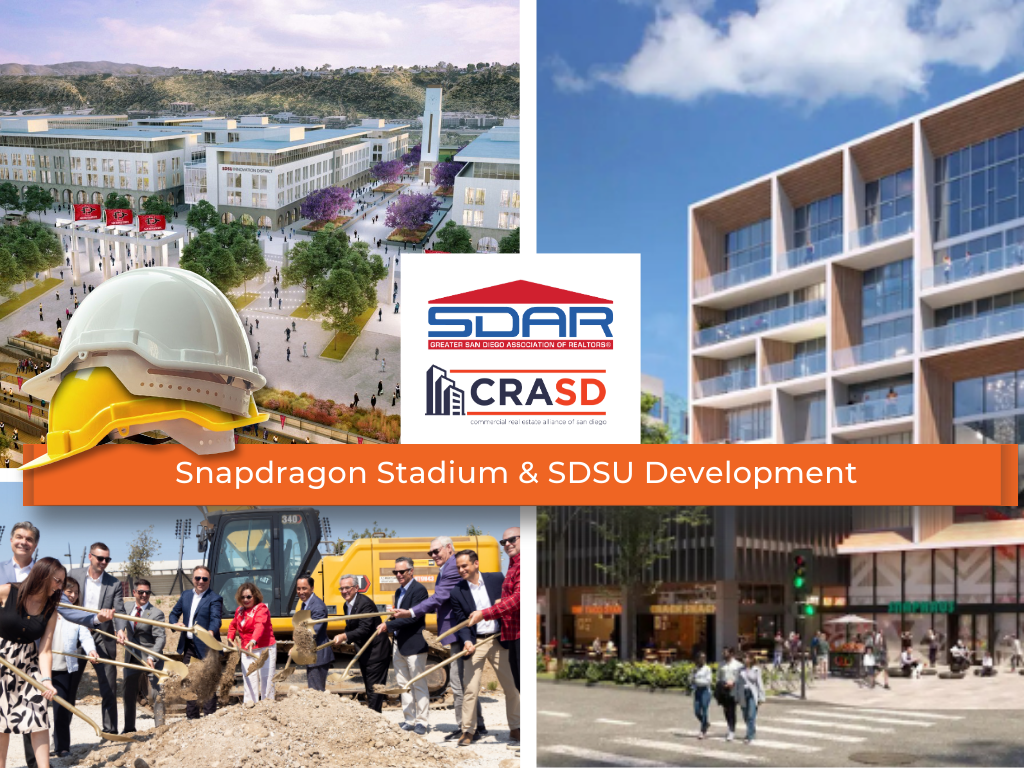
Hard Hat Tour - Snapdragon Stadium & SDSU Development
Join us for an exclusive Hard Hat Tour of the Snapdragon Stadium and SDSU/Avalon Mission Valley development, one of the most significant mixed-use projects in the region. Explore first-hand the evolving landscape of this dynamic development — including residential, retail, and strategic growth elements that are transforming Mission Valley.
March 24, 2026 | 3:00 – 4:00 PM
Networking to Follow | 4:00 – 6:30 PM
Tour Details:
• Date: Tuesday, March 24, 2026
• Time: 3:00 – 4:00 PM
• Location: Sycuan Pier inside Snapdragon Stadium
Networking Reception:
Immediately following the tour, enjoy an extended networking reception from 4:00 – 6:30 PM, featuring food and refreshments at a nearby venue (TBD). This is a great opportunity to connect with fellow commercial real estate professionals, developers, and industry partners.
Why Attend:
• Insider access to a major regional development
• Unique perspective on project design, planning, and market impact
• Networking with industry leaders, brokers, and investors
• Expand your commercial real estate insight and connections
Space is limited — don’t miss out on this valuable industry event!

Classes
Benefits Only
Join us for our Benefits Only at our Kearny Mesa office featuring training on what you need to know to get started, the benefits of your SDAR member products and services, and lunch provided by the top real estate affiliates.

Classes
New Ethics Only
Based upon the National Association of REALTOR ®'s Code of Ethics and Standards of Practice, learn about the standards of ethical conduct in the practice of real estate. This course also covers the California Business and Professions Code that guides ethical business practices within California.<br /><br>Engage with scenarios that challenge and refine your ethical compass in a landscape where every decision impacts clients, community, and career. This course is more than a requirement; it's a commitment to upholding the highest standards of practice, ensuring that trust and respect are the foundation of your success.<br /><br />You will receive 3.00 of CE upon completion of the course and passage of the 15-question exam.<br /><br />Arrive 15 minutes early for registration and bring a government-issued ID for verification. Late registrants will not be allowed to enter the classroom.<br />

Classes
New Member JumpStart
Join us for our New Member JumpStart at our Kearny Mesa office featuring training on what you need to know to get started, the benefits of your SDAR member products and services, and lunch provided by the top real estate affiliates.
*THE DEADLINE TO SIGN UP FOR THIS CLASS IS 2 DAYS PRIOR*
Events
Hybrid | Certified International Property Specialist (CIPS)
San Diego continues to be a top destination for global buyers and sellers. Don't miss the opportunity to expand your business internationally. Elevate your status in the global real estate market by earning your CIPS (Certified International Property Specialist) designation.
Join us for our 2025 in-person and virtual five-day program, offered on May 6, 7, 13, 14, and 20. The CIPS designation requires the completion of five full-day courses, each focusing on critical aspects of international real estate transactions. As a CIPS designee, you'll gain access to a powerful network of over 4,000 professionals who prioritize referrals and business partnerships.
Embrace the world of global real estate with the CIPS Designation.
All five classes will be available in person, via webinar, or both. If you prefer to complete the full designation online, you will receive a registration link after signing up here. Individual classes are also available.
NOTE: If you’re not an SDAR member please contact [email protected]

Classes
Unraveling The Mystery of 1031 Exchanges
This educational seminar will include a discussion of 1031 exchange issues from the Realtors® perspective such as qualified use and like-kind property requirements. (What really qualifies), reinvestment requirements (how much do you really need to reinvest), qualified trust accounts or qualified escrow accounts, 45 and 180 calendar day deadlines, identification rules and requirements, forward, reverse, improvement and foreign property 1031 exchanges.
*THE DEADLINE TO SIGN UP FOR THIS CLASS IS 2 DAYS PRIOR*
Delivery Method Live Classroom
Classes
New Member JumpStart
Are you a newly licensed real estate agent? If you are fresh out of real estate school, you are probably thrilled that you passed the test and found a great broker but have no idea what to do next!
Join us for our New Member JumpStart at our Kearny Mesa office featuring training on what you need to know to get started, the benefits of your SDAR member products and services, and lunch provided by the top real estate affiliates.
*THE DEADLINE TO SIGN UP FOR THIS CLASS IS 2 DAYS PRIOR*
Classes
Proactive Property Management Tips
Proactive Property Management Tips is a practical course designed to provide real estate professionals with proactive property management tips and strategies that maximize efficiency and minimize risk. This training covers essential topics including the importance of thorough tenant screening, crafting legally sound lease agreements, and implementing effective rent collection strategies. You’ll also gain insight into navigating lease renewals, handling evictions professionally, and attracting quality tenants through smart marketing.
Events
Commercial Real Estate Pitch Session
The Commercial Real Estate Alliance of San Diego (CRASD) invites you to attend our upcoming Commercial Real Estate Pitch Session—a key event for professionals involved in the region’s active and evolving commercial market.
Don't miss the chance to expand your portfolio and explore business opportunities while networking with commercial real estate practitioners. Complimentary lunch is provided.
Please submit your pitch deal to David Martin for approval - [email protected]
Classes
New Member JumpStart
Are you a newly licensed real estate agent? If you are fresh out of real estate school, you are probably thrilled that you passed the test and found a great broker but have no idea what to do next!
Join us for our New Member JumpStart at our Kearny Mesa office featuring training on what you need to know to get started, the benefits of your SDAR member products and services, and lunch provided by the top real estate affiliates.
*THE DEADLINE TO SIGN UP FOR THIS CLASS IS 2 DAYS PRIOR*

Classes
Code of Ethics July
Based upon the National Association of REALTOR ®'s Code of Ethics and Standards of Practice, learn about the standards of ethical conduct in the practice of real estate. This course also covers the California Business and Professions Code that guides ethical business practices within California.
Engage with scenarios that challenge and refine your ethical compass in a landscape where every decision impacts clients, community, and career. This course is more than a requirement; it's a commitment to upholding the highest standards of practice, ensuring that trust and respect are the foundation of your success.
You will receive 3.00 of CE upon completion of the course and passage of the 15-question exam.
Arrive 15 minutes early for registration and bring a government-issued ID for verification. Late registrants will not be allowed to enter the classroom.

Events
Global Connections: International Cottages: Balboa Park
Hosted by SDAR’s International Real Estate Committee (IREC)In collaboration with the National Association of Hispanic Real Estate Professionals (NAHREP), the Asian Real Estate Association of America (AREAA), and the California Association of Real Estate Brokers (CAREB).
Join us for an engaging evening celebrating global connections and cultural diversity in the real estate industry.
The event will highlight 2025 initiatives aimed at promoting the City of San Diego internationally and will offer valuable networking opportunities with local organizations.
Discover how real estate professionals and associations are shaping San Diego’s future locally and internationally.
Food and Drinks Provided
* *NO REFUNDS for this event**
Please contact [email protected], for further questions or concerns.
Thank you

Classes
Unraveling The Mystery of 1031 Exchanges
This educational seminar will include a discussion of 1031 exchange issues from the Realtors® perspective such as qualified use and like-kind property requirements. (What really qualifies), reinvestment requirements (how much do you really need to reinvest), qualified trust accounts or qualified escrow accounts, 45 and 180 calendar day deadlines, identification rules and requirements, forward, reverse, improvement and foreign property 1031 exchanges.
*THE DEADLINE TO SIGN UP FOR THIS CLASS IS 2 DAYS PRIOR*

Classes
NAR's Senior Real Estate Specialist (SRES®) Designation
Online Only
The SRES® designation is the only real estate designation addressing the needs of today’s home buyers age 50-plus within your market. This unique designation is designed for the real estate agent who wants to focus on working with mature clients through major financial and lifestyle transitions. When you earn the SRES® designation you’ll learn how to:
Identify the power of generational demographics.
Develop and maintain marketing skills.
Counsel local seniors rather than selling the family home.
Use team-building skills with other SRES® professionals.
Understand the implications of tax laws, probate and estate planning.
Create a unique marketing opportunity that separates you from the competition.
You will also be listed online in the SRES® referral database which provides direct client contact and referrals from other SRES® designees.
To receive the SRES® designation:
Complete the two-day SRES® designation course.
Be in good standing with the National Association of REALTORS®.
Active membership in the SRES® Council. (New designees receive a one-year membership in the Seniors Real Estate Council® FREE. Annual dues are $99 each year thereafter.)
Events
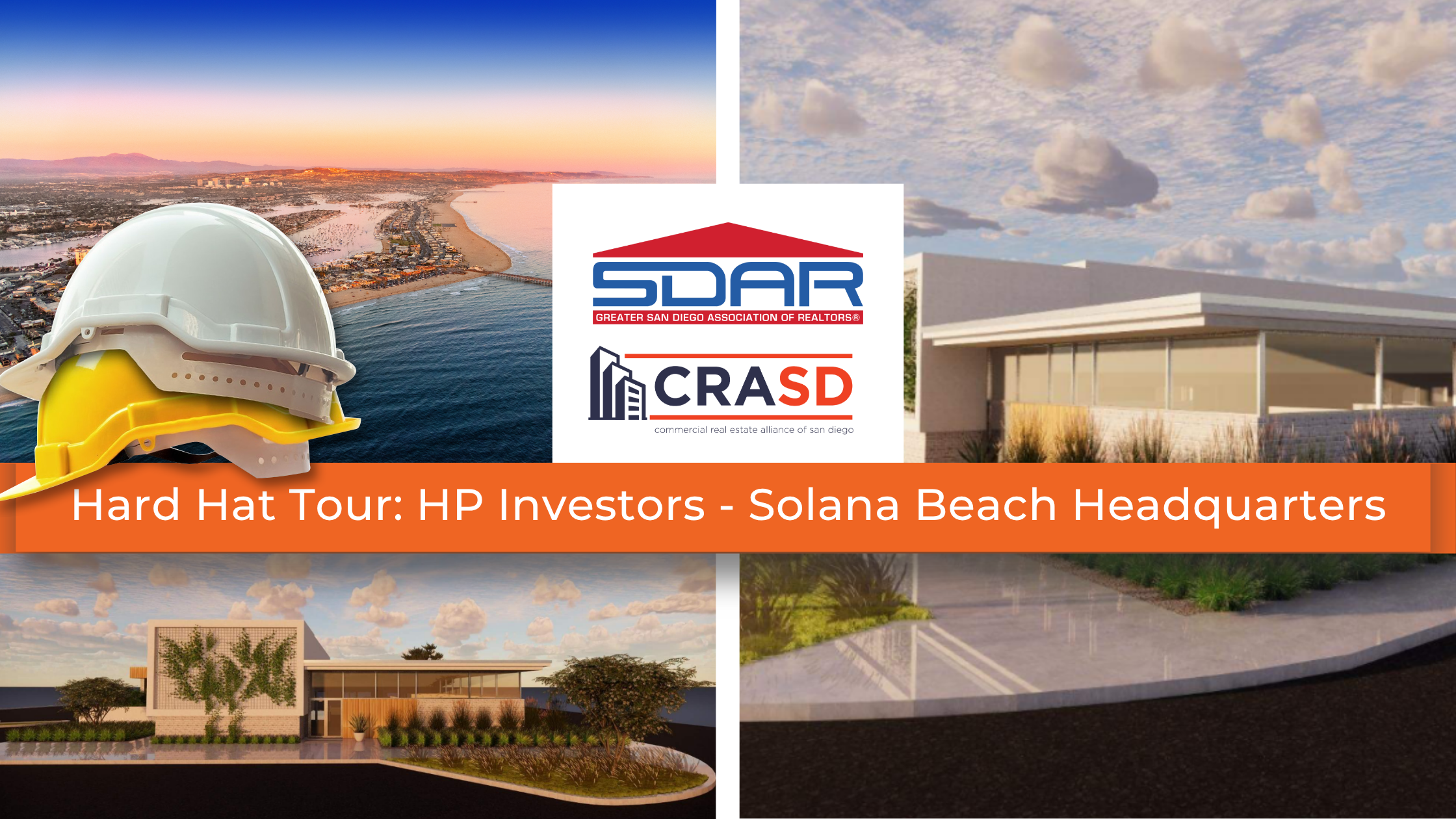
CRASD Hard Hat Tour: HP Investors - Solana Beach Headquarters
Join the Commercial Real Estate Alliance of San Diego (CRASD) for an exclusive behind-the-scenes tour of HP Investors' latest project in the heart of Solana Beach!
In June 2022, HP Investors acquired the former Bank of America building, located at the prime corner of Hwy 101 and Dahlia Drive. This 8,296 SF commercial property was transformed into the company’s new headquarters. Be among the first to witness the evolution of this iconic space.
What to Expect:
Guided hard hat tour of the redevelopment project
Meet the HP Investors team
Learn about the project’s vision and strategic location
4:00 PM – 5:00 PM | Hard Hat Tour
5:00 PM – 7:00 PM | Networking at Solana Beach Kitchen
Limited Space Available - Reserve Your Spot Today!
(Tickets include Tour, Drinks and Appetizers)

Classes
Turbo-charge Your Business with Assumptions
Turbo-charge Your Business with Assumptions is an advanced training designed to give real estate professionals the tools and strategies to unlock the power of assumable loans in today’s market.
Led by Michael Lorino, Founder & CEO of AssumeList, and Nora Simpson, Head of Training, this class dives into the rules and regulations for VA and FHA assumptions, how to educate clients and agents, and proven methods to identify, market, and generate assumable listings. You’ll learn how to help buyers secure lower interest rates, overcome cash gaps, ensure servicers comply with the law, and navigate the four most common obstacles to closing assumptions—transforming this often-overlooked tool into a powerful competitive advantage.
Joining the instruction team is Jessica Mushovic, Chair of the IT and Business Technology Committee at the Greater San Diego Association of REALTORS® (SDAR). A dynamic leader driving innovation in the real estate industry, Jessica has played a pivotal role in advancing strategic partnerships, including SDAR’s collaboration with AssumeList, and brings her unique perspective on leveraging technology and business strategy to support REALTORS® in today’s evolving market.
Events
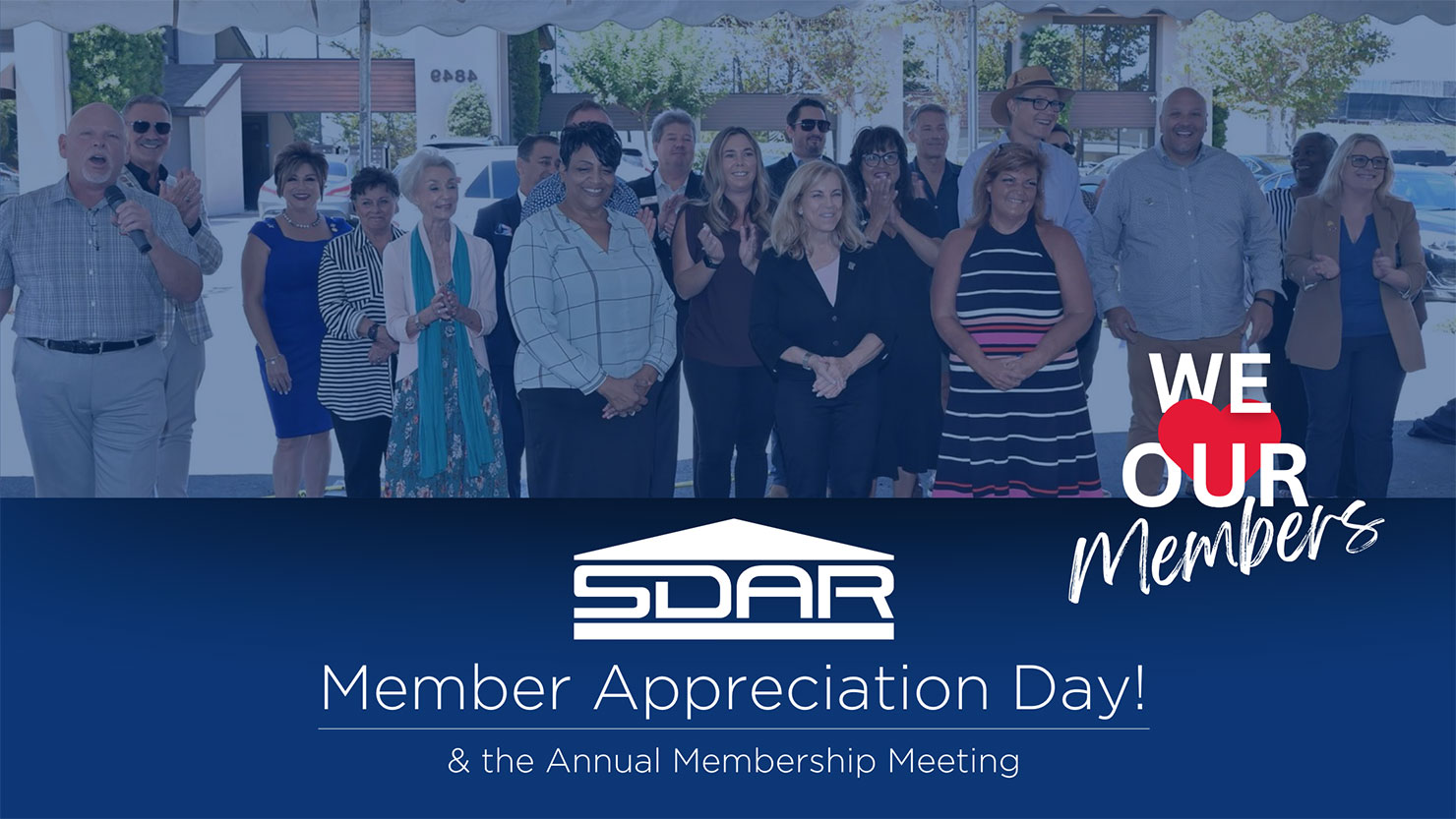
Member Appreciation Day!
Member Appreciation Day & the Annual Membership Meeting
Wednesday, Sept. 24 | 10 a.m. – 4 p.m.
Kearny Mesa Location — 4845 Ronson Ct. San Diego, Ca 92111
Join the SDAR Staff, Board Members and Volunteers for a fun block party-style day filled with delicious food, complimentary merch, and special events. Happening at our Kearny Mesa Offices, this event is FREE for all Members.
Member Appreciation Day Event Highlights
- Fire Hardening Update: Led by Jacqueline "Jackie" A. Oliver, Esq (10:00 am 11:30 am)
Election Winners Announced (11:45 AM – 1:00 PM)
Lunch & Annual Meeting
Responsible Use of Artificial Intelligence (AI) by Real Estate Licensees with Kathy Mehringer (1:30 PM – 3:00 PM)
As part of our Members First initiative, we’re excited to invite you to a special SDAR Member Appreciation Day — our way of saying thank you for your continued support and membership.
Classes
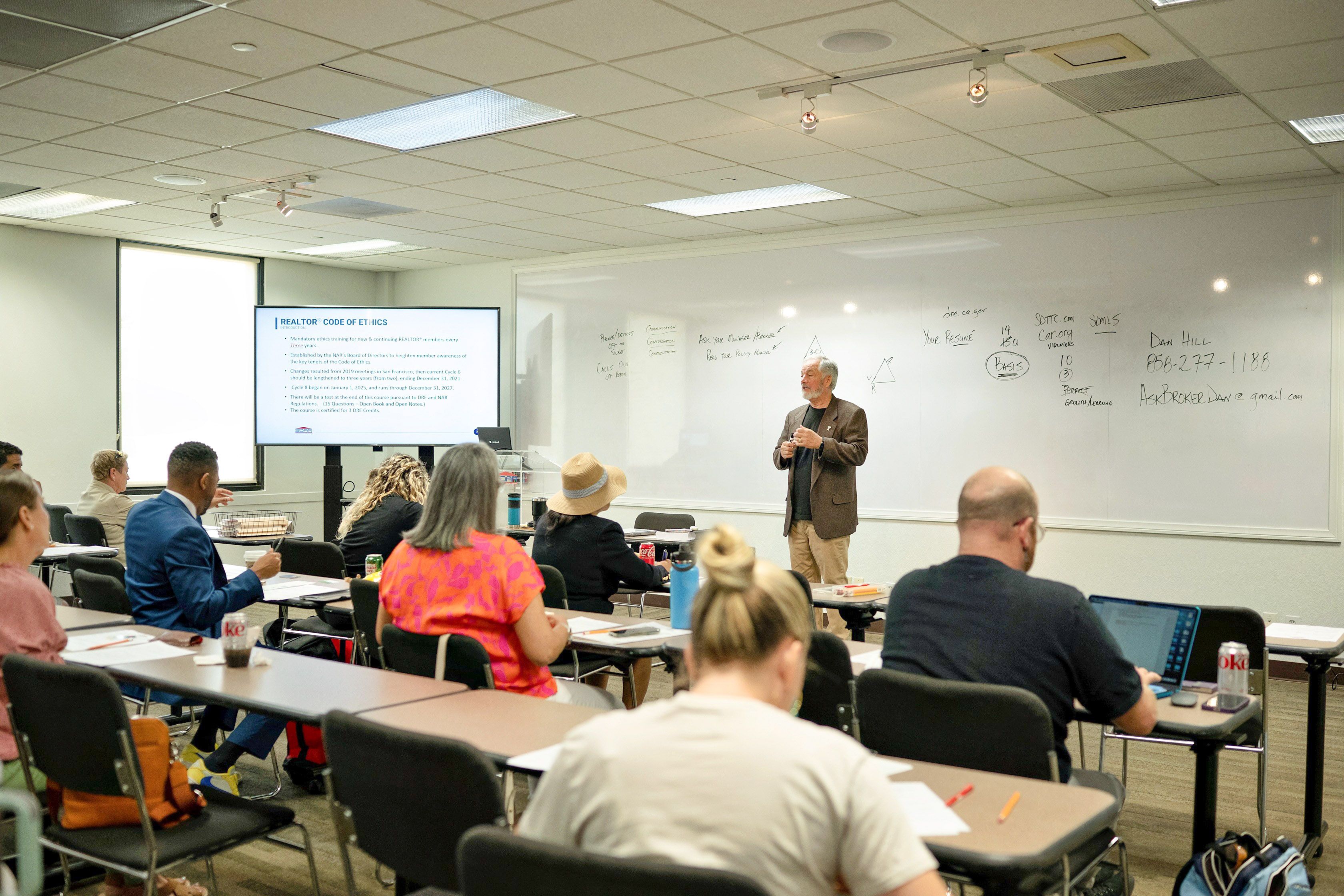
Code of Ethics
Based upon the National Association of REALTOR ®'s Code of Ethics and Standards of Practice, learn about the standards of ethical conduct in the practice of real estate. This course also covers the California Business and Professions Code that guides ethical business practices within California.
Engage with scenarios that challenge and refine your ethical compass in a landscape where every decision impacts clients, community, and career. This course is more than a requirement; it's a commitment to upholding the highest standards of practice, ensuring that trust and respect are the foundation of your success.
You will receive 3.00 of CE upon completion of the course and passage of the 15-question exam.
Arrive 15 minutes early for registration, have your SDAR Member # with you, and bring a government-issued ID for verification. Late registrants will not be allowed to enter the classroom.
*THE DEADLINE TO SIGN UP FOR THIS CLASS IS 2 DAYS PRIOR*

Events
RUN. HIDE. FIGHT.
BE READY FOR THE UNEXPECTED
Learn proven, real-time strategies from FBI experts to protect yourself and others in critical moments.
Classes
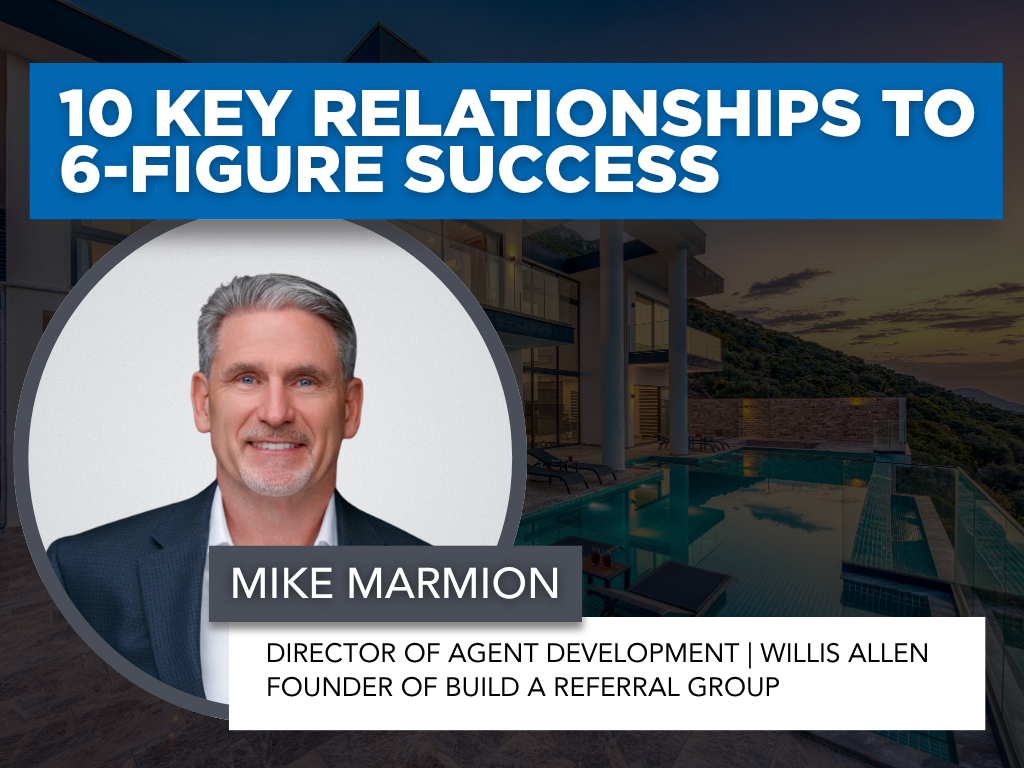
10-key-relationships-to-6-figure-success-new
10 Key Relationships to 6-Figure Success is a transformative class that shows agents how to build a thriving, referral-based business by strategically nurturing just ten meaningful relationships. Led by veteran real estate leader and trainer Mike Marmion, this session reveals how to identify, engage, and sustain connections that consistently generate high-quality business and long-term growth. Learn how to create a simple, repeatable plan that turns your personal network into a powerful income engine for 2026 and beyond. Whether you’re a new or seasoned agent, you’ll walk away with practical tools and a focused strategy to achieve multiple 6-figure success through the power of purposeful relationships.
*THE DEADLINE TO SIGN UP FOR THIS CLASS IS 1 DAY PRIOR*
Classes
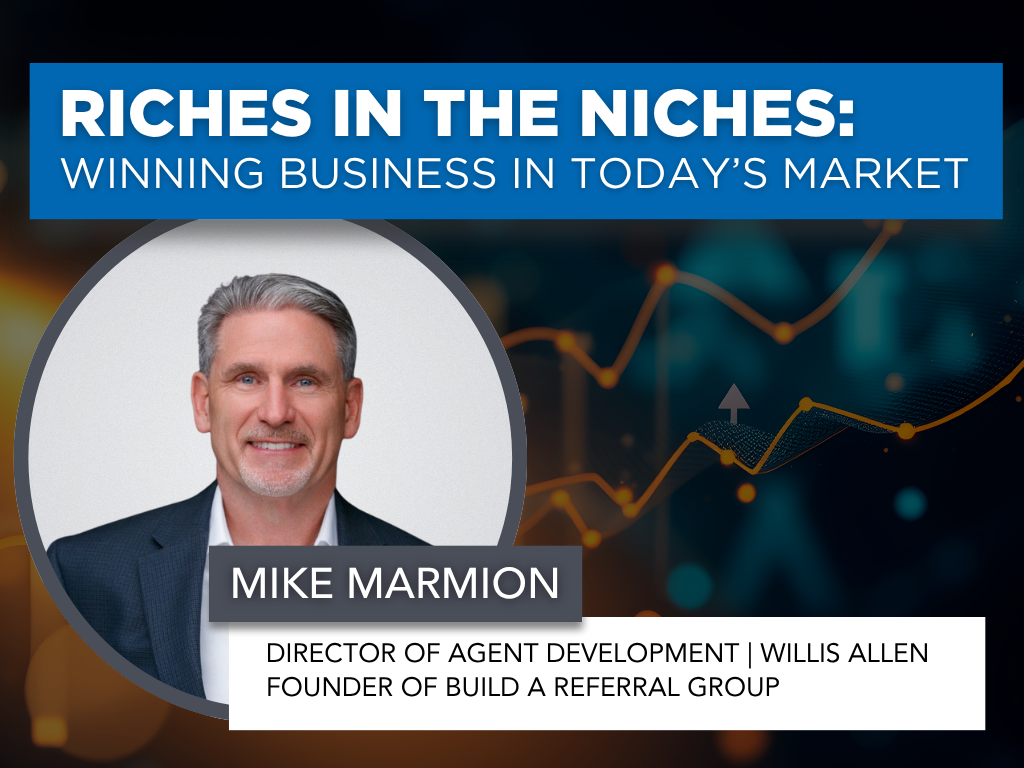
Riches in the Niches: Winning Business in Today’s Market
Riches in the Niches: Winning Business in Today’s Market is a high-impact class designed to help real estate professionals stand out, specialize, and thrive — even in shifting market conditions. Led by industry veteran and master trainer Mike Marmion, this course explores 26+ proven niche strategies that can transform your business plan and expand your reach beyond your immediate sphere. Learn how to identify profitable niches, craft a simple vision and actionable plan, and generate consistent business from “people you don’t know.” Whether you’re building your brand or refining your focus, this session will equip you with the insight, direction, and confidence to create lasting success through strategic specialization.
*THE DEADLINE TO SIGN UP FOR THIS CLASS IS 1 DAY PRIOR*
Classes
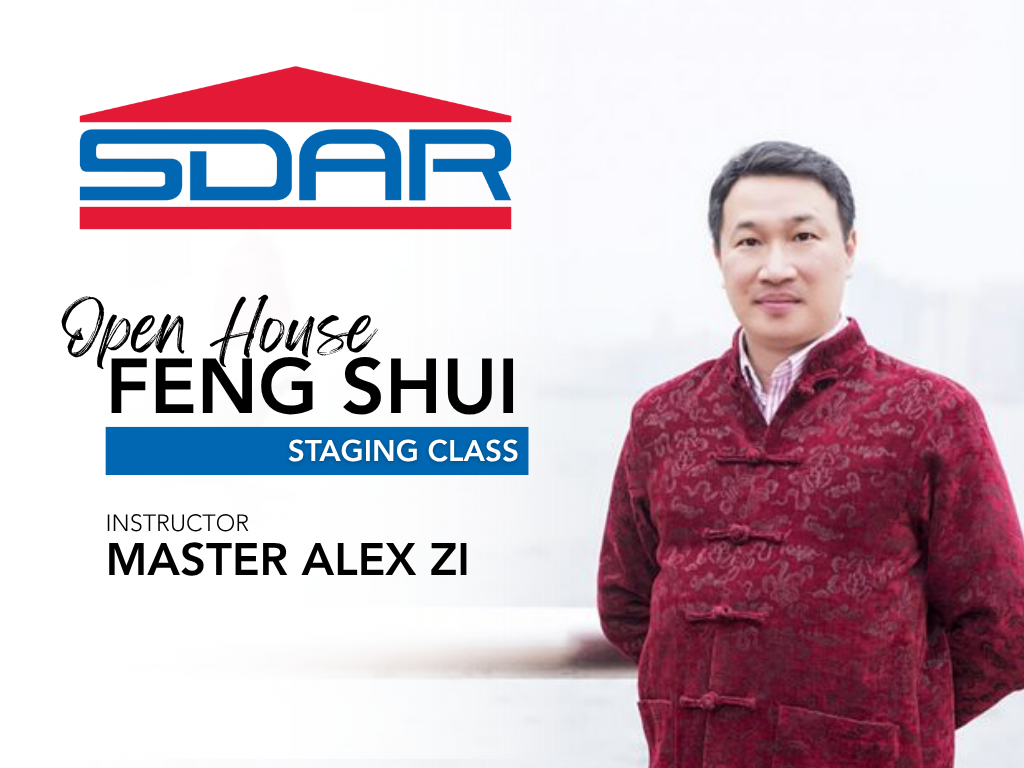
Open House FENG SHUI Staging
Open House FENG SHUI Staging introduces REALTORS® to the art and science of Feng Shui as a powerful tool to enhance property appeal and attract high-value offers. Taught by renowned Feng Shui Master Alex Zi—an expert with over 30 years of experience and more than 9,000 students worldwide—this course reveals how strategic design, color, energy flow, and timing can influence buyer perception and success at open houses. Using Feng Shui principles, learn how to stage every part of a home, balance the five elements, and resolve common layout challenges such as T-sections and stair placements. You’ll also discover how to apply Feng Shui to your marketing materials and client interactions to create harmony, confidence, and prosperity in your business.
*THE DEADLINE TO SIGN UP FOR THIS CLASS IS 1 DAY PRIOR*
Classes
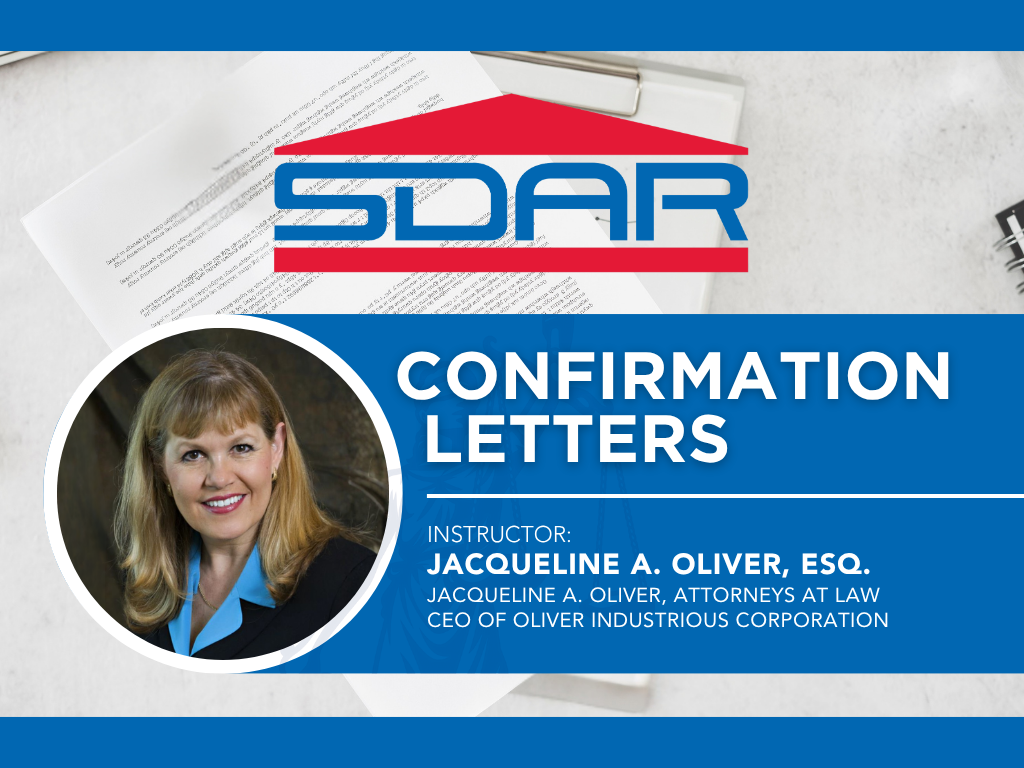
Confirmation Letters
Confirmation Letters is an essential risk management course for real estate professionals who want to protect themselves and their clients through proper documentation and communication. Taught by attorney, broker, and educator Jacqueline A. Oliver, Esq., this class explains how to create a written record of important conversations to prevent misunderstandings and potential legal disputes. Through real case studies and practical examples, agents will learn when and how to use confirmation letters, what to include, and how to apply them in scenarios involving disclosures, inspections, taxes, and employment issues. Gain the tools to avoid costly “he said/she said” situations and strengthen your professional credibility in every transaction.
*THE DEADLINE TO SIGN UP FOR THIS CLASS IS 1 DAY PRIOR*
Classes
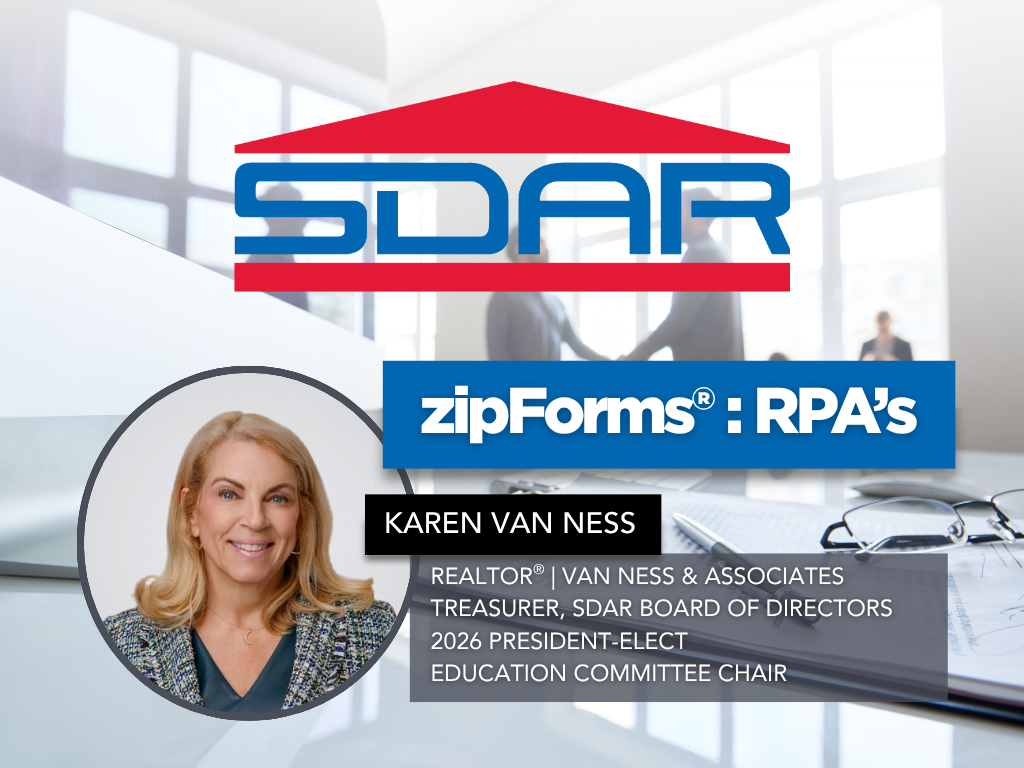
ZipForms: RPA's
Join us for an in-depth exploration of the "ZipForms: RPA's" class, where esteemed REALTOR® and contract expert Karen Van Ness will guide you through the critical details of the Residential Purchase Agreement (RPA) form. Learn the nuances that will help you navigate your transactions with confidence and clarity. Whether you're new to the RPA or looking for a refresher, this class will enhance your proficiency in managing real estate contracts. Don't miss this opportunity to elevate your expertise and better serve your clients.
*THE DEADLINE TO SIGN UP FOR THIS CLASS IS 1 DAY PRIOR*
Classes
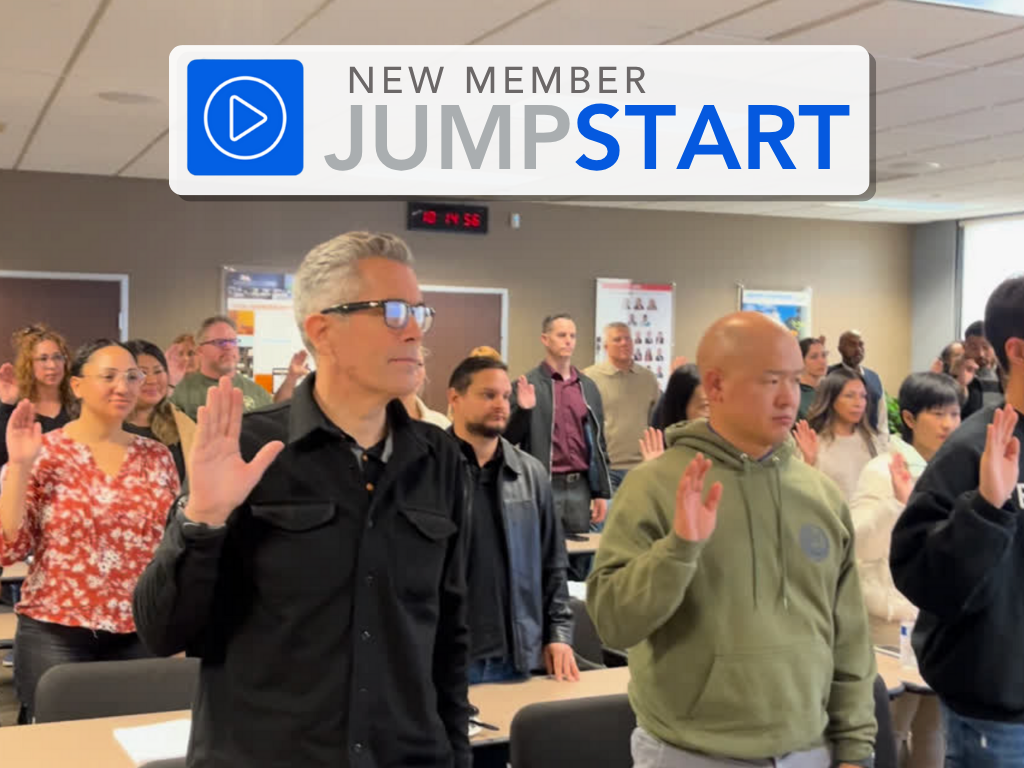
New Member JumpStart
Are you a newly licensed real estate agent? If you are fresh out of real estate school, you are probably thrilled that you passed the test and found a great broker but have no idea what to do next!
Join us for our New Member JumpStart at our Kearny Mesa office featuring training on what you need to know to get started, the benefits of your SDAR member products and services, and lunch provided by the top real estate affiliates.
Arrive 15 minutes early for registration, have your SDAR Member # with you, and bring a government-issued ID for verification.
*THE DEADLINE TO SIGN UP FOR THIS CLASS IS 2 DAYS PRIOR*
Classes
Code of Ethics
Based upon the National Association of REALTOR ®'s Code of Ethics and Standards of Practice, learn about the standards of ethical conduct in the practice of real estate. This course also covers the California Business and Professions Code that guides ethical business practices within California.
Engage with scenarios that challenge and refine your ethical compass in a landscape where every decision impacts clients, community, and career. This course is more than a requirement; it's a commitment to upholding the highest standards of practice, ensuring that trust and respect are the foundation of your success.
You will receive 3.00 of CE upon completion of the course and passage of the 15-question exam.
Arrive 15 minutes early for registration, have your SDAR Member # with you, and bring a government-issued ID for verification. Late registrants will not be allowed to enter the classroom.
*THE DEADLINE TO SIGN UP FOR THIS CLASS IS 2 DAYS PRIOR*
Classes
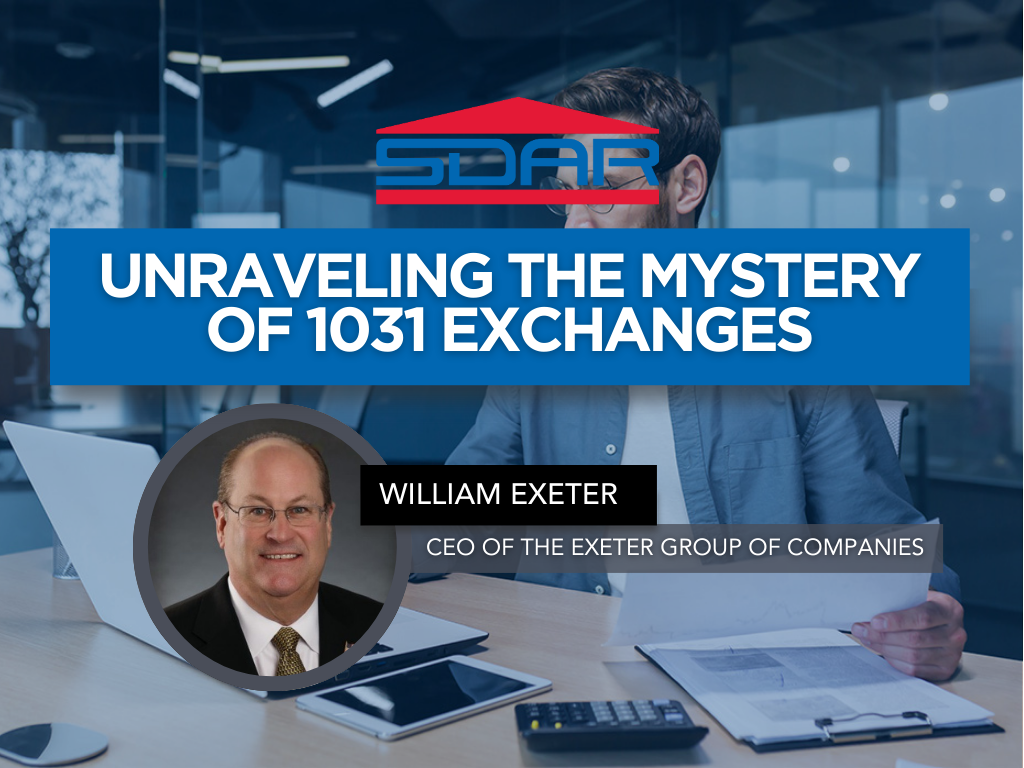
Unraveling The Mystery of 1031 Exchanges
This educational seminar will include a discussion of 1031 exchange issues from the Realtors® perspective such as qualified use and like-kind property requirements. (What really qualifies), reinvestment requirements (how much do you really need to reinvest), qualified trust accounts or qualified escrow accounts, 45 and 180 calendar day deadlines, identification rules and requirements, forward, reverse, improvement and foreign property 1031 exchanges.
*THE DEADLINE TO SIGN UP FOR THIS CLASS IS 2 DAYS PRIOR*
Classes
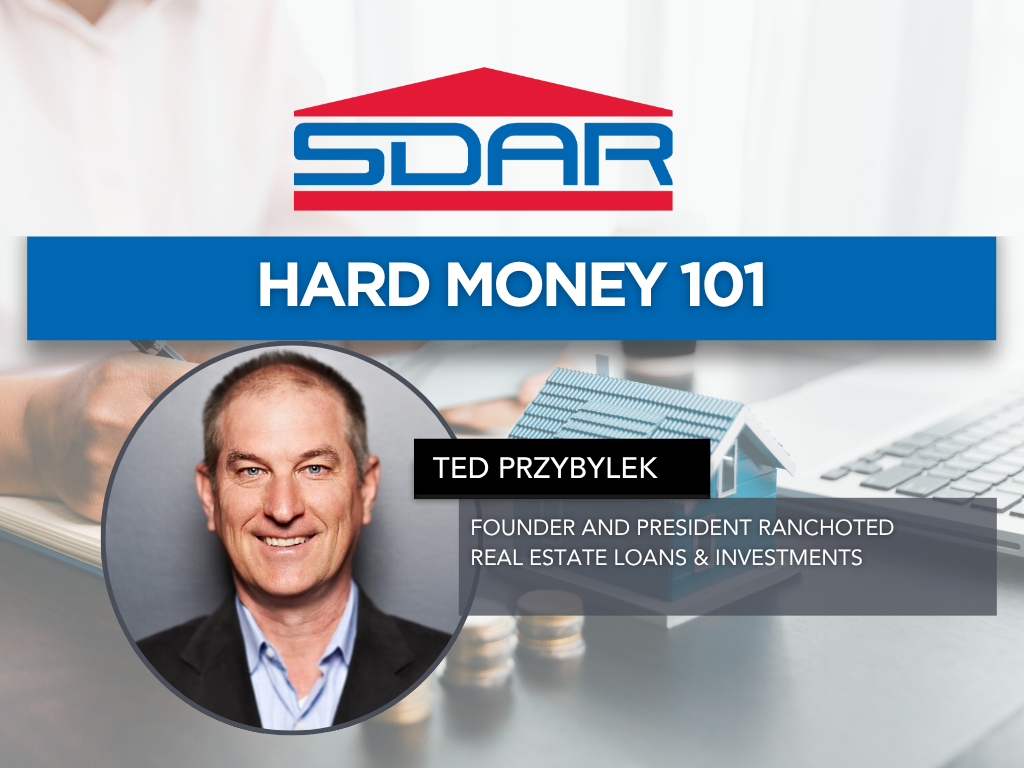
Hard Money 101
Hard Money 101 gives real estate professionals a clear, practical understanding of hard money lending—what it is, when to use it, and how it can help clients close transactions that traditional financing can’t support. Taught by lending veteran Ted Przybylek, i.e. Rancho Ted’, a 30+ year industry expert known for solving complex buyer and seller scenarios, this course breaks down asset-based lending, true bridge loans, investor-funded financing, and real-life case studies that illustrate when hard money is the right tool. Learn how to identify situations where speed, flexibility, or property conditions make hard money a smart solution, and gain the confidence to guide clients through alternative lending options that keep deals alive. This class is ideal for agents working with investors, flippers, distressed sellers, or buyers facing lending challenges.
*THE DEADLINE TO SIGN UP FOR THIS CLASS IS 1 DAY PRIOR*
Events
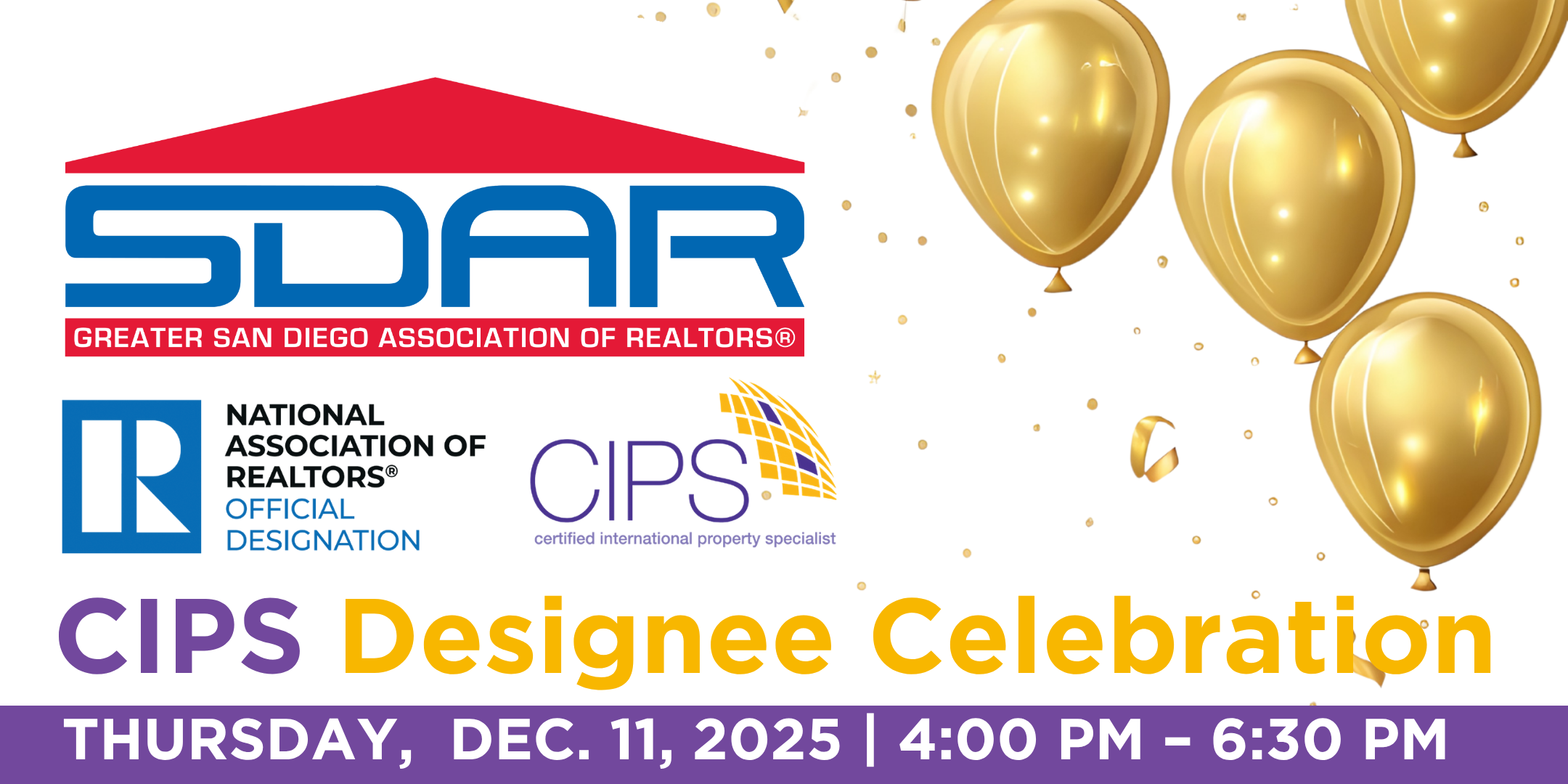
CIPS Designee Celebration
Join us for a special evening as we celebrate our Certified International Property Specialist (CIPS) Designees and the growing global real estate community in San Diego!
This event is open to:
Current CIPS Designees — come celebrate your achievements, reconnect with peers, and share your global success stories.
Aspiring Designees — discover how earning the CIPS designation can expand your network, elevate your business, and open doors to international opportunities.
REALTORS® and Industry Professionals — learn about the power of global real estate and how to position yourself in the international market.
Enjoy an inspiring program featuring highlights from our international initiatives, recognition of new designees, and conversations on global market trends shaping our industry.
Why Attend?
Celebrate San Diego’s global real estate leaders.
Network with international-minded REALTORS® and industry partners.
Learn how to earn your CIPS Designation and connect with clients around the world.
Enjoy light refreshments, lunch, drinks, and a lively atmosphere.
Don’t miss this opportunity to connect, celebrate, and grow your international reach!
Classes
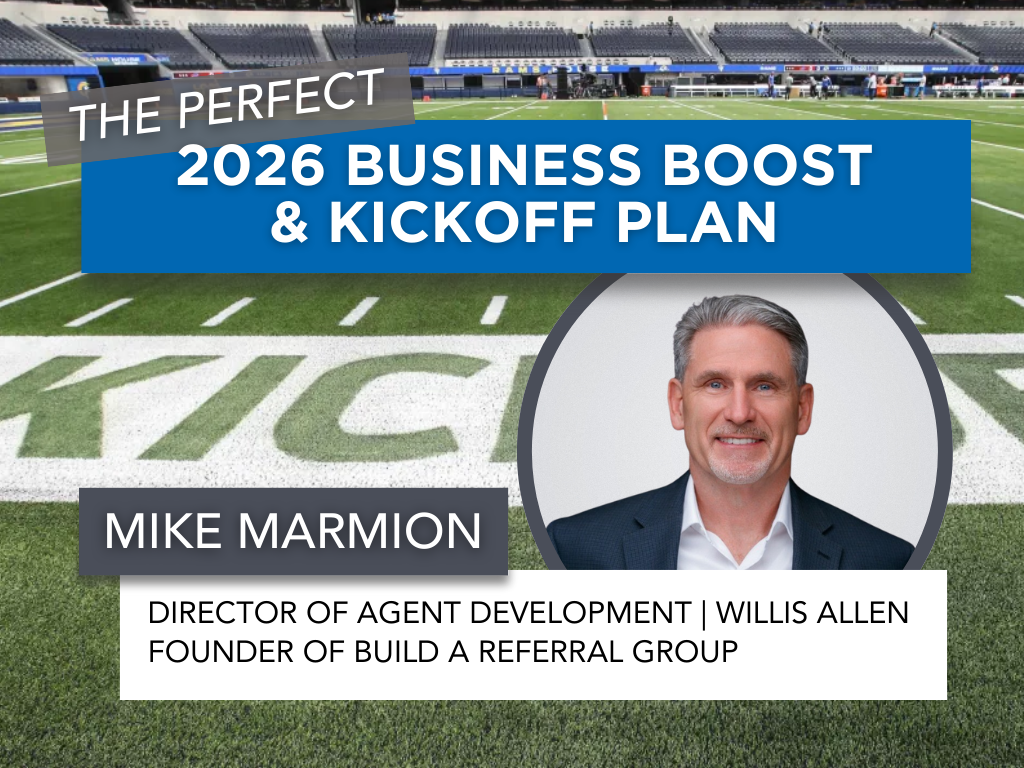
Your 2026 Realtor Success Playbook
The Perfect 2026 Business Boost & Kickoff Plan is a high-energy, action-focused workshop designed to help REALTORS® launch the new year with clarity, momentum, and a simple plan that actually works. Led by renowned real estate coach and industry leader Mike Marmion, this course breaks down the essential activities that drive immediate business—open house strategies, sphere engagement, daily prospecting, relationship-building, and neighborhood conversations. Attendees will leave with a practical, easy-to-follow blueprint for boosting production, strengthening relationships, and accelerating their 2026 business from day one.
*THE DEADLINE TO SIGN UP FOR THIS CLASS IS 1 DAY PRIOR*
Classes
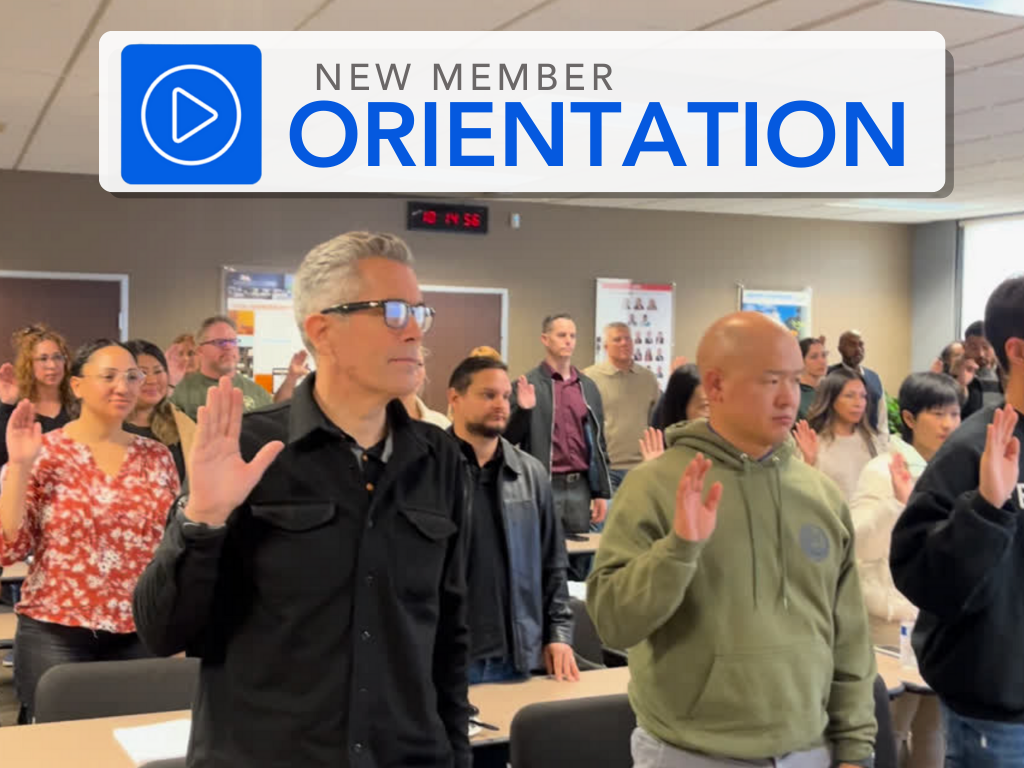
New Member Orientation
Start your real estate career with confidence at SDAR’s New Member Orientation. Designed for newly licensed REALTORS®, this essential session will walk you through everything you need to know to launch your business, understand your professional responsibilities, and make the most of your SDAR membership.
You’ll learn how to access and use your core member benefits, explore the tools and services included with your SDMLS subscription, and gain a foundational understanding of REALTOR® ethics, professional standards, and compliance requirements. The program also includes an overview of SDAR’s support teams, legal resources, market tools, industry advocacy, and opportunities for networking, education, and community involvement.
Arrive early for check-in, have your SDAR Member ID ready, and bring a government-issued ID for verification.
Please note: Registration closes 2 days before the session.
Classes
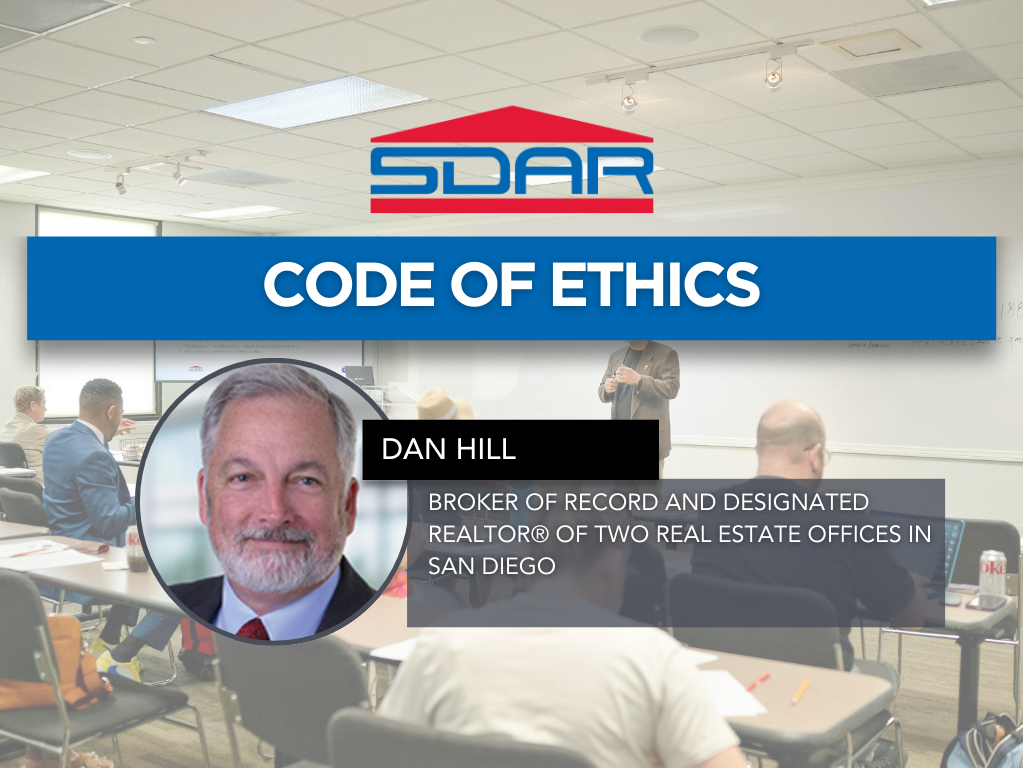
Code of Ethics
Strengthen your professionalism and protect your business by mastering the ethical standards that guide the real estate industry. This in-person course provides a clear and engaging overview of the National Association of REALTORS® Code of Ethics, the Standards of Practice, and the California Business and Professions Code that governs ethical conduct statewide.
Through real-world scenarios and practical analysis, you’ll learn how to navigate common ethical challenges, improve your client and peer relationships, and elevate the level of service you provide. Led by Dan Hill— industry leader and two-time Broker of the Year—this course delivers the insight and clarity only a seasoned mentor can provide. Dan’s expertise in supervision, risk management, and agent development brings depth and relevance to every discussion.
Participants will earn 3.00 hours of Continuing Education credit upon passing the required 15-question exam. Arrive early for check-in, have your SDAR Member ID ready, and bring a government-issued ID for verification.
Please note: Registration closes 1 day before the session. Late registrants will not be admitted.
Classes
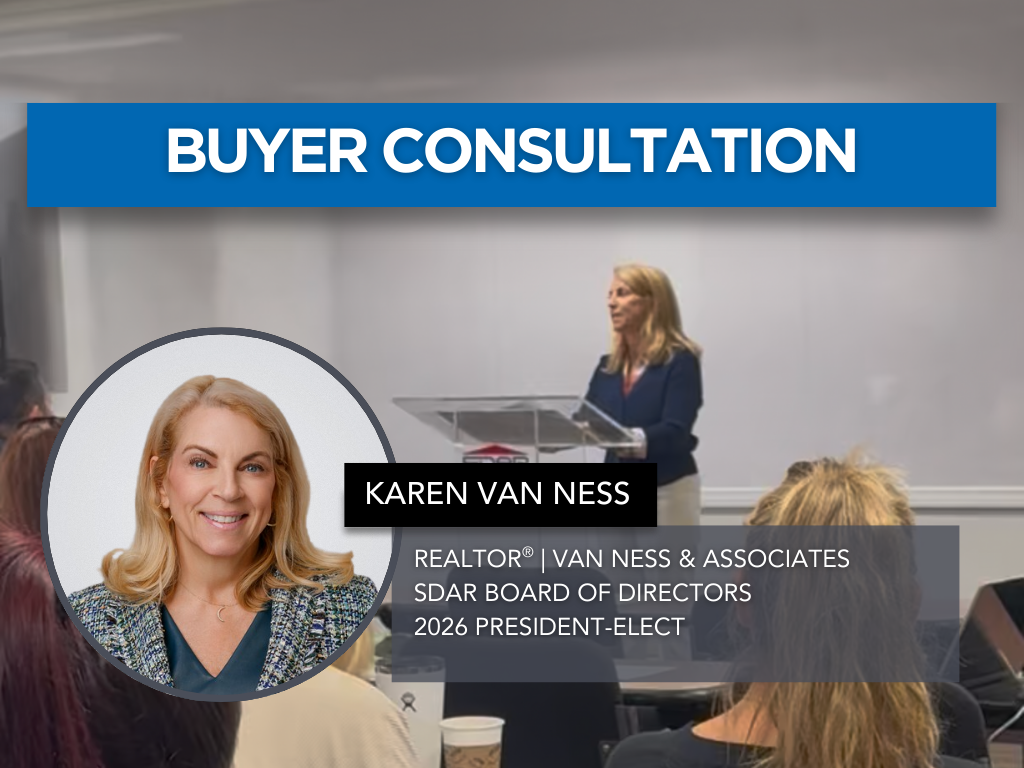
Buyer Consultation
A strong buyer consultation sets the tone for the entire transaction—and can be the difference between a smooth closing and a challenging relationship. Buyer Consultation is a practical, skill-building class designed to help REALTORS® deliver confident, professional consultations that convert prospects into committed clients.
Led by experienced REALTOR® and SDAR instructor Karen Van Ness, this course walks agents through how to structure an effective buyer consultation, clearly explain the buying process, establish expectations, and build trust from the very first meeting. You’ll learn how to communicate your value, address common buyer questions and concerns, and guide clients through timelines, financing, disclosures, and agency relationships with clarity and confidence.
Whether you’re working with first-time buyers or seasoned purchasers, this class provides actionable strategies and real-world insights to help you create stronger relationships, avoid misunderstandings, and position yourself as a trusted advisor throughout the home-buying journey.
Classes
Turn your open houses into a powerful, repeatable business-building system. Open Houses That Get RESULTS goes far beyond simply hosting an event. This class shows REALTORS® how to proactively use open houses to generate listings, referrals, and future buyers. Led by renowned real estate coach and industry veteran Mike Marmion, the course breaks down exactly what to do before, during, and after an open house to maximize real results.
You’ll learn proven preparation strategies, neighborhood outreach techniques, conversation scripts, and follow-up systems that transform open houses from passive time-fillers into high-impact opportunities. With Mike’s straightforward, relationship-driven approach, agents will leave with a clear checklist and confidence to run open houses that consistently create momentum, visibility, and income.
Classes
Listing Presentation
Winning the listing starts with a confident, well-structured presentation. Listing Presentation is a practical, results-driven class designed to help REALTORS® stand out in competitive listing appointments and consistently secure seller clients.
Led by experienced REALTOR® and SDAR instructor Karen Van Ness, this course breaks down how to deliver a polished, professional listing presentation that clearly communicates your value. You’ll learn how to guide sellers through the listing process, explain pricing and market data, outline marketing strategies, and address common objections with confidence. The class also focuses on setting expectations, building trust, and positioning yourself as a knowledgeable advisor who puts the client’s goals first.
Whether you’re new to listing appointments or looking to refine your approach, this session provides actionable strategies, real-world examples, and practical insights to help you present with clarity, credibility, and consistency—and walk away with more signed listings.
Classes
Building Your Sphere
Your sphere of influence is the foundation of a sustainable, referral-driven real estate business. Building Your Sphere is a practical, mindset-shifting class designed to help REALTORS® intentionally grow, organize, and leverage their database to generate consistent business and long-term success.
Led by veteran real estate coach and industry leader Mike Marmion, this course focuses on working by referral rather than chasing transactions. You’ll learn how to identify the right people for your database, clean and strengthen your contact list, and build meaningful relationships that position you as a trusted advisor. The class also covers simple daily habits, conversation strategies, and follow-up systems that turn your sphere into “walking, talking billboards” for your business.
Whether you’re new to real estate or looking to refocus your efforts, this session provides a clear, actionable framework for building a high-quality sphere that supports predictable growth and a lasting professional reputation.
Classes
Everything VA
Ready to confidently serve veterans, active-duty service members, and their families while expanding your business? Everything VA is a practical, agent-focused class designed to help REALTORS® understand the realities of VA loans and use them effectively in today’s competitive market. Led by top VA loan expert Clay Murray, this course breaks down VA eligibility, entitlement, property guidelines, and offer strategies—while separating common myths from facts.
You’ll learn how VA loans really work, how to position VA buyers competitively, navigate lender overlays, handle inspections and appraisals, and avoid common pitfalls that can derail transactions. Whether you’re new to VA deals or want to sharpen your expertise, this class will equip you with the knowledge, tips, and confidence to close more VA transactions while providing exceptional service to those who have served.

Classes
New Member Orientation
Start your real estate career with confidence at SDAR’s New Member Orientation. Designed for newly licensed REALTORS®, this essential session will walk you through everything you need to know to launch your business, understand your professional responsibilities, and make the most of your SDAR membership.
You’ll learn how to access and use your core member benefits, explore the tools and services included with your SDMLS subscription, and gain a foundational understanding of REALTOR® ethics, professional standards, and compliance requirements. The program also includes an overview of SDAR’s support teams, legal resources, market tools, industry advocacy, and opportunities for networking, education, and community involvement.
Arrive early for check-in, have your SDAR Member ID ready, and bring a government-issued ID for verification.
Please note: Registration closes 1 day before the session.
Classes
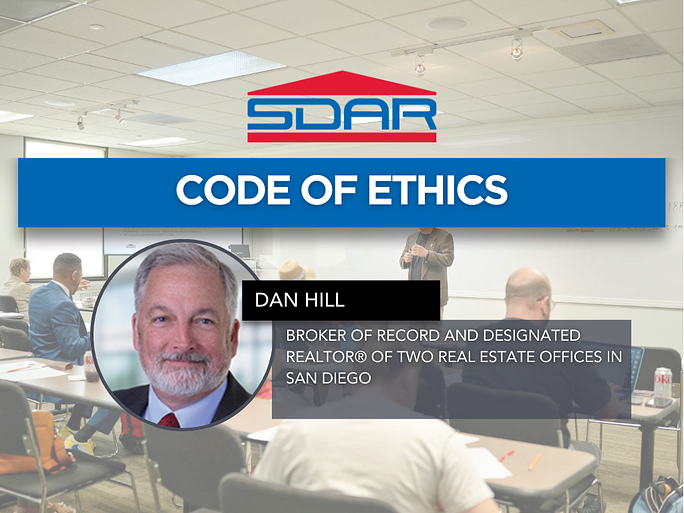
Code of Ethics
Strengthen your professionalism and protect your business by mastering the ethical standards that guide the real estate industry. This in-person course provides a clear and engaging overview of the National Association of REALTORS® Code of Ethics, the Standards of Practice, and the California Business and Professions Code that governs ethical conduct statewide.
Through real-world scenarios and practical analysis, you’ll learn how to navigate common ethical challenges, improve your client and peer relationships, and elevate the level of service you provide. Led by Dan Hill— industry leader and two-time Broker of the Year—this course delivers the insight and clarity only a seasoned mentor can provide. Dan’s expertise in supervision, risk management, and agent development brings depth and relevance to every discussion.
Participants will earn 3.00 hours of Continuing Education credit upon passing the required 15-question exam. Arrive early for check-in, have your SDAR Member ID ready, and bring a government-issued ID for verification.
Please note: Registration closes 1 day before the session. Late registrants will not be admitted.
Events
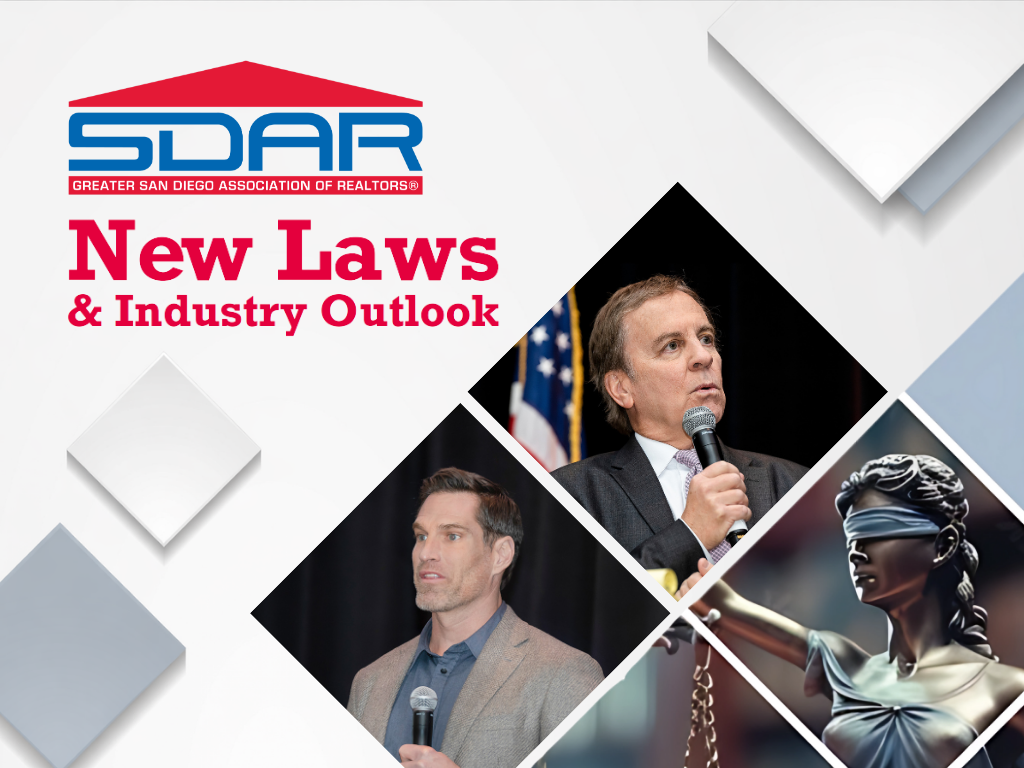
2026 New Laws & Industry Outlook
Join Us for the 2026 New Laws and Industry Outlook!
The Greater San Diego Association of REALTORS® invites you to the annual New Laws and Industry Outlook on Wednesday, February 4, 2026 at the The Legacy Resort Hotel & Spa in Mission Valley. This premier event will feature insightful presentations from key leaders shaping the real estate industry.
The Legacy Resort Hotel & Spa (Event center)
875 Hotel Circle South San Diego CA 92108
Registration & Breakfast 7:30 AM - 8:30 AM
Program from 8:30 AM - 3:00 PM
Highlights:
Economic Update, Josh Romney
2026 New Laws, Gov Hutchinson

Events
Global Real Estate Spotlight: Dubai & UAE Opportunities
Join us for a 15-minute exclusive presentation highlighting real estate investment opportunities in the UAE, with a special focus on Dubai and the landmark Mercedes‑Benz x Binghatti master-planned community.
This fast-paced briefing is ideal for REALTORS® interested in global markets, luxury developments, and cross-border investment opportunities.
Perfect for members exploring international real estate, investor clients, and Dubai-focused opportunities.
Classes
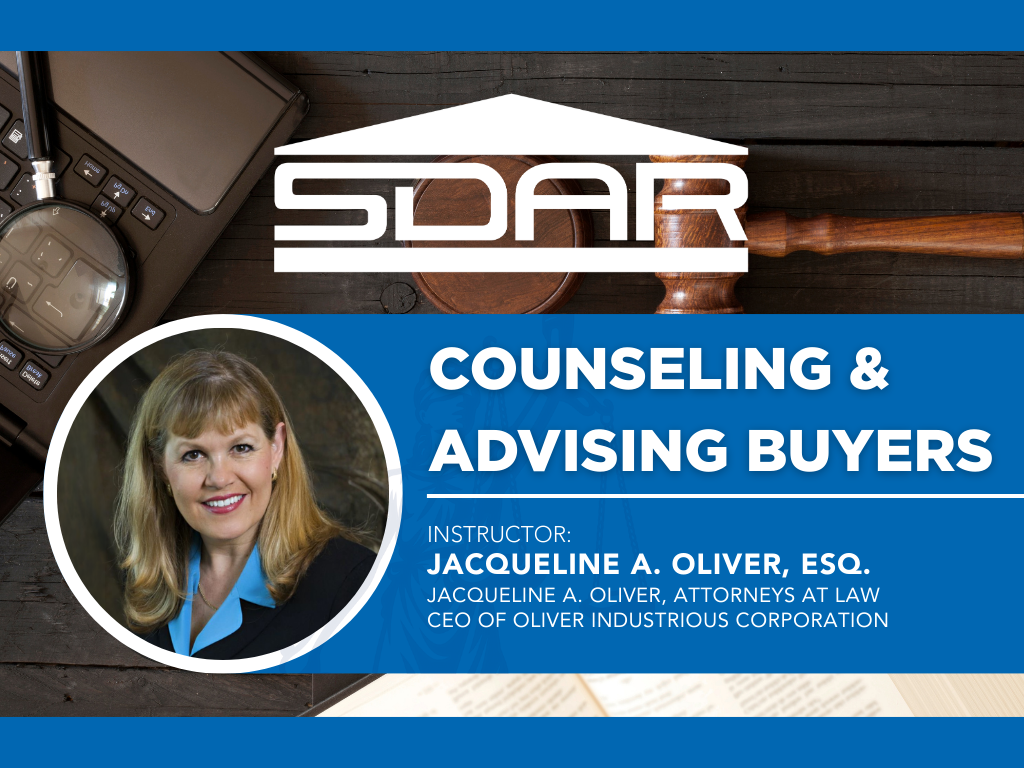
Counseling & Advising Buyers
Counseling & Advising Buyers is an essential course for REALTORS® who want to confidently guide buyers through the legal, contractual, and practical complexities of a real estate transaction. Led by attorney, broker, and risk management expert Jacqueline A. Oliver, Esq., this class focuses on helping agents explain contracts clearly, manage buyer expectations, and reduce liability at every stage of escrow.
Participants will learn how to simplify and communicate key contract provisions, navigate investigations and disclosures, handle deposits and contingencies, and properly use Notices to Perform and Demands to Close Escrow. This class provides practical guidance and legal insight to help REALTORS® protect their clients, minimize risk, and deliver informed, professional buyer representation from contract to close.

Classes
California’s Housing Market: Navigating Rates, Demand & Change-Webinar
Staying ahead of the market starts with understanding what’s next. Join this free virtual panel hosted by the Center for California Real Estate (CCRE) for expert insights into where California’s housing market is headed — and what it means for your business.
What you’ll gain:
A clear look at interest rates, buyer demand, and market shifts
Data-driven insights to help guide client conversations
Expert economic perspective moderated by Jerry Nickelsburg, UCLA Anderson Forecast
Wednesday, February 11
⏰ 10:00–11:15 AM
💻 Free for C.A.R. members | Virtual
Classes
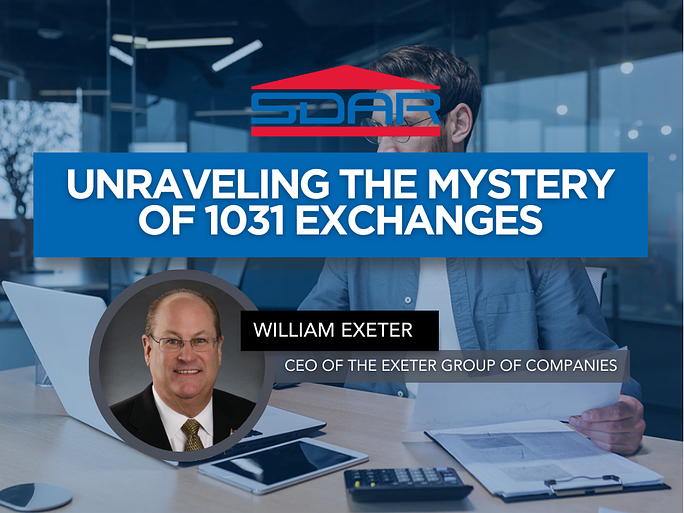
Unraveling The Mystery of 1031 Exchanges
Unraveling the Mystery of 1031 Exchanges is a practical, Realtor-focused class designed to demystify one of the most powerful wealth-building tools available to real estate investors. Led by Bill Exeter, CEO of The Exeter Group and a nationally recognized authority with more than 45 years in financial services, this course breaks down 1031 exchanges in clear, real-world terms agents can confidently apply in transactions.
From a REALTOR®’s perspective, the class covers what truly qualifies as like-kind property, required holding and reinvestment thresholds, and the critical 45-day identification & 180-day completion deadlines. Agents will also gain insight into qualified trust and escrow accounts, forward and reverse exchanges, improvement exchanges, and foreign property exchanges - along with common misconceptions that can put deals and clients at risk.
This session equips REALTORS® with the knowledge needed to spot 1031 opportunities, communicate effectively with investors and advisors, and add measurable value to investor clients while staying compliant with IRS requirements.
Classes
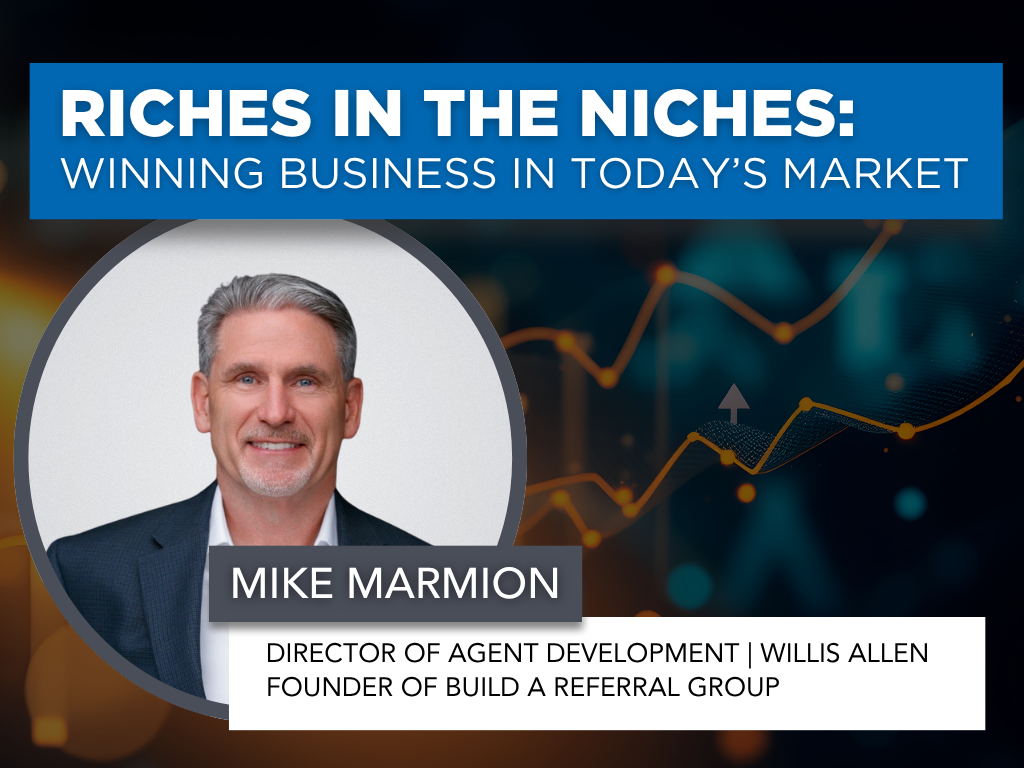
Riches in the Niches: Winning Business in Today’s Market
Riches in the Niches: Winning Business in Today’s Market is a high-impact, strategy-driven class designed to help REALTORS® stand out, specialize, and thrive regardless of shifting market conditions. Led by veteran real estate leader and master trainer Mike Marmion, this session explores more than 26 proven niche strategies that help agents simplify their efforts, focus their energy, and dramatically increase profitability.
Participants will learn how to identify both focused niches (activity-based, predictable, and efficient) and lifestyle niches (authentic, relationship-driven, and aligned with personal interests), and how to strategically combine both for consistent results. The course breaks down how to choose the right niche, understand the numbers behind it, create a clear daily and weekly action plan, and position yourself as a “specialist” in the eyes of the public. Ideal for agents looking to gain clarity, differentiation, and long-term momentum through smart specialization.
Classes
Hard Money 101
Hard Money 101 gives real estate professionals a clear, practical understanding of hard money lending—what it is, when to use it, and how it can help clients close transactions that traditional financing can’t support. Taught by lending veteran Ted Przybylek, i.e. Rancho Ted’, a 30+ year industry expert known for solving complex buyer and seller scenarios, this course breaks down asset-based lending, true bridge loans, investor-funded financing, and real-life case studies that illustrate when hard money is the right tool.
Learn how to identify situations where speed, flexibility, or property conditions make hard money a smart solution, and gain the confidence to guide clients through alternative lending options that keep deals alive. This class is ideal for agents working with investors, flippers, distressed sellers, or buyers facing lending challenges.

Classes
Cold Calling: From Phones To Paydays
Cold Calling: From Phones to Paydays is a high-energy, practical class designed to help REALTORS® confidently connect with sellers other agents never reach. Led by top-producing Broker-Associate and office manager David Jefferson, this session breaks down modern cold calling for today’s market - what works, what doesn’t, and how to turn conversations into appointments and listings.
You’ll learn how to shift your mindset, prepare effectively, and use proven scripts for FSBOs, expired listings, and neighborhood outreach. The course covers call structure, objection handling, follow-up strategies, and simple tracking metrics that build a consistent pipeline. Whether you’re new to cold calling or looking to sharpen your skills, this class will give you the tools, confidence, and systems to turn phones into paydays and create predictable business growth.
Classes
Open Houses That Get RESULTS
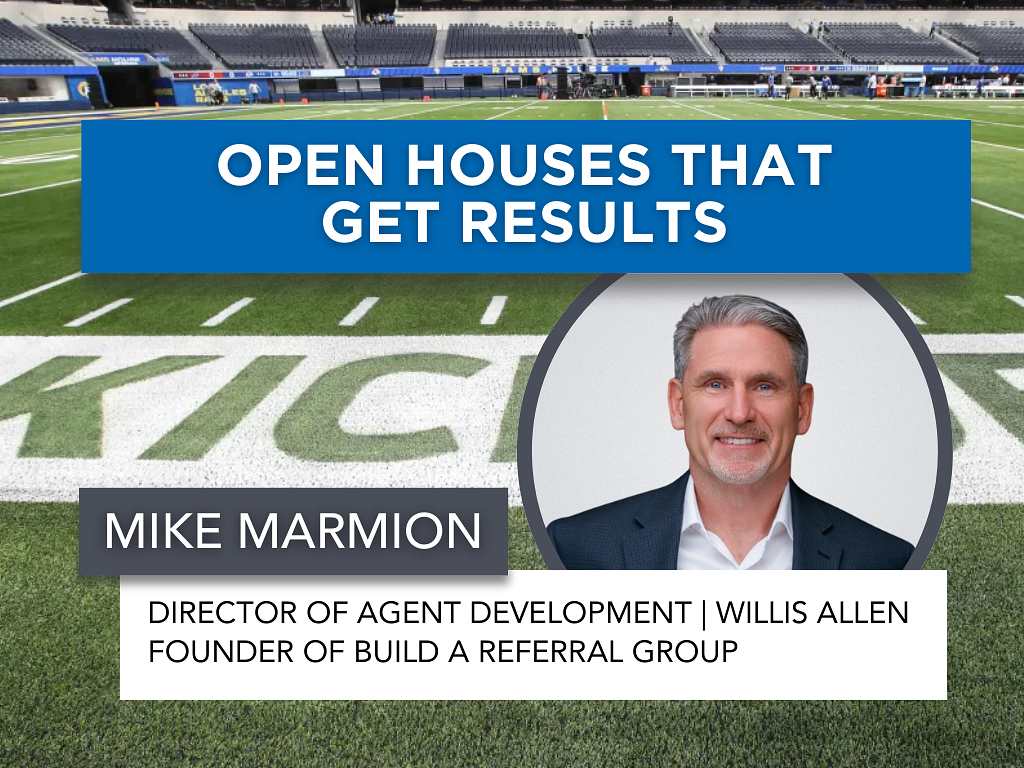
Turn your open houses into a powerful, repeatable business-building system. Open Houses That Get RESULTS goes far beyond simply hosting an event. This class shows REALTORS® how to proactively use open houses to generate listings, referrals, and future buyers. Led by renowned real estate coach and industry veteran Mike Marmion, the course breaks down exactly what to do before, during, and after an open house to maximize real results.
You’ll learn proven preparation strategies, neighborhood outreach techniques, conversation scripts, and follow-up systems that transform open houses from passive time-fillers into high-impact opportunities. With Mike’s straightforward, relationship-driven approach, agents will leave with a clear checklist and confidence to run open houses that consistently create momentum, visibility, and income.
Classes
Counseling & Advising Sellers
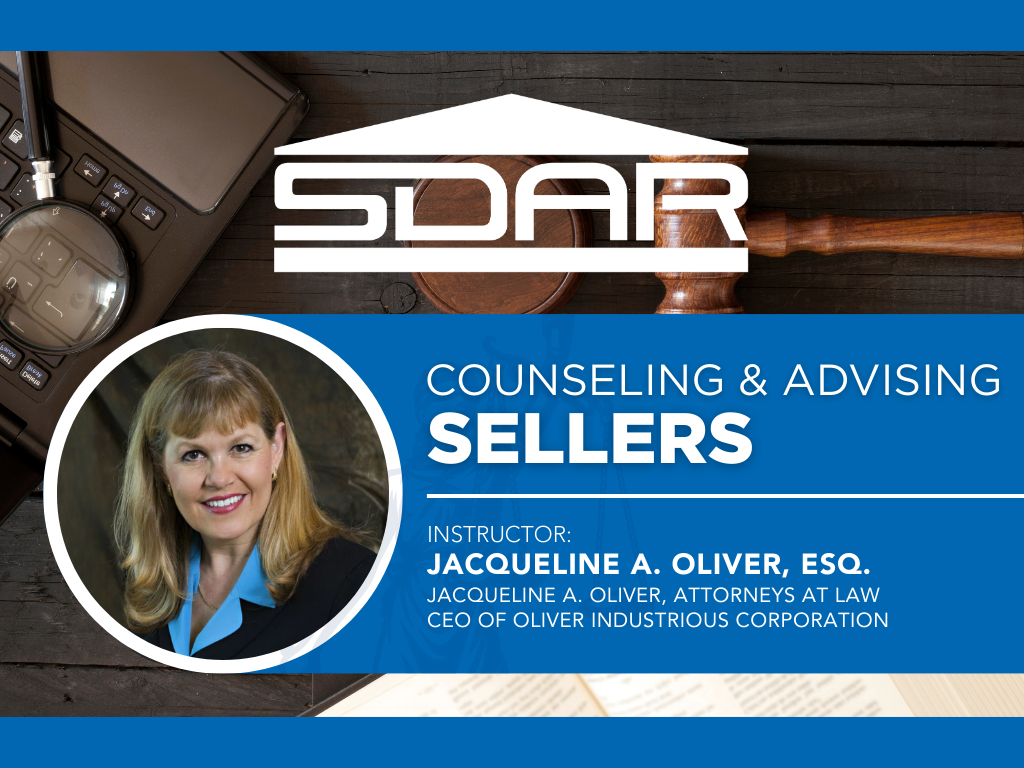
Counseling & Advising Sellers is a must-attend class for REALTORS® who want to confidently guide sellers through the legal and contractual complexities of a real estate transaction while minimizing risk. Led by attorney, broker, and risk management expert Jacqueline A. Oliver, Esq., this course focuses on helping agents clearly explain contracts, disclosures, and seller obligations in a way clients can easily understand.
Participants will learn how to navigate required disclosures and exemptions, handle amended disclosures and pre-existing reports, and properly use Notices to Perform and Demands to Close Escrow. This class provides essential legal insight and real-world guidance to help REALTORS® protect their seller clients, reduce liability, and manage transactions professionally from listing to close.
Classes
Open House FENG SHUI Staging
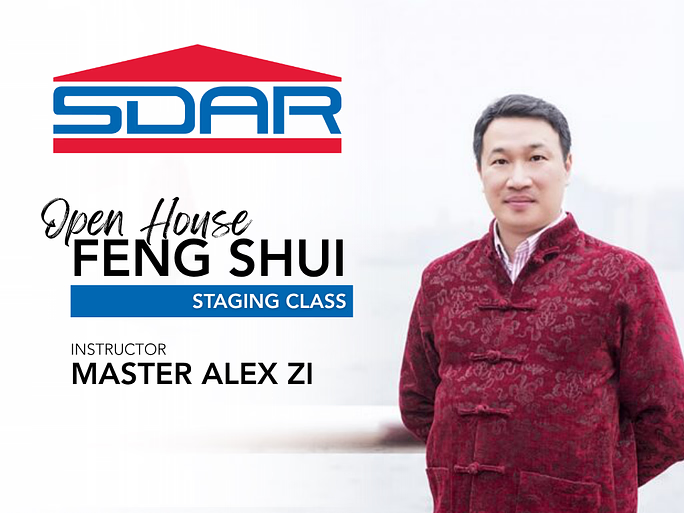
Open House FENG SHUI Staging introduces REALTORS® to the art and science of Feng Shui as a powerful tool to enhance property appeal and attract high-value offers. Taught by renowned Feng Shui Master Alex Zi, an expert with over 30 years of experience and more than 9,000 students worldwide, this course reveals how strategic design, color, energy flow, and timing can influence buyer perception and success at open houses.
Using Feng Shui principles, learn how to stage every part of a home, balance the five elements, and resolve common layout challenges such as T-sections and stair placements. You’ll also discover how to apply Feng Shui to your marketing materials and client interactions to create harmony, confidence, and prosperity in your business.
Classes
Code of Ethics
Classes
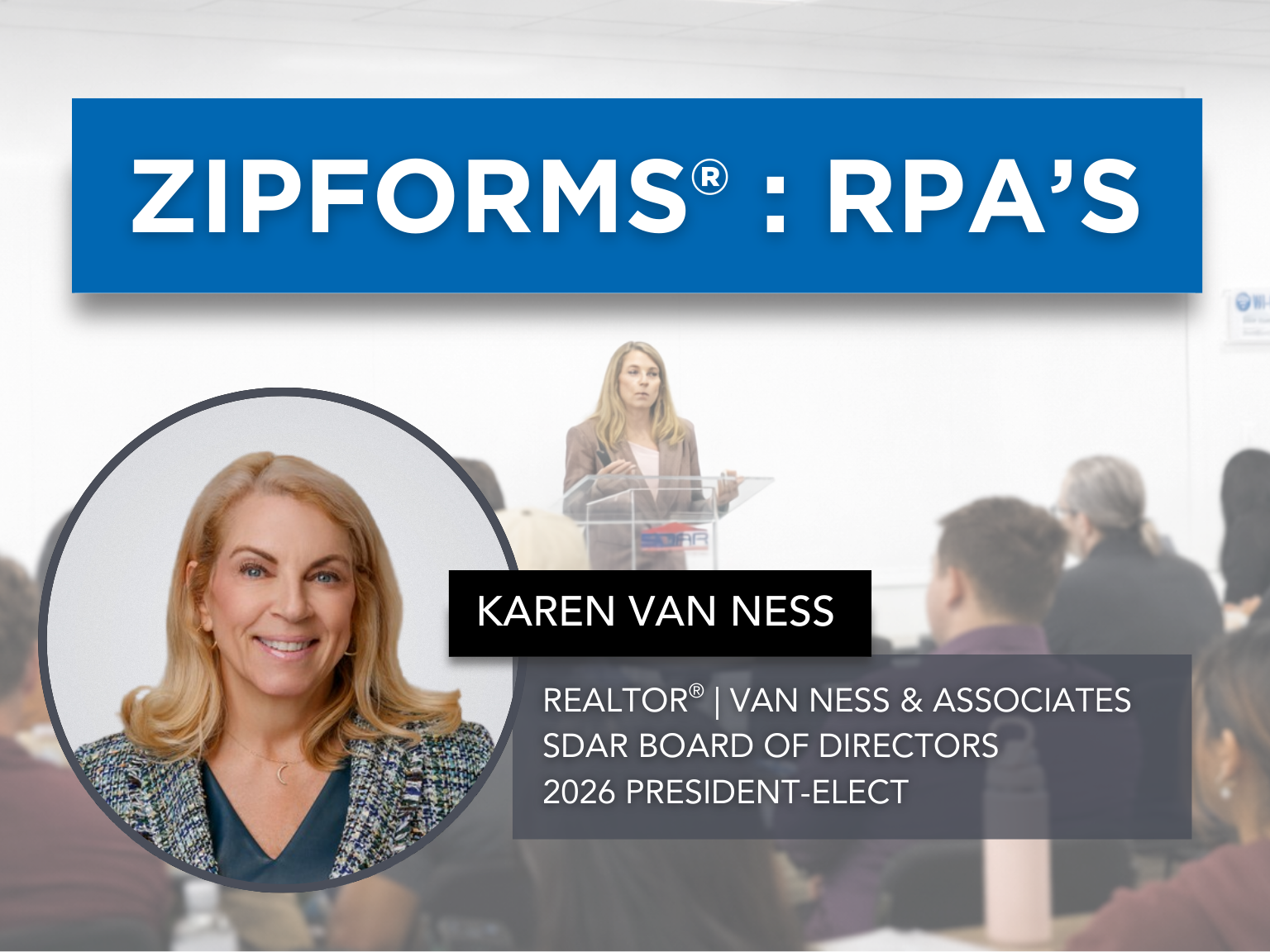
ZipForms: RPA's
Join us for an in-depth exploration of the ZipForms: RPA's, where esteemed REALTOR® and contract expert Karen Van Ness will guide you through the critical details of the Residential Purchase Agreement (RPA) form. Learn the nuances that will help you navigate your transactions with confidence and clarity. Whether you're new to the RPA or looking for a refresher, this class will enhance your proficiency in managing real estate contracts. Don't miss this opportunity to elevate your expertise and better serve your clients.

Events
Global Real Estate Spotlight - Puerta Cortés, Baja California Sur
Join us for a 20-minute exclusive presentation during SDAR’s International Real Estate Committee meeting, featuring Puerta Cortés, one of Mexico’s premier master-planned coastal resort communities in La Paz, Baja California Sur.
This fast-paced market and opportunity update will highlight:
- Luxury residential and resort investment opportunities
- Marina, golf, and lifestyle-driven developments
- Cross-border buyer trends and U.S.–Mexico transaction insights
- Current inventory and future development phases
This presentation is open to all SDAR members.
Whether you work with investor clients, second-home buyers, or international referrals, this session will provide valuable global insight.
Zoom Link: https://us06web.zoom.us/meeting/register/3hMRNKobSeuOOyKWntLqJw
Classes
Unlocking Investment Transactions with 1031 Exchanges
Unlocking Investment Transactions with 1031 Exchanges reveals how real estate professionals can guide clients in leveraging the 1031 Exchange to build wealth, defer taxes, and achieve diverse investment goals. Led by Adam Nishikawa, a seasoned greater San Diego market expert with over a decade in real estate and eight years specializing in 1031 exchanges, this class covers top 10 strategic scenarios - from maximizing tax benefits and improving cash flow to facilitating out-of-state investing, estate planning, and portfolio restructuring.
Gain practical insights, compliance essentials, and communication strategies to work effectively with investors, agents, escrow officers, and CPAs - turning the 1031 Exchange into a powerful tool for your real estate clients’ long-term success.
Classes
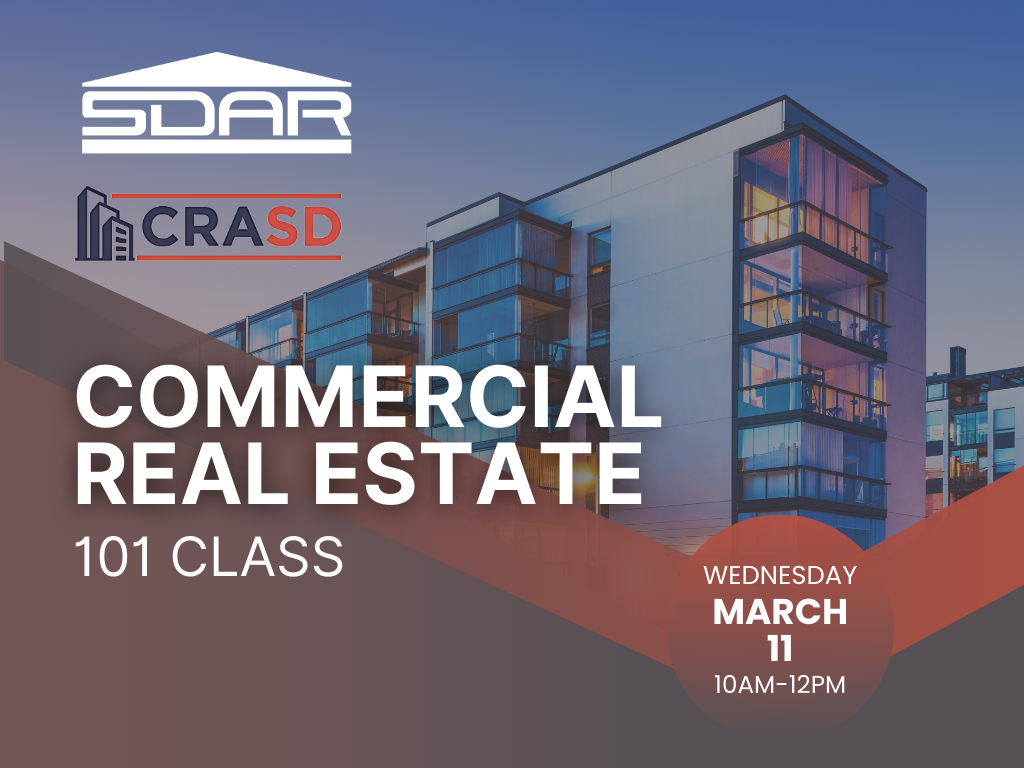
Commercial Real Estate 101
This course provides real estate professionals with a foundational understanding of commercial real estate transactions and how they differ from residential deals. Participants will learn core commercial concepts, terminology, and transaction structures, gaining clarity on the unique dynamics of commercial properties.
Designed for residential agents interested in expanding into commercial real estate, this class delivers practical insights and real-world context to help participants identify opportunities, understand basic analysis, and recognize when and how to engage in commercial transactions. By the end of the course, attendees will have the confidence and knowledge needed to begin exploring commercial real estate opportunities and determine next steps in their professional growth.
Classes
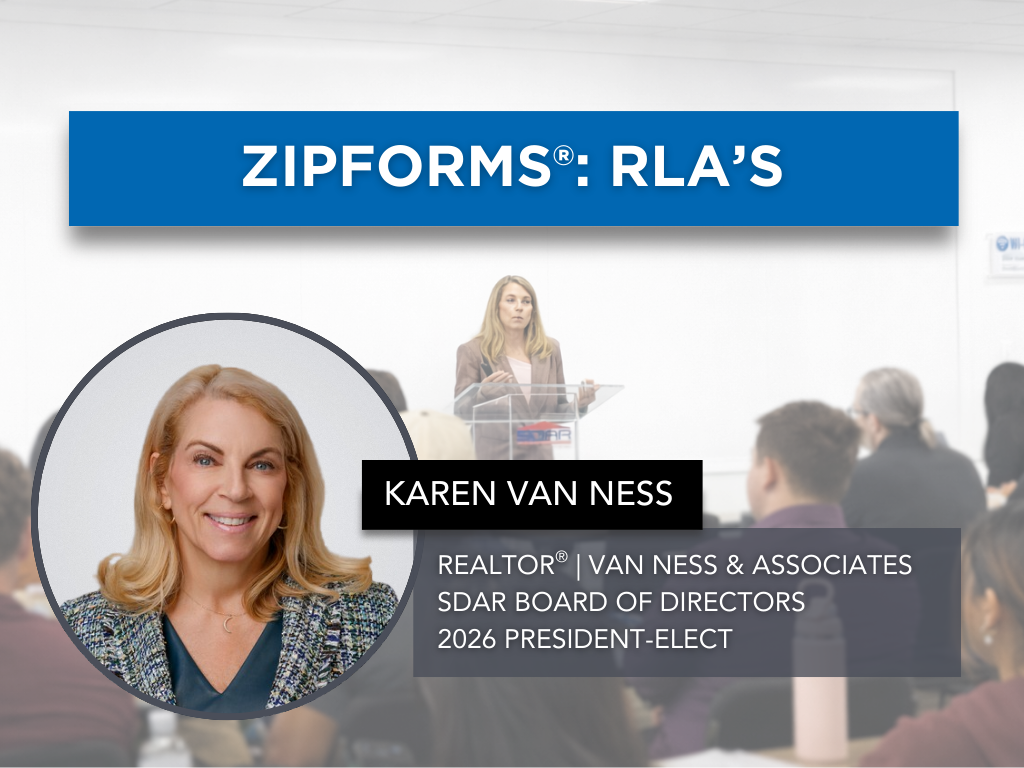
ZipForms: RLA's
In the ZipForms: RLA's class, esteemed REALTOR® and contract expert Karen Van Ness will guide you through the current listing forms used in real estate transactions. Each form will receive dedicated attention, ensuring you gain a comprehensive understanding of how to effectively utilize these documents in your practice. Learn the nuances that will help you manage your listings with confidence and precision. Whether you're new to these forms or seeking a refresher, this class will enhance your proficiency in handling listing agreements.

Classes
Proactive Property Management Tips
Proactive Property Management Tips is a practical course designed to provide real estate professionals with proactive property management tips and strategies that maximize efficiency and minimize risk. This training covers essential topics including the importance of thorough tenant screening, crafting legally sound lease agreements, and implementing effective rent collection strategies. You will also gain insight into navigating lease renewals, handling evictions professionally, and attracting quality tenants through smart marketing.
Events
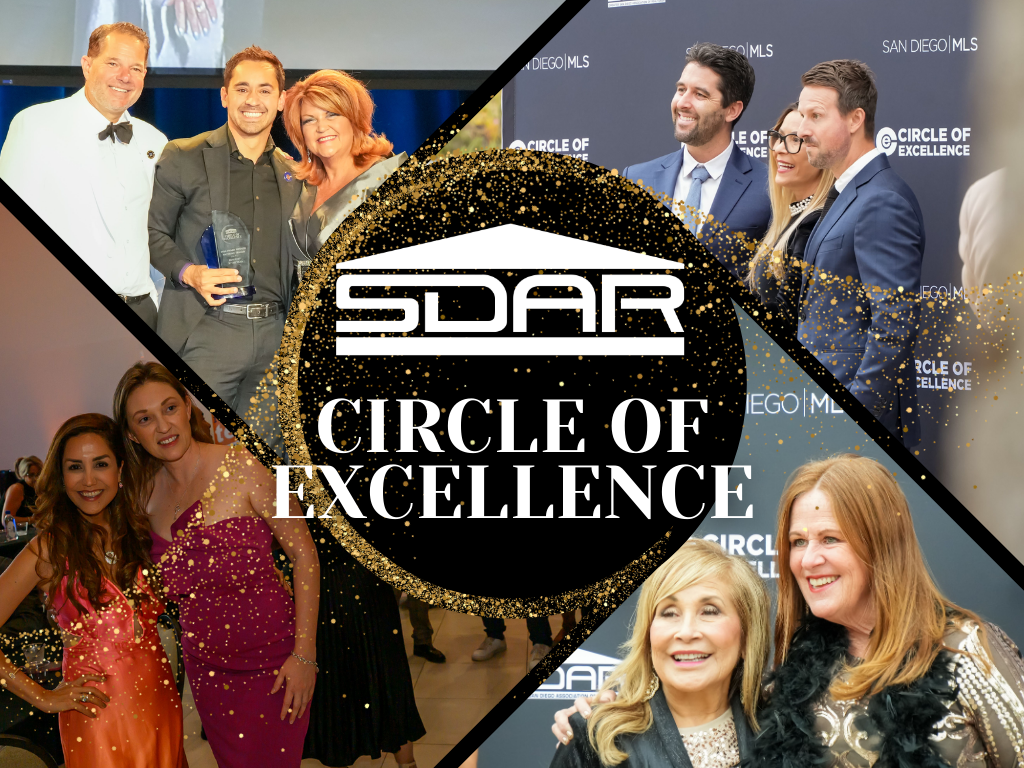
Circle of Excellence
The Circle of Excellence, hosted annually by the Greater San Diego Association of REALTORS®, honors outstanding REALTORS® and Brokers who demonstrate excellence in their profession, leadership in the industry, and a commitment to their clients and communities.
The Circle of Excellence recognizes achievement in both production and leadership. Whether your success is measured by performance, service, or impact, there is a category for you.
Select your award category and apply today.
https://www.sdar.com/circle-of-excellence/2025.html
Classes
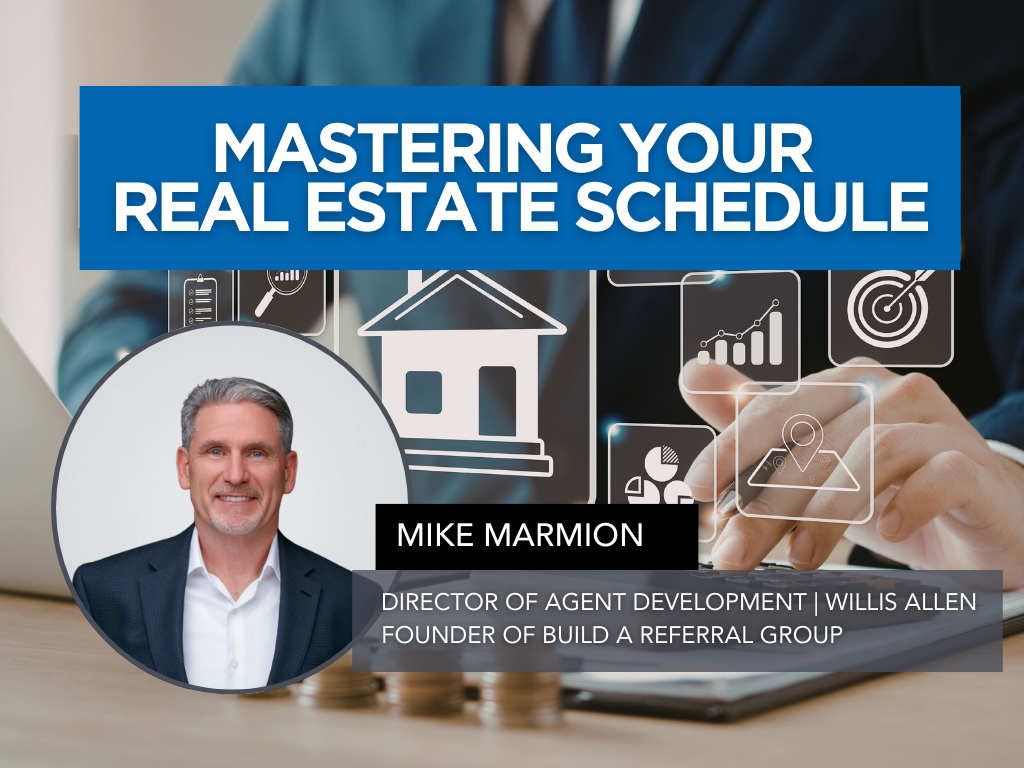
Mastering Your Real Estate Schedule
Success in real estate isn’t about working more hours, it’s about working the right hours, on the right activities, consistently. Mastering Your Real Estate Schedule is a practical, strategy-driven class designed to help REALTORS® take control of their time, reduce stress, and build a schedule that drives real production.
Led by industry veteran Mike Marmion, this session breaks down how to design an intentional weekly and annual schedule that prioritizes dollar-producing activities, protects lead generation time, and creates balance without sacrificing growth. Agents will learn how to structure their days for focus and momentum, avoid common time traps, implement time-blocking strategies, and build systems that turn consistency into predictable results. If you’re ready to stop reacting to your calendar and start commanding it, this class will give you the structure, clarity, and confidence to get more done in less time while building a sustainable business.
Classes
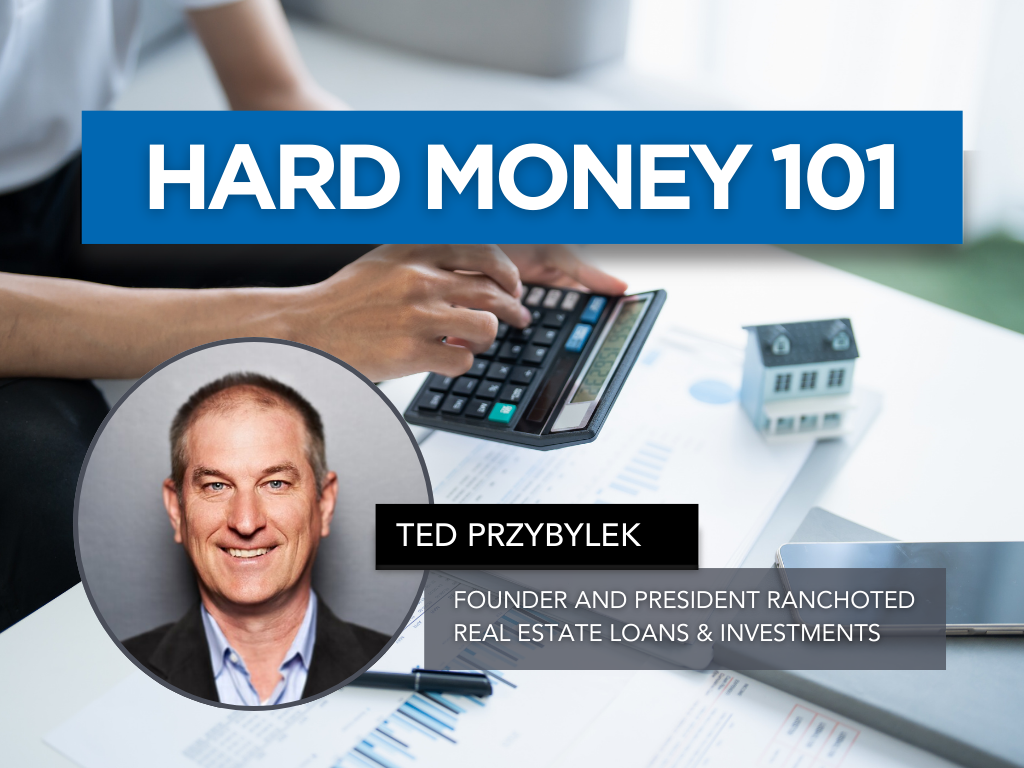
Hard Money 101
Hard Money 101 gives real estate professionals a clear, practical understanding of hard money lending—what it is, when to use it, and how it can help clients close transactions that traditional financing can’t support. Taught by lending veteran Ted Przybylek, i.e. Rancho Ted, a 30+ year industry expert known for solving complex buyer and seller scenarios, this course breaks down asset-based lending, true bridge loans, investor-funded financing, and real-life case studies that illustrate when hard money is the right tool.
Learn how to identify situations where speed, flexibility, or property conditions make hard money a smart solution, and gain the confidence to guide clients through alternative lending options that keep deals alive. This class is ideal for agents working with investors, flippers, distressed sellers, or buyers facing lending challenges.
Classes
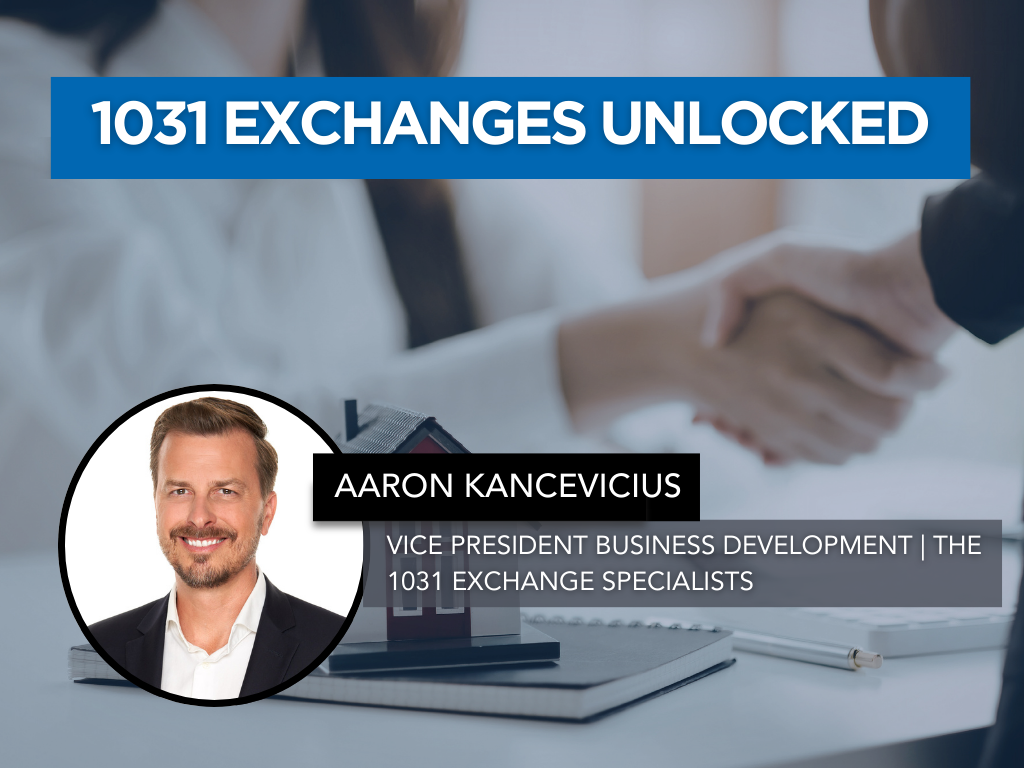
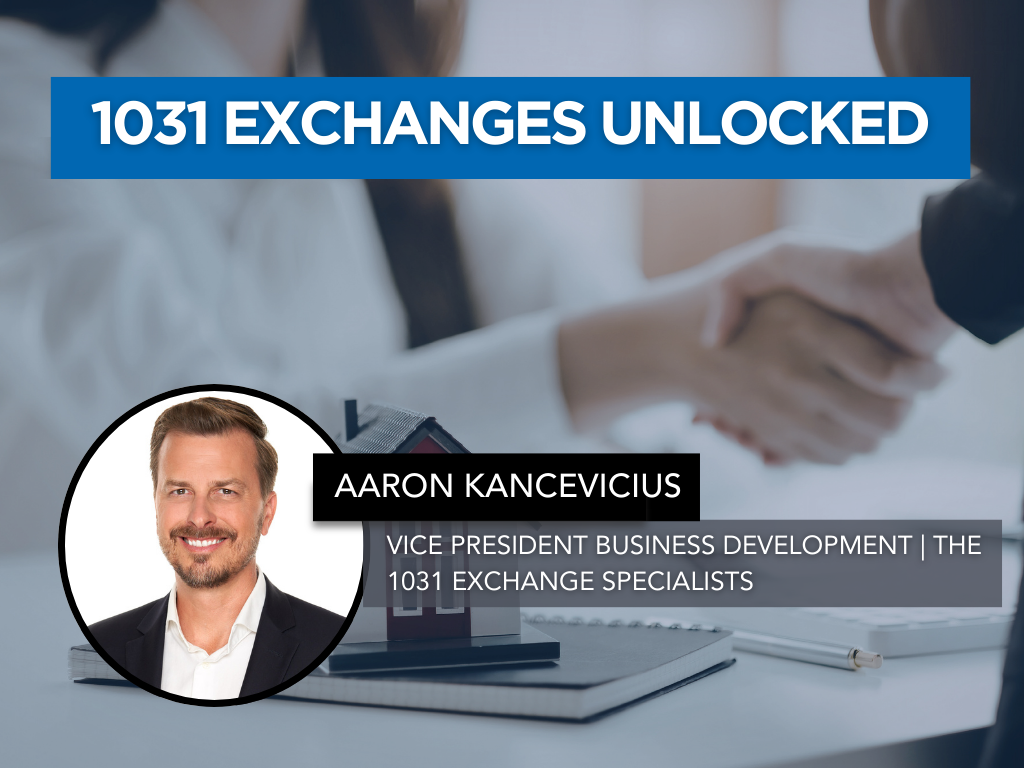
1031 Exchanges Unlocked
1031 Exchanges Unlocked is a practical, opportunity-focused class designed to help REALTORS® confidently introduce and navigate 1031 exchanges while creating more value and more business. Led by nationally recognized 1031 expert Aaron Kancevicius, this session breaks down the rules, timelines, and strategies behind tax-deferred exchanges in clear, real-world terms.
Agents will learn the fundamentals of qualifying a property, the critical 45-day and 180-day deadlines, identification rules, reinvestment requirements, and the role of the Qualified Intermediary. This class equips REALTORS® with the knowledge and confidence to spot opportunities, fulfill their duty of care, and help clients defer taxes, preserve equity, and build long-term wealth.
Classes
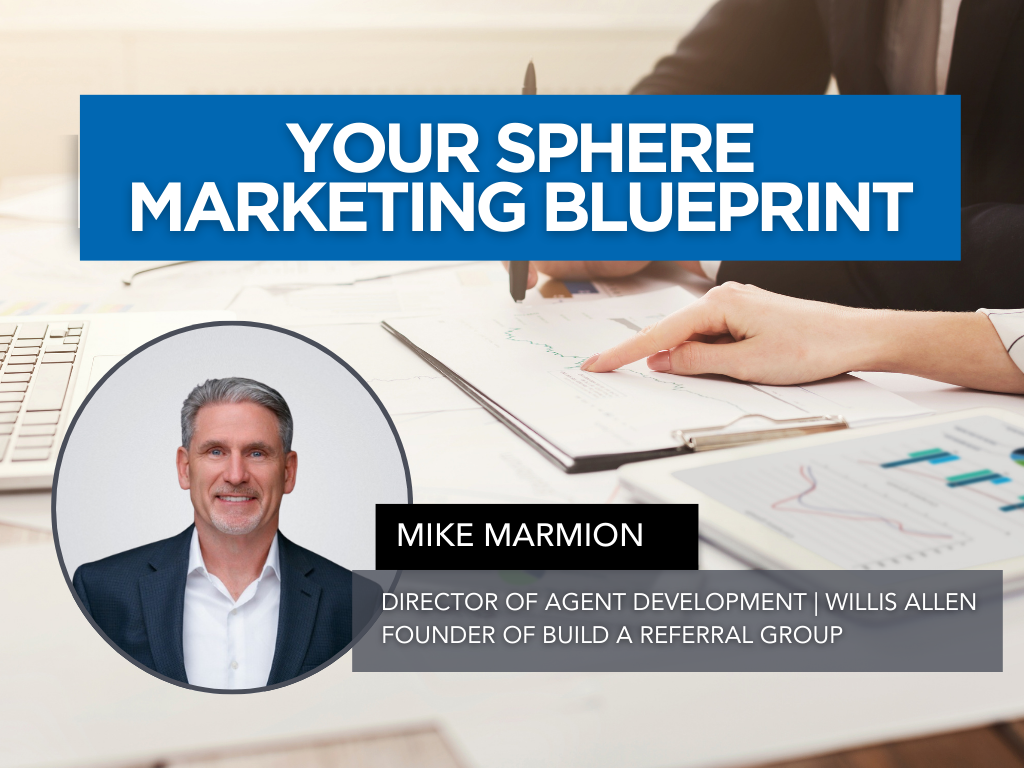
Your Sphere Marketing Blueprint
Your database is more than a contact list, it’s your most valuable business asset. Your Sphere Marketing Blueprint is a practical, step-by-step class designed to help REALTORS® turn everyday relationships into a consistent, referral-driven pipeline.
Led by industry veteran Mike Marmion, this session outlines a simple, repeatable annual marketing plan that any agent can implement, regardless of experience level or budget. You’ll learn how to organize and segment your database, create meaningful touchpoints throughout the year, stay top-of-mind without feeling salesy, and build authentic connections that naturally generate repeat and referral business. If you’re ready to stop guessing what to send and when, and start following a clear, strategic plan, this class will give you the structure, clarity, and confidence to make your sphere your strongest source of business.
Classes
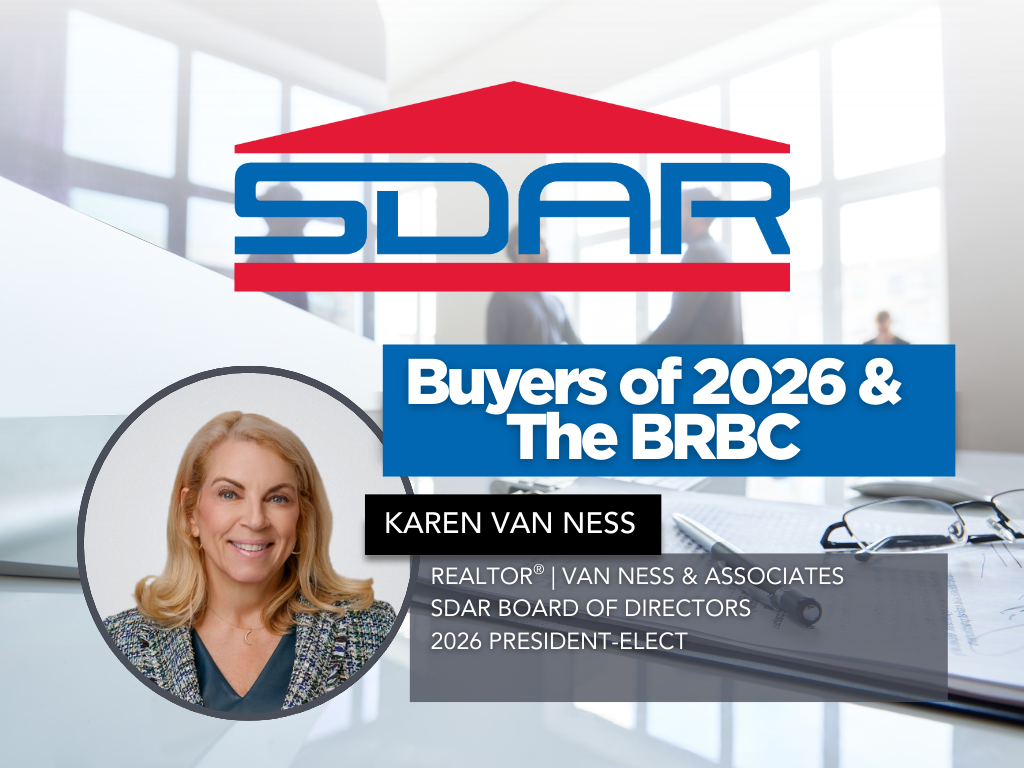
Buyers of 2026 & The BRBC
Classes
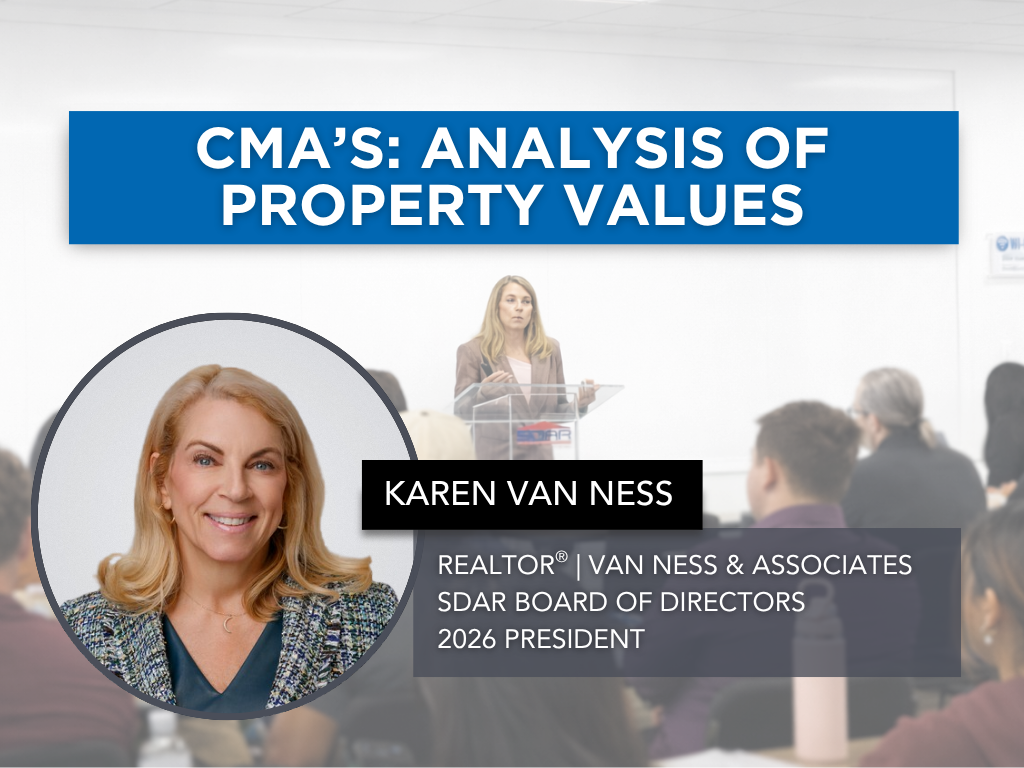
CMA's - Analysis of Property Values
Accurate pricing is one of the most critical skills in real estate and a well-prepared Comparative Market Analysis (CMA) is at the heart of every successful listing and buyer client consultation. CMA’s – Analysis of Property Values is a practical, hands-on class designed to help REALTORS® confidently evaluate property values and communicate pricing strategies with clarity and credibility.
Led by experienced SDAR instructor Karen Van Ness, this session explores the key components of a strong CMA, including selecting and adjusting comparable properties, analyzing current market trends, and interpreting economic related data to determine fair market value. Agents will also learn how to present their findings effectively to clients, support pricing recommendations, and position themselves as trusted advisors in competitive situations.
With a focus on real-world application and clear instruction, this class equips REALTORS® with the tools and insight needed to price properties accurately, guide client expectations, and make informed, data-driven decisions in today’s dynamic market.
Classes
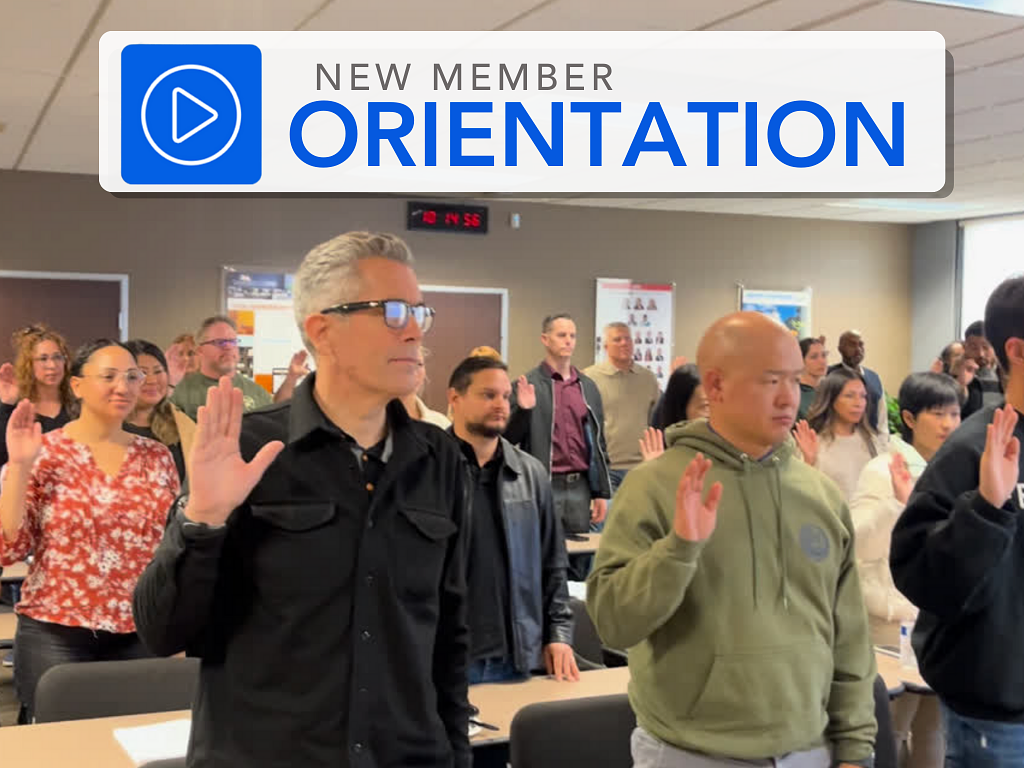
New Member Orientation
Start your real estate career with confidence at SDAR’s New Member Orientation. Designed for newly licensed REALTORS®, this essential session will walk you through everything you need to know to launch your business, understand your professional responsibilities, and make the most of your SDAR membership.
You’ll learn how to access and use your core member benefits, explore the tools and services included with your SDMLS subscription, and gain a foundational understanding of REALTOR® ethics, professional standards, and compliance requirements. The program also includes an overview of SDAR’s support teams, legal resources, market tools, industry advocacy, and opportunities for networking, education, and community involvement.
Arrive early for check-in, have your SDAR Member ID ready, and bring a government-issued ID for verification.
Please note: Registration closes 1 day before the session.
Classes
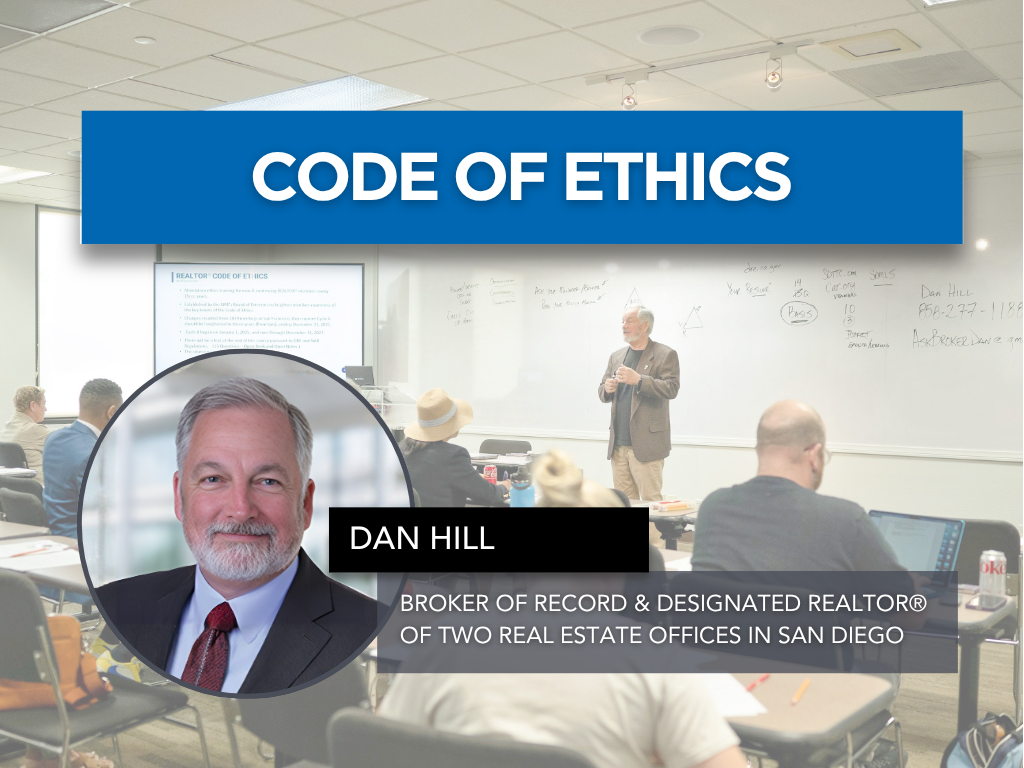
Code of Ethics
Strengthen your professionalism and protect your business by mastering the ethical standards that guide the real estate industry. This in-person course provides a clear and engaging overview of the National Association of REALTORS® Code of Ethics, the Standards of Practice, and the California Business and Professions Code that governs ethical conduct statewide.
Through real-world scenarios and practical analysis, you’ll learn how to navigate common ethical challenges, improve your client and peer relationships, and elevate the level of service you provide. Led by Dan Hill, industry leader and two-time Broker of the Year, this course delivers the insight and clarity only a seasoned mentor can provide. Dan’s expertise in supervision, risk management, and agent development brings depth and relevance to every discussion.
Participants will earn 3.00 hours of Continuing Education credit upon passing the required 15-question exam. Arrive early for check-in, have your SDAR Member ID ready, and bring a government-issued ID for verification.
Please note: Registration closes 1 day before the session. Late registrants will not be admitted.
Classes
2026 Q2 Business Boost and Recovery Plan
Consistent production in real estate starts with focused, income-generating activities, and having a clear plan to execute them daily. 2026 Q2 Business Boost and Recovery Plan is a practical, action-oriented class designed to help REALTORS® reset their routines, rebuild momentum, and drive results in a competitive and shifting market.
Led by experienced industry professional Mike Marmion, this session highlights the core activities that lead directly to business growth, including effective open house strategies, purposeful sphere outreach, proven conversation scripts, and relationship-building techniques. Agents will learn how to prioritize their time, increase meaningful client interactions, and implement simple, repeatable systems that generate leads and strengthen their pipeline.
With a focus on real-world application and straightforward execution, this class provides REALTORS® with a clear, back-to-basics roadmap to boost productivity, restore confidence, and build a sustainable, relationship-driven business.

Events
BUSINESS BEYOND BORDERS: Navigating Binational Real Estate Opportunities
Join us for Business Beyond Borders, a program focused on helping real estate professionals navigate opportunities between San Diego and Baja California.
This event is designed for REALTORS® in the United States working with clients interested in Mexico and Mexican real estate professionals assisting clients investing in the U.S. market. Learn how to better serve clients engaged in cross-border transactions by understanding the market data, financing options, and legal structures that shape real estate deals on both sides of the border.
Speakers and Topics
Binational Real Estate Market Data
Luis Pérez Sevilla – JLL
Cross-Border Lending & Capital Access
Maria Ocampo – Moxi
Legal Structure & Closing Differences (Notario)
Ana Cecilia Thomas Moreno - Notaría Dos Playas de Rosarito
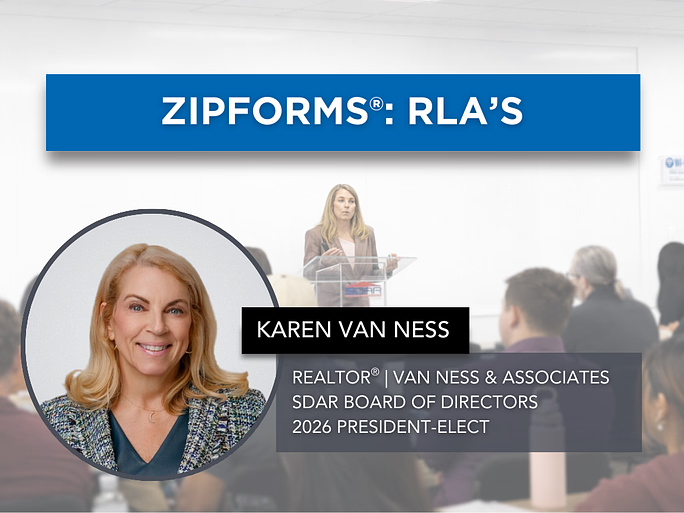
Classes
ZipForms: RLA's
In the ZipForms: RLA's class, esteemed REALTOR® and contract expert Karen Van Ness will guide you through the current listing forms used in real estate transactions. Each form will receive dedicated attention, ensuring you gain a comprehensive understanding of how to effectively utilize these documents in your practice. Learn the nuances that will help you manage your listings with confidence and precision. Whether you're new to these forms or seeking a refresher, this class will enhance your proficiency in handling listing agreements.
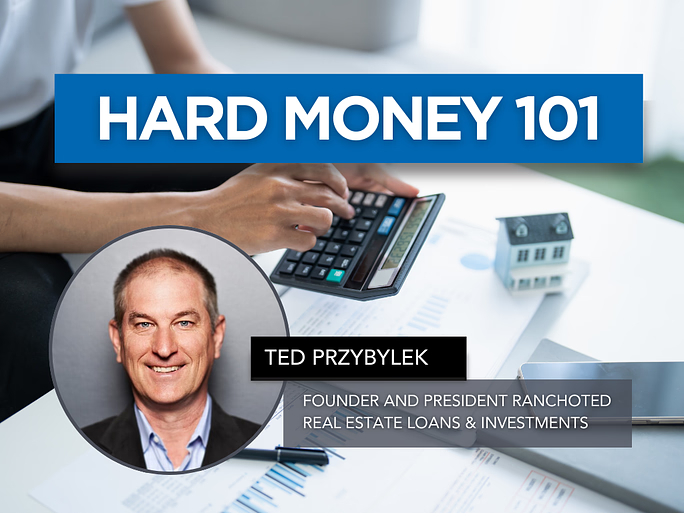
Classes
Hard Money 101
Hard Money 101 gives real estate professionals a clear, practical understanding of hard money lending—what it is, when to use it, and how it can help clients close transactions that traditional financing can’t support. Taught by lending veteran Ted Przybylek, i.e. Rancho Ted, a 30+ year industry expert known for solving complex buyer and seller scenarios, this course breaks down asset-based lending, true bridge loans, investor-funded financing, and real-life case studies that illustrate when hard money is the right tool.
Learn how to identify situations where speed, flexibility, or property conditions make hard money a smart solution, and gain the confidence to guide clients through alternative lending options that keep deals alive. This class is ideal for agents working with investors, flippers, distressed sellers, or buyers facing lending challenges.
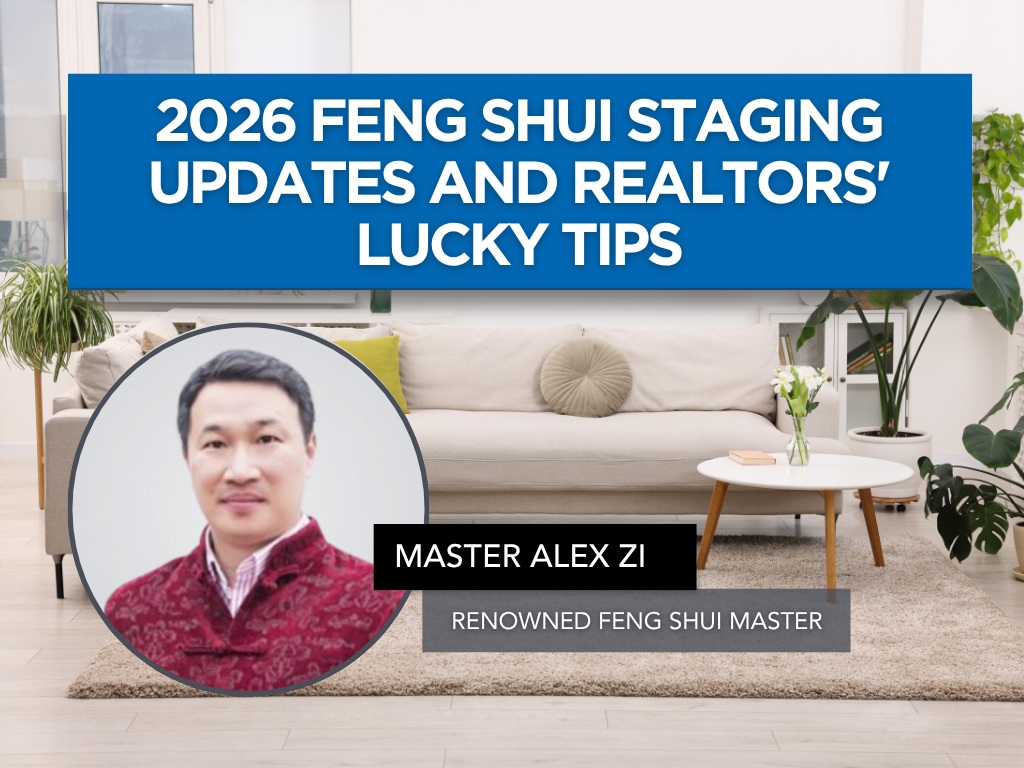
Classes
2026 Feng Shui Staging Updates and Realtors' Lucky Tips
Creating the right environment can influence how a property feels and how quickly it sells. 2026 Feng Shui Staging Updates and Realtors’ Lucky Tips is an engaging, insight-driven class designed to help REALTORS® incorporate Feng Shui principles into their staging strategies to enhance appeal, energy flow, and client experience.
Led by Master Alex Zi, a seasoned Feng Shui expert and instructor with over 30 years of experience, this session explores the latest 2026 Feng Shui trends, including optimal staging elements, colors, timing, and layout considerations aligned with the Year of the Fire Horse. Agents will also gain practical “lucky tips” tailored for real estate professionals, along with insights into the 12 zodiac signs and how they can influence client interactions and business opportunities.
With a blend of cultural knowledge and real-world application, this class equips REALTORS® with unique tools to elevate property presentation, create more inviting spaces, and add a distinctive edge to their business in today’s competitive market.
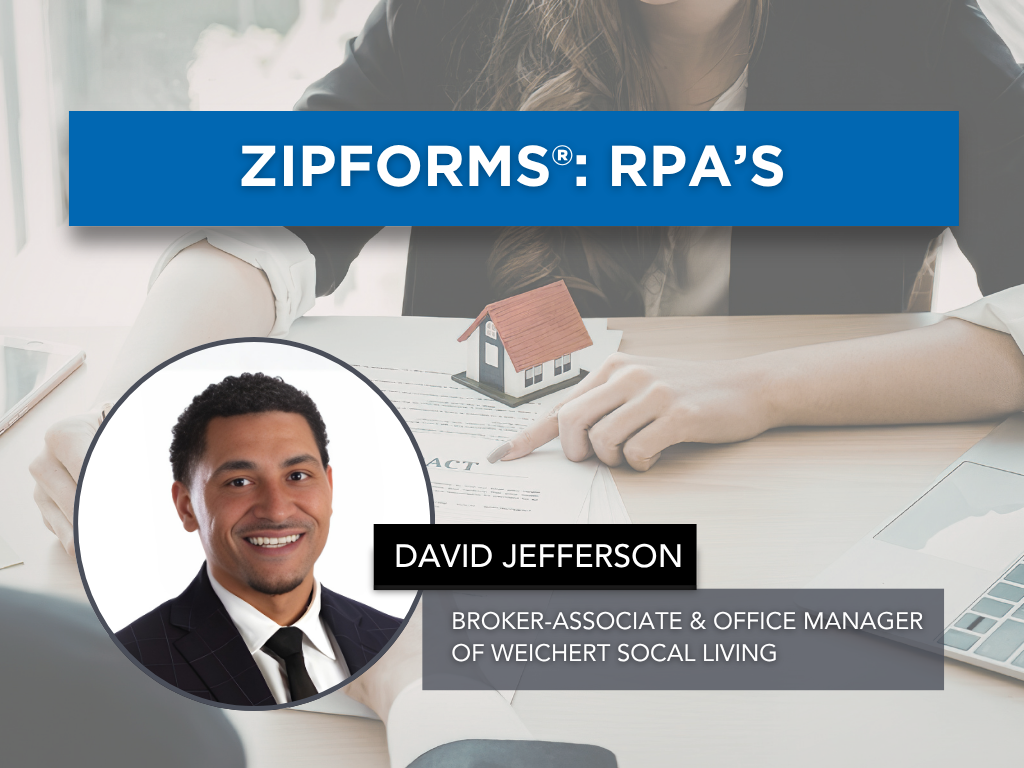
Classes
ZipForms: RPA's
Join us for an in-depth exploration of the ZipForms: RPA's, where esteemed REALTOR® and contract expert David Jefferson will guide you through the critical details of the Residential Purchase Agreement (RPA) form. Learn the nuances that will help you navigate your transactions with confidence and clarity. Whether you're new to the RPA or looking for a refresher, this class will enhance your proficiency in managing real estate contracts. Don't miss this opportunity to elevate your expertise and better serve your clients.
Events
Showcasing Innovative Development Strategies
Join a high-level discussion with Matt Davies, a leading San Diego developer, as we explore the realities of delivering innovative residential projects in today’s urban environment.
This session goes beyond theory and dives into:
* Creative infill residential strategies in high-constraint urban markets
* Navigating entitlement, policy, and regulatory hurdles in San Diego
* Real-world case studies from past and current developments
* The daily operational challenges of bringing projects from concept to completion
* How evolving local policies are reshaping development feasibility
Gain practical insights into how developers are adapting to shifting market conditions, rising costs, and policy changes, while still creating viable, high-impact projects.
Designed for commercial brokers, investors, and industry professionals who want a clearer understanding of where San Diego development is heading.

Classes
Tax Prep – Keep More of Your Money
Maximizing your income in real estate isn’t just about closing more deals, it’s about keeping more of what you earn. Tax Prep – Keep More of Your Money is a practical, business-focused class designed to help REALTORS® better understand their tax responsibilities, capture more deductions, and approach tax preparation with confidence.
Led by experienced industry professional Mike Marmion, this session breaks down essential tax strategies, including how to properly document expenses, track mileage and business activities, and organize financial records for maximum benefit. Agents will explore key deduction categories, learn how to think like a business owner, and discover simple systems to ensure nothing is missed when working with their accountant.
With a focus on real-world application and proactive planning, this class equips REALTORS® with the tools and mindset needed to improve financial organization, reduce tax liability, and build a more profitable, well-managed business.
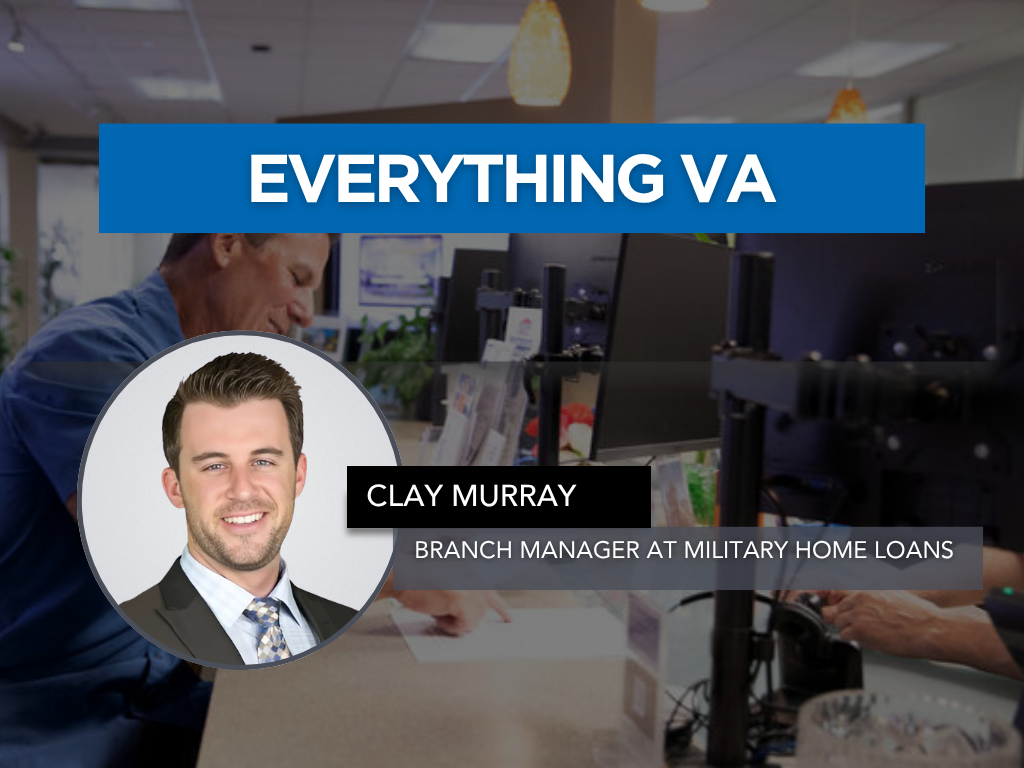
Classes
Everything VA
Are you ready to confidently serve veterans, active-duty service members, and their families while expanding your business? Everything VA is a practical, agent-focused class designed to help REALTORS® understand the realities of VA loans and use them effectively in today’s competitive market.
Led by top VA loan expert Clay Murray, this course breaks down VA eligibility, entitlement, property guidelines, and offer strategies—while separating common myths from facts. You’ll learn how VA loans really work, how to position VA buyers competitively, navigate lender overlays, handle inspections and appraisals, and avoid common pitfalls that can derail transactions.
Whether you’re new to VA deals or want to sharpen your expertise, this class will equip you with the knowledge, tips, and confidence to close more VA transactions while providing exceptional service to those who have served.

Classes
Title Insurance Hot Topics
In an era of rising cybercrime, complex remote closings, and increased ownership disputes, understanding title insurance is no longer optional, it is a critical skill for risk management. Led by attorney, broker, and risk management expert Jacqueline A. Oliver, Esq., Title Insurance Hot Topics provides real estate professionals with an update on the most pressing "hot topics" in the land title industry.
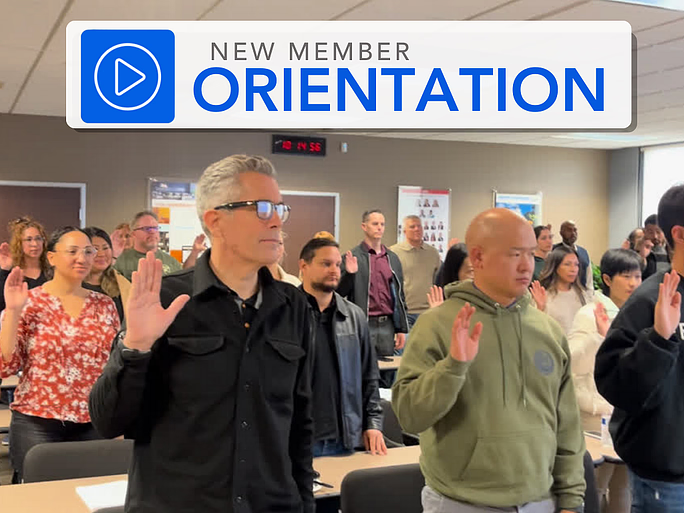
Classes
New Member Orientation
Start your real estate career with confidence at SDAR’s New Member Orientation. Designed for newly licensed REALTORS®, this essential session will walk you through everything you need to know to launch your business, understand your professional responsibilities, and make the most of your SDAR membership.
You’ll learn how to access and use your core member benefits, explore the tools and services included with your SDMLS subscription, and gain a foundational understanding of REALTOR® ethics, professional standards, and compliance requirements. The program also includes an overview of SDAR’s support teams, legal resources, market tools, industry advocacy, and opportunities for networking, education, and community involvement.
Arrive early for check-in, have your SDAR Member ID ready, and bring a government-issued ID for verification.
Please note: Registration closes 1 day before the session.
Classes
Code of Ethics
Strengthen your professionalism and protect your business by mastering the ethical standards that guide the real estate industry. This in-person course provides a clear and engaging overview of the National Association of REALTORS® Code of Ethics, the Standards of Practice, and the California Business and Professions Code that governs ethical conduct statewide.
Through real-world scenarios and practical analysis, you’ll learn how to navigate common ethical challenges, improve your client and peer relationships, and elevate the level of service you provide. Led by Dan Hill, industry leader and two-time Broker of the Year, this course delivers the insight and clarity only a seasoned mentor can provide. Dan’s expertise in supervision, risk management, and agent development brings depth and relevance to every discussion.
Participants will earn 3.00 hours of Continuing Education credit upon passing the required 15-question exam. Arrive early for check-in, have your SDAR Member ID ready, and bring a government-issued ID for verification.
DRE INFORMATION
The DRE Sponsor Number for in-person CE courses offered by SDAR is #0282.
DOWNLOAD CE GENERAL INFORMATION PAGE
Please note: Registration closes 1 day before the session. Late registrants will not be admitted.

Classes
Unlocking Investment Transactions with 1031 Exchanges
Unlocking Investment Transactions with 1031 Exchanges reveals how real estate professionals can guide clients in leveraging the 1031 Exchange to build wealth, defer taxes, and achieve diverse investment goals. Led by Adam Nishikawa, a seasoned greater San Diego market expert with over a decade in real estate and eight years specializing in 1031 exchanges, this class covers top 10 strategic scenarios - from maximizing tax benefits and improving cash flow to facilitating out-of-state investing, estate planning, and portfolio restructuring.
Gain practical insights, compliance essentials, and communication strategies to work effectively with investors, agents, escrow officers, and CPAs - turning the 1031 Exchange into a powerful tool for your real estate clients’ long-term success.

Classes
Cold Calling: From Phones To Paydays
Cold Calling: From Phones to Paydays is a high-energy, practical class designed to help REALTORS® confidently connect with sellers other agents never reach. Led by top-producing Broker-Associate and office manager David Jefferson, this session breaks down modern cold calling for today’s market - what works, what doesn’t, and how to turn conversations into appointments and listings.
You’ll learn how to shift your mindset, prepare effectively, and use proven scripts for FSBOs, expired listings, and neighborhood outreach. The course covers call structure, objection handling, follow-up strategies, and simple tracking metrics that build a consistent pipeline. Whether you’re new to cold calling or looking to sharpen your skills, this class will give you the tools, confidence, and systems to turn phones into paydays and create predictable business growth.

Classes
Build A Referral Machine
Stop chasing business and start building a consistent, referral-driven pipeline. In the Build A Referral Machine education class, you’ll learn how to create or join a high-performing referral group that generates steady opportunities year after year. Drawing from proven strategies, you’ll discover how to identify the right partners, build a powerful network of trusted service providers, and position yourself as a valuable resource hub for your clients and community.
Led by industry veteran Mike Marmion, this class provides a clear, step-by-step framework to help you develop meaningful business alliances, strengthen relationships, and create a predictable flow of referrals that supports long-term success in any market.
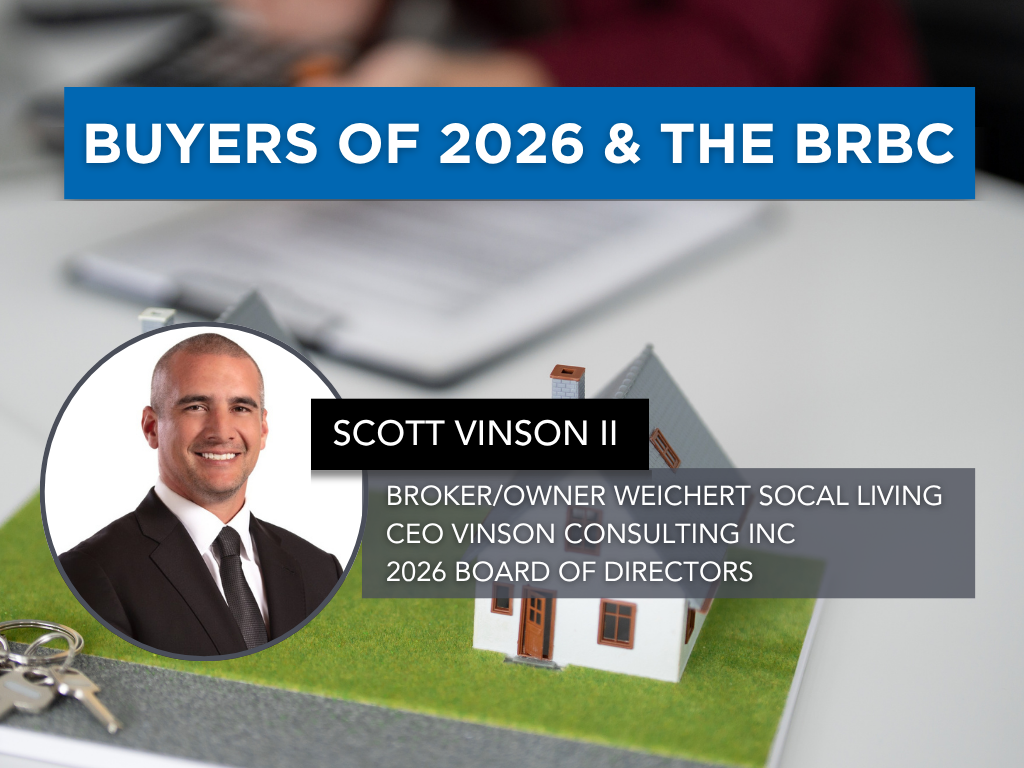
Classes
Buyers of 2026 & The BRBC
Buyers of 2026 & The BRBC is a must-attend course for real estate professionals looking to strengthen their buyer relationships and secure signed representation agreements with confidence. Esteemed REALTOR® and contract expert Scott Vinson will provide a step-by-step overview of the modern buyer intake process and dive deep into the Buyer Representation and Broker Compensation Agreement (BRBC). Learn how to present the BRBC effectively, handle common objections, and use proven scripts to build trust and secure client signatures.
Events
The Pathway to Homeownership
Educating Our Community on How to Become a Homeowner
Join us for The Pathway to Homeownership, a free community education event designed to guide prospective buyers through the homeownership journey and highlight the programs and resources available to help make owning a home possible.
This informative session will cover:
The homebuying process from start to finish
Fair housing rights and protections
Financing options and the loan process
Down payment and closing cost assistance programs
Education and resources for first-time buyers
Attendees will have the opportunity to learn, ask questions, and connect with trusted housing professionals and community partners.
Free and open to the public.

Classes
Grow Your Business with Down Payment Assistance
Many qualified buyers are closer to home ownership than they think, but lack awareness of available financial resources. Grow Your Business with Down Payment Assistance is a practical, opportunity-focused class designed to help REALTORS® unlock new buyer demand by leveraging down payment assistance (DPA) programs.
Led by experienced industry professional Mike Marmion, this session explores how DPA options—such as grants, forgivable loans, and deferred-payment programs—can help first-time buyers, local families, and income-qualified clients overcome common financial barriers. Agents will learn how to identify eligible properties using tools like Down Payment Resource (DPR), integrate DPA into their conversations, and position themselves as knowledgeable guides in today’s affordability-challenged market.
With a focus on real-world application and lead generation, this class equips REALTORS® with the strategies and tools needed to expand their client base, create new opportunities, and turn more renters into successful homeowners.

Classes
Course 102: Is This Property a Good Investment?
Course 102: Is This Property a Good Investment?
Learn how to analyze and evaluate investment properties for your clients with confidence. This course focuses on the key factors that drive investment decisions, from financial metrics and property condition to zoning, location, and market dynamics. Most importantly, you’ll learn how to align opportunities with your client’s specific goals to determine whether a property truly makes sense as an investment.
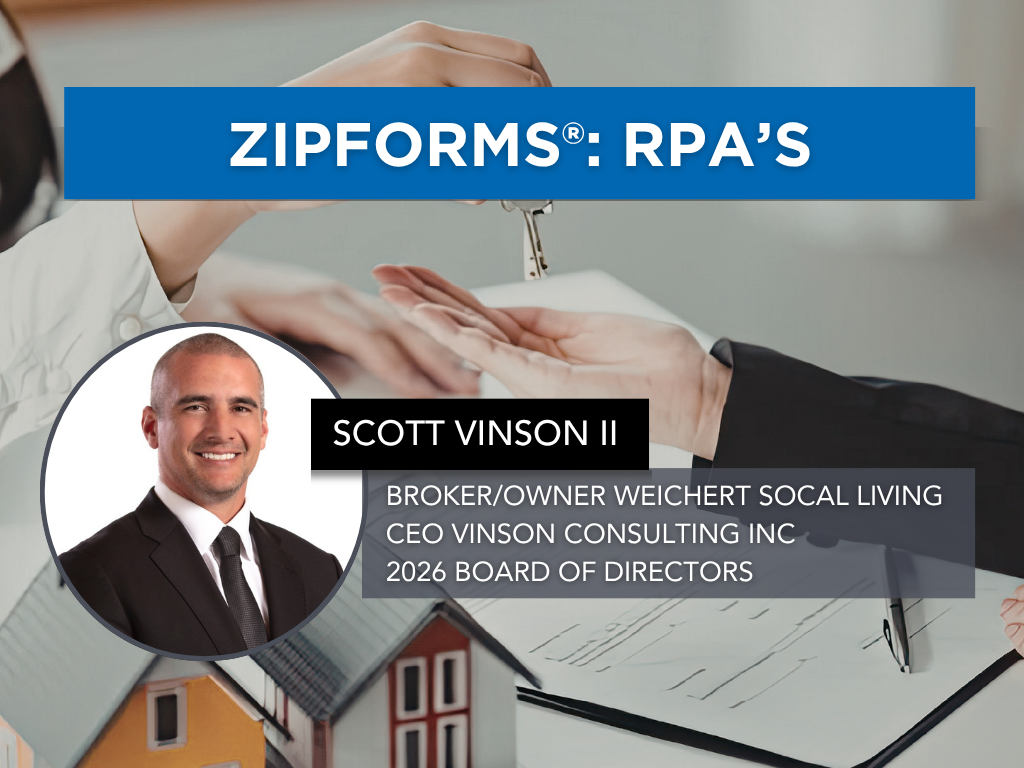
Classes
Zipforms: RPA's
Join us for an in-depth exploration of the ZipForms: RPA's, where esteemed REALTOR® and contract expert Scott Vinson will guide you through the critical details of the Residential Purchase Agreement (RPA) form. Learn the nuances that will help you navigate your transactions with confidence and clarity. Whether you're new to the RPA or looking for a refresher, this class will enhance your proficiency in managing real estate contracts. Don't miss this opportunity to elevate your expertise and better serve your clients.

Classes
Unlocking the Power of Trusts
Real estate and estate planning are deeply connected yet many professionals overlook how ownership, titling, and planning decisions can significantly impact property transfers. Unlocking the Power of Trusts is a practical, insight-driven class designed to help REALTORS® better understand how trusts can protect clients, simplify transactions, and help families avoid the costly and time-consuming probate process.
Led by estate planning attorney Dawn A. Allenby, this session explores how probate affects real property in California, the limitations of wills and common beneficiary strategies, and the critical role of proper titling and trust funding. Agents will learn to recognize common estate planning pitfalls, understand how revocable living trusts function, and identify opportunities to guide clients toward informed decisions while collaborating effectively with legal professionals.
With a focus on real-world application and client protection, this class equips REALTORS® with the knowledge to navigate estate-related real estate issues, add value to their client relationships, and support smoother, more secure property transfers.
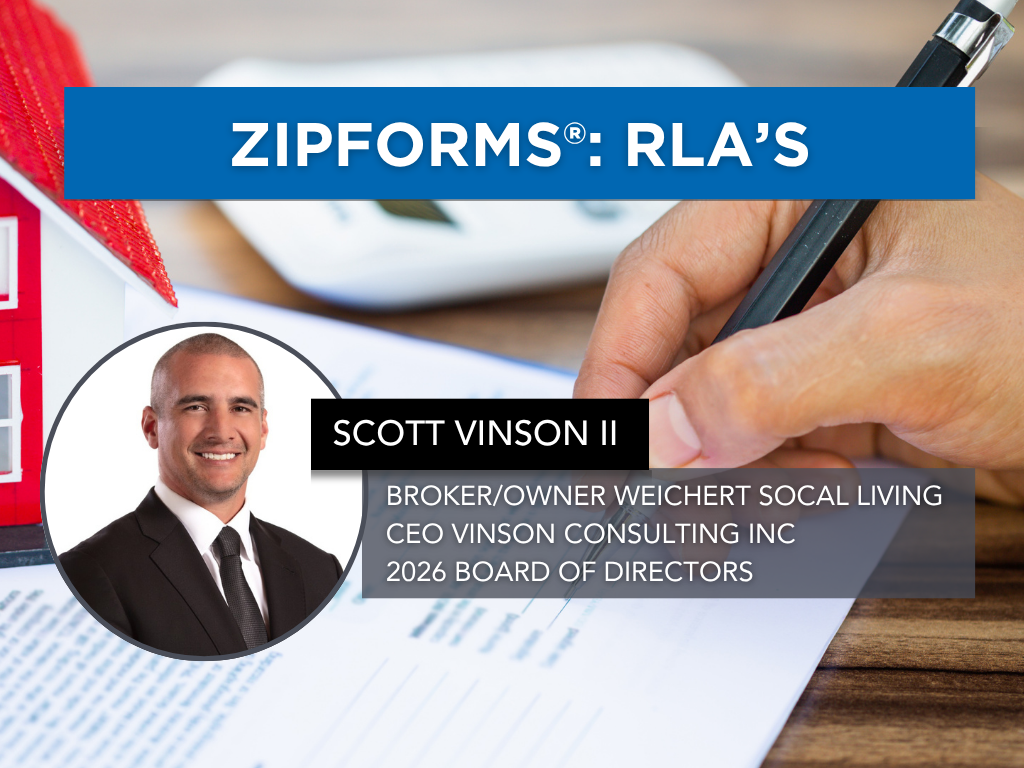
Classes
Zipforms: RLA's
In the ZipForms: RLA’s class, esteemed REALTOR® and contract expert Scott Vinson will guide you through the current listing forms used in real estate transactions. Each form will receive dedicated attention, ensuring you gain a comprehensive understanding of how to effectively utilize these documents in your practice. Learn the nuances that will help you manage your listings with confidence and precision. Whether you're new to these forms or seeking a refresher, this class will enhance your proficiency in handling listing agreements.
Classes
Stayin' Alive in 2026
Stayin’ Alive in 2026 is a timely, insight-driven class designed to help REALTORS® better understand and serve today’s growing population of older homeowners. Led by reverse mortgage expert Ryan Kleis, this session explores the real challenges retirees are facing, from rising costs and cash flow concerns to limited financing options, and where agents can step in to provide meaningful solutions.
Participants will learn how to identify key signs that homeowners may need guidance, understand current trends in senior home ownership and sales, and navigate options such as refinancing, downsizing, and reverse mortgages, including reverse mortgage for purchase strategies. The course also covers how to have effective conversations with clients and their families, build relationships with trusted advisors, and uncover opportunities to provide value while generating listings.
With practical examples and real-world scenarios, this class equips REALTORS® with the knowledge and confidence to support older clients through important life transitions while positioning themselves as a trusted resource in a rapidly evolving segment of the market.

Events
Vote No on Measure A
San Diego’s housing challenges are real, and as REALTORS®, we know firsthand how important it is to support solutions that truly increase housing supply and protect homeownership.
Why should you Vote "No" on Measure A?
Learn more about Measure A before casting your vote.
Measure A, appearing on the June 2 ballot, proposes a new tax on residential properties that are not occupied as a primary residence for more than half the year.
While it is presented as a housing solution, many in our industry and local community have raised concerns about its potential impact.
Here’s what you should know:
No guarantee funding is dedicated to housing — revenue would go into the City’s General Fund without restriction
Will increase costs for homeowners, renters, and housing providers
Creates a new layer of regulation and administrative oversight
Will impact property rights and how homeowners use their properties
Be informed before you vote
We encourage all members to review the details and make an informed decision. Your voice matters in shaping the future of housing in San Diego.

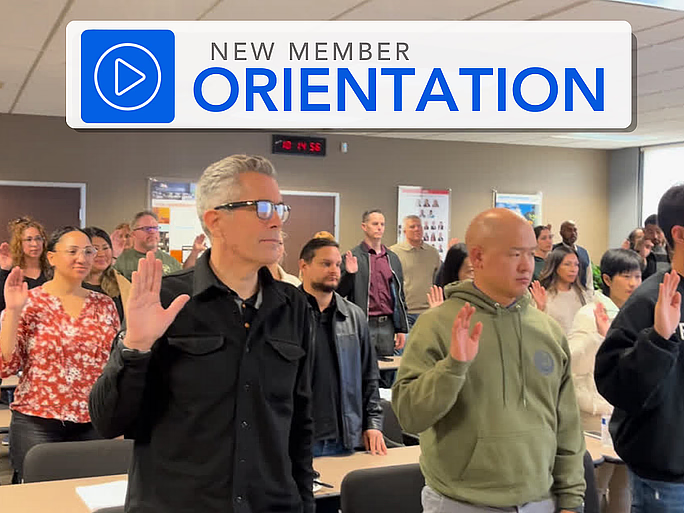
Classes
New Member Orientation
Start your real estate career with confidence at SDAR’s New Member Orientation. Designed for newly licensed REALTORS®, this essential session will walk you through everything you need to know to launch your business, understand your professional responsibilities, and make the most of your SDAR membership.
You’ll learn how to access and use your core member benefits, explore the tools and services included with your SDMLS subscription, and gain a foundational understanding of REALTOR® ethics, professional standards, and compliance requirements. The program also includes an overview of SDAR’s support teams, legal resources, market tools, industry advocacy, and opportunities for networking, education, and community involvement.
Arrive early for check-in, have your SDAR Member ID ready, and bring a government-issued ID for verification.
Please note: Registration closes 1 day before the session.
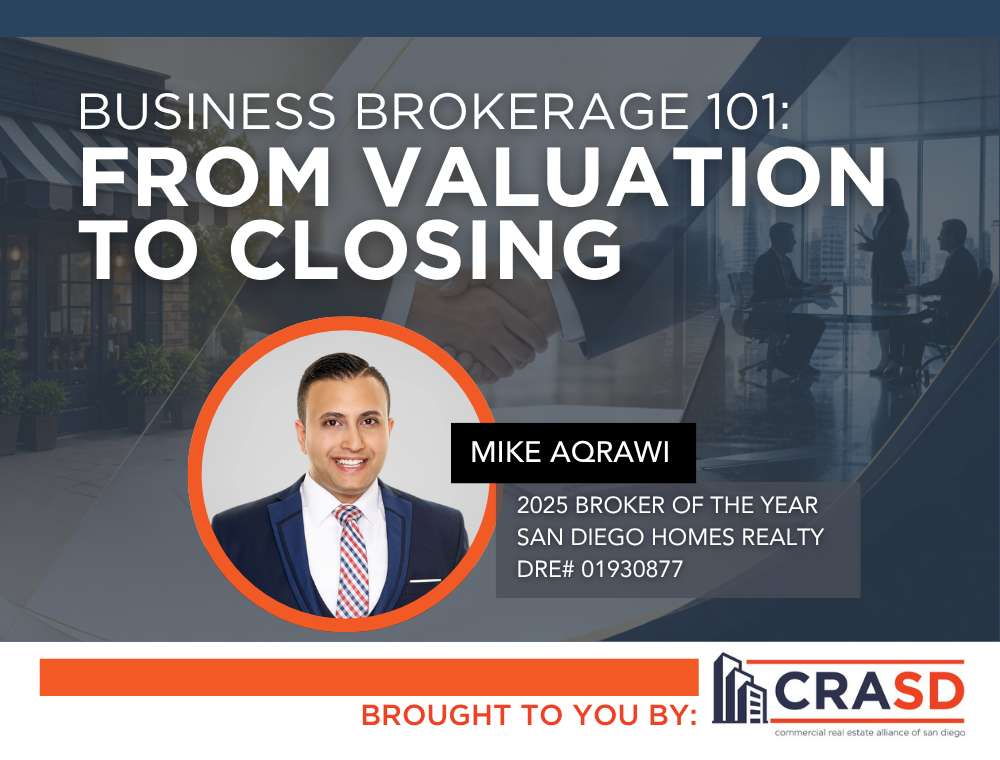
Classes
Business Brokerage 101: From Valuation to Closing
This course provides a comprehensive introduction to the business brokerage process, guiding real estate professionals through each stage of a transaction, from initial valuation to final closing. Participants will learn how to assess business value, understand financials, structure deals, and navigate the complexities unique to business sales. The course also covers client representation, due diligence, and key considerations to successfully bring a transaction to completion. Ideal for agents looking to expand into business brokerage or strengthen their advisory role with investor clients.
What You’ll Learn
How to determine business value and pricing strategies
Understanding financial statements and key performance indicators
Deal structuring and negotiation fundamentals
Due diligence and risk assessment
Steps from listing to closing a business sale
Best practices for representing buyers and sellers
Who Should Attend
Real estate agents interested in business brokerage
Commercial practitioners
REALTORS® working with investor clients
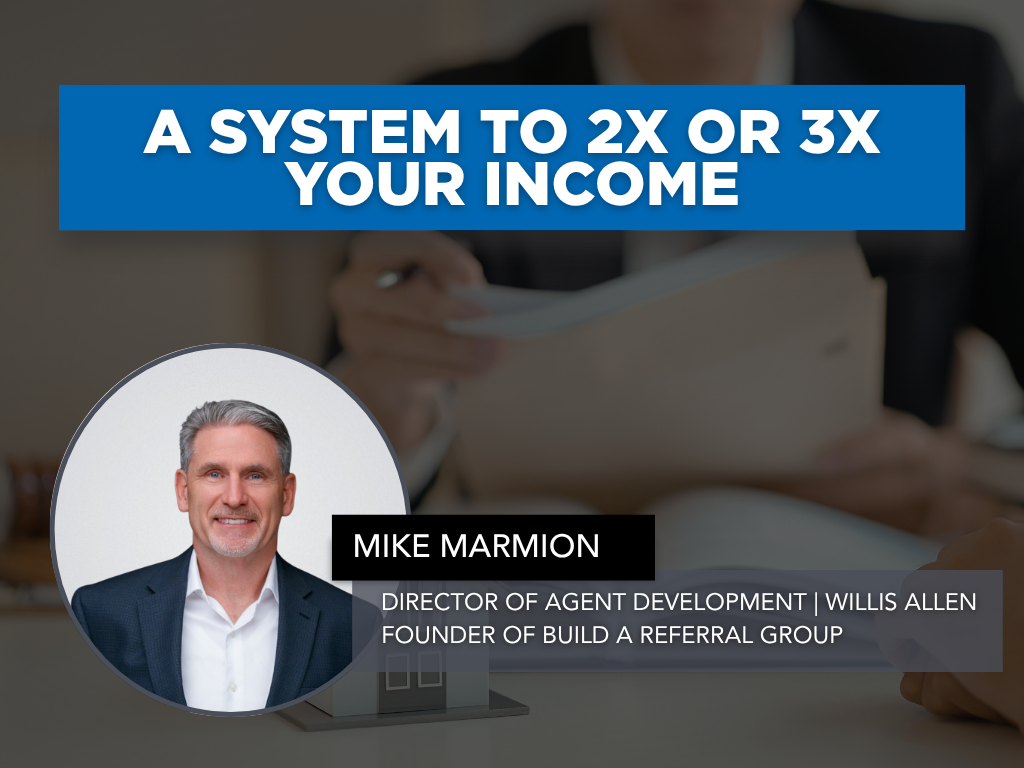
Classes
A System to 2X or 3X Your Income
A System to 2X or 3X Your Income is a practical, strategy-focused class designed to help REALTORS® create more business by maximizing one of their most valuable resources - the clients they are already serving. Led by industry veteran Mike Marmion, this session introduces a proven referral-based system focused on creating exceptional client experiences, generating referrals during the transaction process, and building habits that can dramatically impact long-term production.
Participants will learn how to identify key stages in the client journey, create memorable “wow” moments, implement simple referral conversations, and develop systems that keep referrals top of mind from day one. Through practical tools and repeatable processes, agents will discover how intentional relationship-building and consistent follow-up can create predictable growth and transform the way they generate business.
Drawing on nearly four decades of leadership and coaching experience, Mike shares actionable strategies designed to help agents work smarter, strengthen client relationships, and build a business fueled by trust, referrals, and sustainable success.
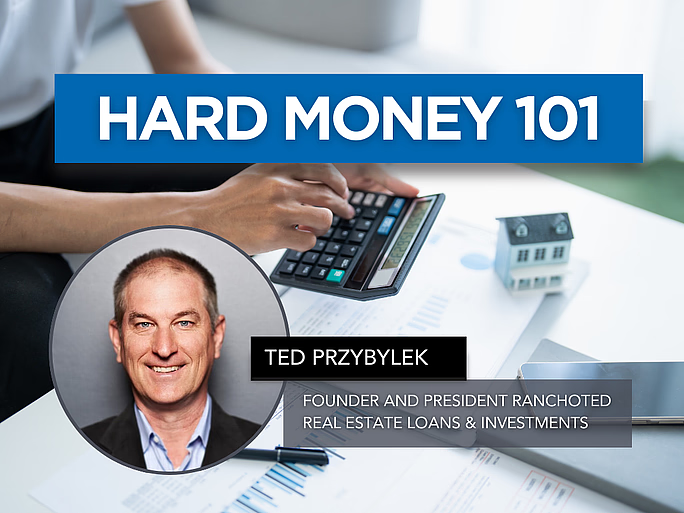
Classes
Hard Money 101
Hard Money 101 gives real estate professionals a clear, practical understanding of hard money lending - what it is, when to use it, and how it can help clients close transactions that traditional financing can’t support. Taught by lending veteran Ted Przybylek, i.e. Rancho Ted, a 30+ year industry expert known for solving complex buyer and seller scenarios, this course breaks down asset-based lending, true bridge loans, investor-funded financing, and real-life case studies that illustrate when hard money is the right tool.
Learn how to identify situations where speed, flexibility, or property conditions make hard money a smart solution, and gain the confidence to guide clients through alternative lending options that keep deals alive. This class is ideal for agents working with investors, flippers, distressed sellers, or buyers facing lending challenges.
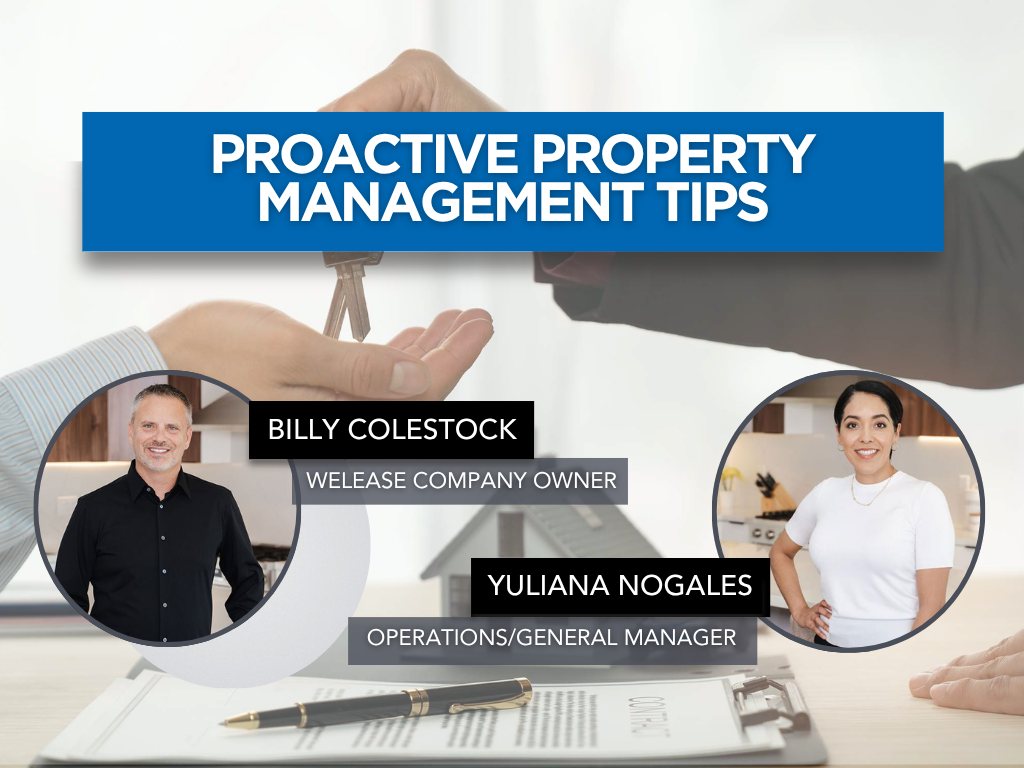
Classes
Proactive Property Management Tips
Proactive Property Management Tips is a practical course designed to provide real estate professionals with proactive property management tips and strategies that maximize efficiency and minimize risk. This training covers essential topics including the importance of thorough tenant screening, crafting legally sound lease agreements, and implementing effective rent collection strategies. You will also gain insight into navigating lease renewals, handling evictions professionally, and attracting quality tenants through smart marketing.
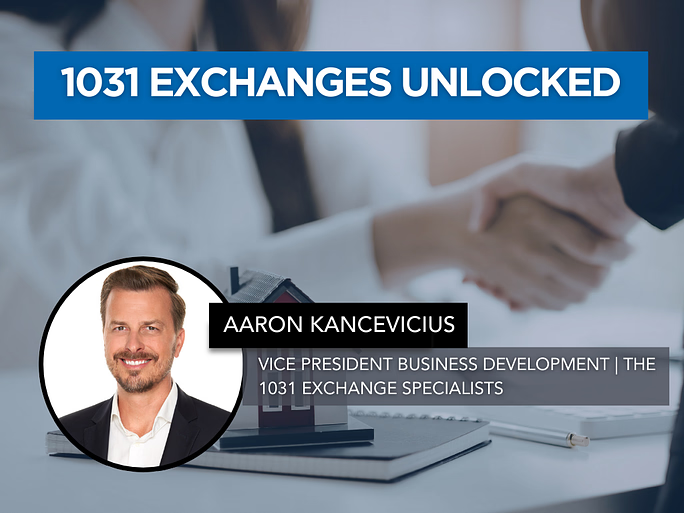
Classes
1031 Exchanges Unlocked
1031 Exchanges Unlocked is a practical, opportunity-focused class designed to help REALTORS® confidently introduce and navigate 1031 exchanges while creating more value and more business. Led by nationally recognized 1031 expert Aaron Kancevicius, this session breaks down the rules, timelines, and strategies behind tax-deferred exchanges in clear, real-world terms.
Agents will learn the fundamentals of qualifying a property, the critical 45-day and 180-day deadlines, identification rules, reinvestment requirements, and the role of the Qualified Intermediary. This class equips REALTORS® with the knowledge and confidence to spot opportunities, fulfill their duty of care, and help clients defer taxes, preserve equity, and build long-term wealth.
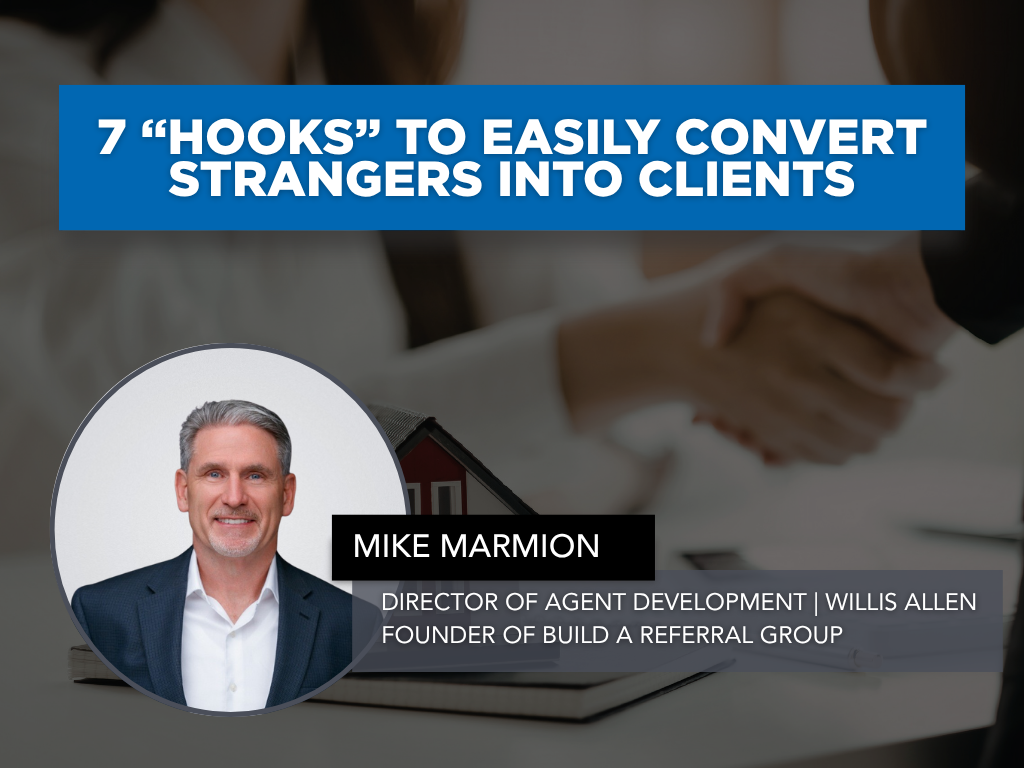
Classes
7 “Hooks” to Easily Convert Strangers into Clients
7 “Hooks” to Easily Convert Strangers into Clients is a high-energy, practical class designed to help REALTORS® create meaningful conversations that lead to real business opportunities. Led by industry veteran Mike Marmion, this session teaches agents how to confidently engage potential clients, stand out from the competition, and build trust quickly using proven communication strategies and relationship-based marketing techniques.
Through real-world examples, scripts, and actionable systems, participants will learn seven powerful “hooks” that can help turn everyday interactions into appointments, referrals, and long-term client relationships. From networking conversations and lead follow-up to listing opportunities and sphere growth, this course focuses on simple, repeatable approaches agents can immediately apply in today’s competitive market.
Drawing from nearly four decades of leadership, coaching, and sales experience, Mike shares practical tools designed to help agents strengthen their communication skills, create stronger first impressions, and consistently generate new business from people they may have otherwise never converted into clients.

Events
Global Spotlight: Italy Real Estate & Investment Opportunities
Global Spotlight: Italy Real Estate & Investment Opportunities
Real Estate Opportunities in Italy
Join SDAR’s International Real Estate Committee (IREC) for an exclusive virtual session exploring the growing opportunities within the Italian real estate market.
Designed for REALTORS®, investors, and globally minded professionals, this webinar will provide practical insights into buying, investing, and conducting business in Italy while understanding the unique factors that shape international transactions.
Topics Include:
The “why” behind investing in Italy
Current investment opportunities and market trends
Transaction processes and payment structures
Taxes, insurance, and title considerations
Referral opportunities for REALTORS®
Property types and regional market differences
Live Q&A with attendees
Perfect For:
REALTORS® interested in international business
Investors exploring global opportunities
Members working with international clients
Professionals seeking cross-border referral networks
Hosted by:
SDAR International Real Estate Committee (IREC)
Zoom Link: Global Spotlight: Italy Real Estate & Investment Opportunities

Events
Commercial Market Exchange & Pitch Session
Connecting San Diego’s Commercial Real Estate Community
Join CRASD for an interactive commercial real estate session designed to connect professionals, share opportunities, and exchange market insights from across the region.
This enhanced format brings together:
Commercial property pitches
Market updates & industry insights
Commercial real estate education
Legislative & policy updates impacting CRE
Networking with commercial professionals
Whether you specialize in retail, office, industrial, multifamily, land, or mixed-use properties, this session is designed to help you stay informed, connected, and engaged within San Diego’s commercial real estate market.
Perfect For:
Commercial REALTORS®
Investors & developers
Brokers & industry professionals
Members looking to expand their commercial network
Please submit your pitch deal to https://share.hsforms.com/1SrIrs5vcRJWEzaCFFVv3FQajws
Hosted By:
CRASD – Commercial Real Estate Alliance of San Diego
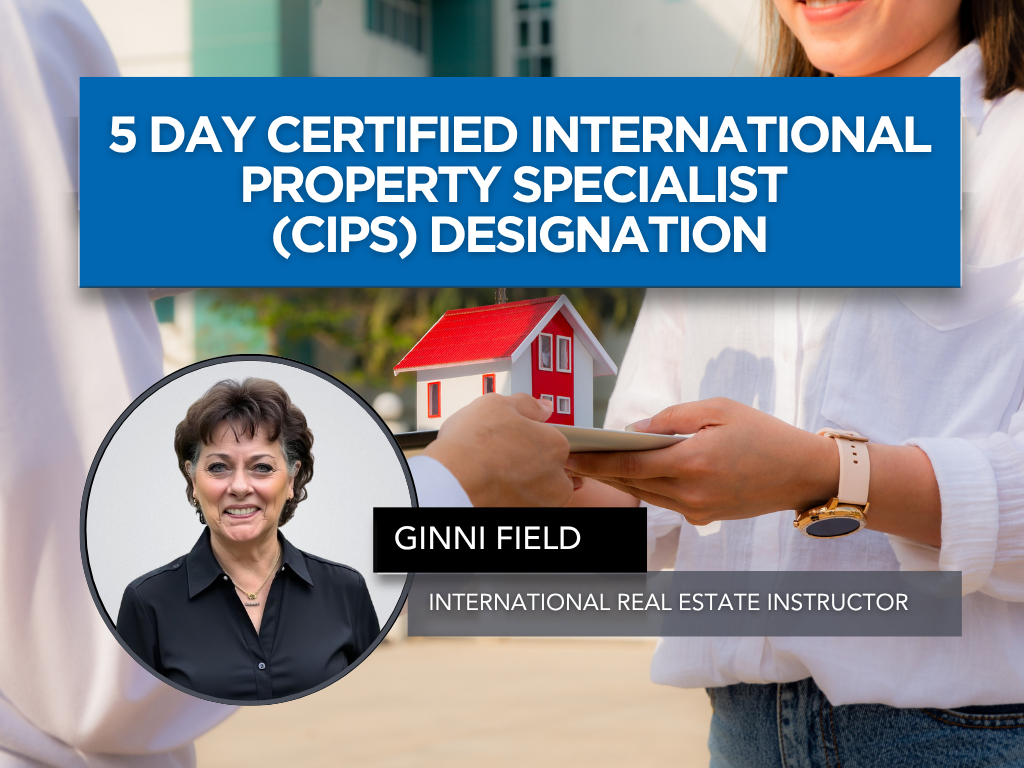
Classes
5 Day Certified International Property Specialist (CIPS) Designation
Expand your reach beyond local markets and position yourself for success in today’s global real estate landscape with the 5 Day Certified International Property Specialist (CIPS) Designation. San Diego continues to be a destination for international buyers, investors, and sellers, creating valuable opportunities for REALTORS® ready to grow their business on a global scale.
Join us for the 2026 five-day designation series on August 18, 19, 25, 26, and September 3, where participants will complete the required CIPS curriculum in 5 full-day courses that cover key aspects of international real estate, cross-border transactions, cultural considerations, and global business opportunities. This comprehensive program equips agents with the knowledge and tools needed to confidently serve international clients and navigate the complexities of worldwide real estate markets.
Led by nationally recognized instructor and industry leader Ginni Field, this designation series offers more than education, it opens the door to a powerful worldwide network of real estate professionals and referral partners. Whether your goal is to attract global clients, expand referral opportunities, or elevate your expertise, the CIPS designation provides the knowledge, connections, and credibility to help grow your business internationally.
All five classes will be available in person, via webinar, or hybrid. If you prefer to complete the full designation via webinar, you will receive a video session link after registering and prior to the first day of class.
Individual class registrations are also available. Please contact SDAR Education, [email protected], for individual class fees and registration information.
NOTE: If you are not a SDAR member, please contact [email protected].
Classes
5 Day Certified International Property Specialist (CIPS) Designation
Expand your reach beyond local markets and position yourself for success in today’s global real estate landscape with the 5 Day Certified International Property Specialist (CIPS) Designation. San Diego continues to be a destination for international buyers, investors, and sellers, creating valuable opportunities for REALTORS® ready to grow their business on a global scale.
Join us for the 2026 five-day designation series on August 18, 19, 25, 26, and September 3, where participants will complete the required CIPS curriculum in 5 full-day courses that cover key aspects of international real estate, cross-border transactions, cultural considerations, and global business opportunities. This comprehensive program equips agents with the knowledge and tools needed to confidently serve international clients and navigate the complexities of worldwide real estate markets.
Led by nationally recognized instructor and industry leader Ginni Field, this designation series offers more than education, it opens the door to a powerful worldwide network of real estate professionals and referral partners. Whether your goal is to attract global clients, expand referral opportunities, or elevate your expertise, the CIPS designation provides the knowledge, connections, and credibility to help grow your business internationally.
All five classes will be available in person, via webinar, or hybrid. If you prefer to complete the full designation via webinar, you will receive a video session link after registering and prior to the first day of class.
Individual class registrations are also available. Please contact SDAR Education, [email protected], for individual class fees and registration information.
NOTE: If you are not a SDAR member, please contact [email protected].
Classes
5 Day Certified International Property Specialist (CIPS) Designation
Expand your reach beyond local markets and position yourself for success in today’s global real estate landscape with the 5 Day Certified International Property Specialist (CIPS) Designation. San Diego continues to be a destination for international buyers, investors, and sellers, creating valuable opportunities for REALTORS® ready to grow their business on a global scale.
Join us for the 2026 five-day designation series on August 18, 19, 25, 26, and September 3, where participants will complete the required CIPS curriculum in 5 full-day courses that cover key aspects of international real estate, cross-border transactions, cultural considerations, and global business opportunities. This comprehensive program equips agents with the knowledge and tools needed to confidently serve international clients and navigate the complexities of worldwide real estate markets.
Led by nationally recognized instructor and industry leader Ginni Field, this designation series offers more than education, it opens the door to a powerful worldwide network of real estate professionals and referral partners. Whether your goal is to attract global clients, expand referral opportunities, or elevate your expertise, the CIPS designation provides the knowledge, connections, and credibility to help grow your business internationally.
All five classes will be available in person, via webinar, or hybrid. If you prefer to complete the full designation via webinar, you will receive a video session link after registering and prior to the first day of class.
Individual class registrations are also available. Please contact SDAR Education, [email protected], for individual class fees and registration information.
NOTE: If you are not a SDAR member, please contact [email protected].
Classes
5 Day Certified International Property Specialist (CIPS) Designation
Expand your reach beyond local markets and position yourself for success in today’s global real estate landscape with the 5 Day Certified International Property Specialist (CIPS) Designation. San Diego continues to be a destination for international buyers, investors, and sellers, creating valuable opportunities for REALTORS® ready to grow their business on a global scale.
Join us for the 2026 five-day designation series on August 18, 19, 25, 26, and September 3, where participants will complete the required CIPS curriculum in 5 full-day courses that cover key aspects of international real estate, cross-border transactions, cultural considerations, and global business opportunities. This comprehensive program equips agents with the knowledge and tools needed to confidently serve international clients and navigate the complexities of worldwide real estate markets.
Led by nationally recognized instructor and industry leader Ginni Field, this designation series offers more than education, it opens the door to a powerful worldwide network of real estate professionals and referral partners. Whether your goal is to attract global clients, expand referral opportunities, or elevate your expertise, the CIPS designation provides the knowledge, connections, and credibility to help grow your business internationally.
All five classes will be available in person, via webinar, or hybrid. If you prefer to complete the full designation via webinar, you will receive a video session link after registering and prior to the first day of class.
Individual class registrations are also available. Please contact SDAR Education, [email protected], for individual class fees and registration information.
NOTE: If you are not a SDAR member, please contact [email protected].
Classes
5 Day Certified International Property Specialist (CIPS) Designation
Expand your reach beyond local markets and position yourself for success in today’s global real estate landscape with the 5 Day Certified International Property Specialist (CIPS) Designation. San Diego continues to be a destination for international buyers, investors, and sellers, creating valuable opportunities for REALTORS® ready to grow their business on a global scale.
Join us for the 2026 five-day designation series on August 18, 19, 25, 26, and September 3, where participants will complete the required CIPS curriculum in 5 full-day courses that cover key aspects of international real estate, cross-border transactions, cultural considerations, and global business opportunities. This comprehensive program equips agents with the knowledge and tools needed to confidently serve international clients and navigate the complexities of worldwide real estate markets.
Led by nationally recognized instructor and industry leader Ginni Field, this designation series offers more than education, it opens the door to a powerful worldwide network of real estate professionals and referral partners. Whether your goal is to attract global clients, expand referral opportunities, or elevate your expertise, the CIPS designation provides the knowledge, connections, and credibility to help grow your business internationally.
All five classes will be available in person, via webinar, or hybrid. If you prefer to complete the full designation via webinar, you will receive a video session link after registering and prior to the first day of class.
Individual class registrations are also available. Please contact SDAR Education, [email protected], for individual class fees and registration information.
NOTE: If you are not a SDAR member, please contact [email protected].

Events
Save the Date: Holiday House 2026
Save the Date: Holiday House 2026
December 2026 | Location Coming Soon
The Greater San Diego Association of REALTORS® is proud to announce the return of Holiday House 2026 — our annual charity celebration that brings the REALTOR® community together to give back during the holiday season.
Each year, Holiday House transforms a remarkable San Diego home into a festive gathering space where members, partners, and guests come together to support Operation Homefront and local military families through our Holiday Toy Drive.
Relive Holiday House 2025
Holiday House 2025 was an unforgettable evening filled with generosity, community, and holiday spirit. Thanks to our members and sponsors, hundreds of toys were donated to military families, helping make the season brighter for children who serve alongside their loved ones.
📸 Explore highlights from Holiday House 2025
Photo Gallery
Interested in Hosting Holiday House 2026?
Each year, Holiday House is hosted at an extraordinary property that serves as the backdrop for this meaningful event.
Inquire about hosting Holiday House 2026
Events
Policy Alert-New Ordinance Threatens Housing Providers
FREE RECORDED WEBINAR
New proposed rental housing regulations in the City and County of San Diego could have significant implications for REALTORS®, housing providers, property owners, and investors across our region.
As these proposals continue to evolve, it’s important for real estate professionals to stay informed on how potential changes may impact rental operations, property management practices, housing supply, and long-term investment strategies.
To help members better understand these developments, SDAR is sharing an upcoming educational webinar presented by the California Apartment Association (CAA):
Act Now Contact Your Local Representative
https://makesdaffordable.com/
Below is a list of San Diego City Council members and their office phone numbers:
District 1 – Joe LaCava – (619) 236-6611
District 2 – Jennifer Campbell – (619) 236-6622
District 3 – Stephen Whitburn – (619) 236-6633
District 4 – Henry Foster III – (619) 236-6644
District 5 – Marni von Wilpert – (619) 236-6655
District 6 – Kent Lee – (619) 236-6616
District 7 – Raul Campillo – (619) 236-6677
District 8 – Vivian Moreno – (619) 236-6688
District 9 – Sean Elo-Rivera – (619) 236-6699
REALTORS® in the Know: Policy Alert
Proposed Rental Housing Regulations in San Diego
This free webinar will provide insight into:
Proposed rental housing regulations currently being discussed
How these policies may affect rental property owners and housing providers
Potential impacts on rental businesses and investment properties
Key considerations for REALTORS® working with landlords, investors, and clients throughout San Diego County
Free Recorded Webinar
Passcode: EJwB!v2V
As REALTORS®, staying ahead of housing policy discussions is critical to better serve your clients and understand how local regulations may shape the future of housing in San Diego.

Member Benefits
Your membership with SDAR is your guarantee that you’re backed by more support in all aspects of your business. Not only are we home to more than 10,000 members, but we also support some of the highest producing and most influential REALTORS® in the county. That’s because we’re home to our dedicated Government Affairs Department that champions for the success of real estate professionals at a county and state level, a Risk Management Team that provides the support you need to protect your business, endless professional development opportunities, and the data and resources you need to take your business to the top.

CONNECT:

Advertise with SDAR